How to Mix Vocals Recorded with a Shure SM7B
TL;DR
To mix vocals recorded with a Shure SM7B, use a de-esser to control sibilance, apply subtractive EQ to eliminate unwanted frequencies, and utilize compression to balance dynamics. Employ a high-pass filter to clean up low-end rumble, and save your session as a template to streamline future recordings. Moderation in frequency adjustments is key to maintaining vocal quality.
Transcript
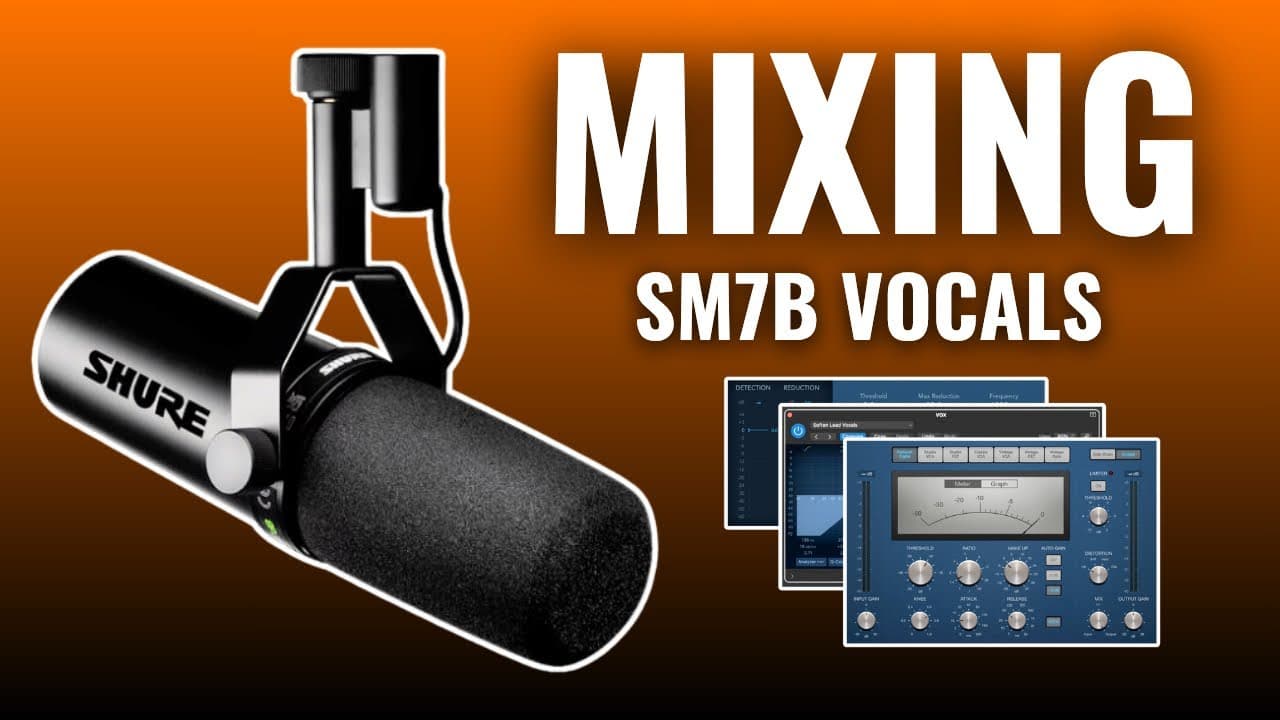
I'm about to show you how to mix any vocal recorded through an sm7b microphone using only stock and free plugins for today's tutorial I'll be using logic pro but don't worry because every recording software has their own versions of the plugins I'm about to show you today so as long as you learn the concept you can apply it to any of them in this s... Read More
Key Insights
- 🫓 The SM7B microphone provides a flat frequency response, which is beneficial for clarity but often requires EQ adjustments to enhance brightness.
- 🍰 Sibilance control via a de-esser is crucial for maintaining vocal quality without harshness.
- 😫 Setting appropriate threshold levels in compression is vital to achieve a balanced vocal sound.
- ✋ The high-pass filter is a foundational tool for cleaning up vocal tracks and creating headroom in mixes.
- 📽️ Saving project templates can streamline future vocal recordings, retaining effective plugin settings for consistency.
- 🤩 Over-manipulating frequencies can lead to undesirable results, so moderation is key in mixing.
- 💁 Understanding the unique aspects of each vocal's frequency response can inform effective mixing strategies.
Install to Summarize YouTube Videos and Get Transcripts
Explore YouTube Video Summarizer or Get YouTube Transcript Extractor
Questions & Answers
Q: What is the purpose of using a de-esser in vocal mixing?
A de-esser is utilized to minimize sibilance in vocal recordings, specifically targeting harsh 'S' sounds. It works by setting a threshold to reduce frequencies in the harsh spectrum, typically between 4,000 to 10,000 Hz, allowing for a smoother vocal presentation without overly dampening the overall sound.
Q: How should the high-pass filter be set for vocals?
The high-pass filter is generally set between 80 to 100 Hz for vocals. This adjustment helps eliminate low-frequency rumble and background noise while creating space for bass instruments in the mix. By effectively applying this filter, the clarity of the vocal is enhanced without compromising overall audio quality.
Q: Why is compression important in vocal mixing?
Compression balances the dynamic range of vocals, making quieter parts more audible while reducing the volume of louder sections. This results in a more even and polished vocal performance. A ratio of 3:1 to 4:1 is typically effective for vocal tracks, allowing natural dynamics while providing controlled consistency.
Q: What should be considered when using additive EQ?
When applying additive EQ to enhance vocals, it's essential to boost certain frequencies, like those around 10,000 Hz for brightness or 100 Hz for added warmth. However, caution is necessary to avoid over-boosting, which can introduce unwanted noise and counteract the effects of previously applied filters.
Summary & Key Takeaways
-
The tutorial focuses on mixing vocal tracks recorded with an SM7B microphone using stock and free plugins in Logic Pro. It emphasizes that the techniques can apply across various DAWs.
-
Key plugins introduced include a de-esser for controlling sibilance, subtractive EQ for shaping sound, and compression for balancing dynamics within vocal recordings.
-
Tips for efficient mixing are provided, including saving session templates for future recordings and careful frequency adjustments to enhance vocal clarity without diminishing quality.
Read in Other Languages (beta)
Share This Summary 📚
Summarize YouTube Videos and Get Video Transcripts with 1-Click
Try YouTube Summary with ChatGPT & Claude or YouTube Transcript Generator
Explore More Summaries from Home Studio Academy 📚

Summarize YouTube Videos and Get Video Transcripts with 1-Click
Try YouTube Summary with ChatGPT & Claude or YouTube Transcript Generator