Advanced Dropdown Menu - React & CSS Animation Tutorial for Beginners
TL;DR
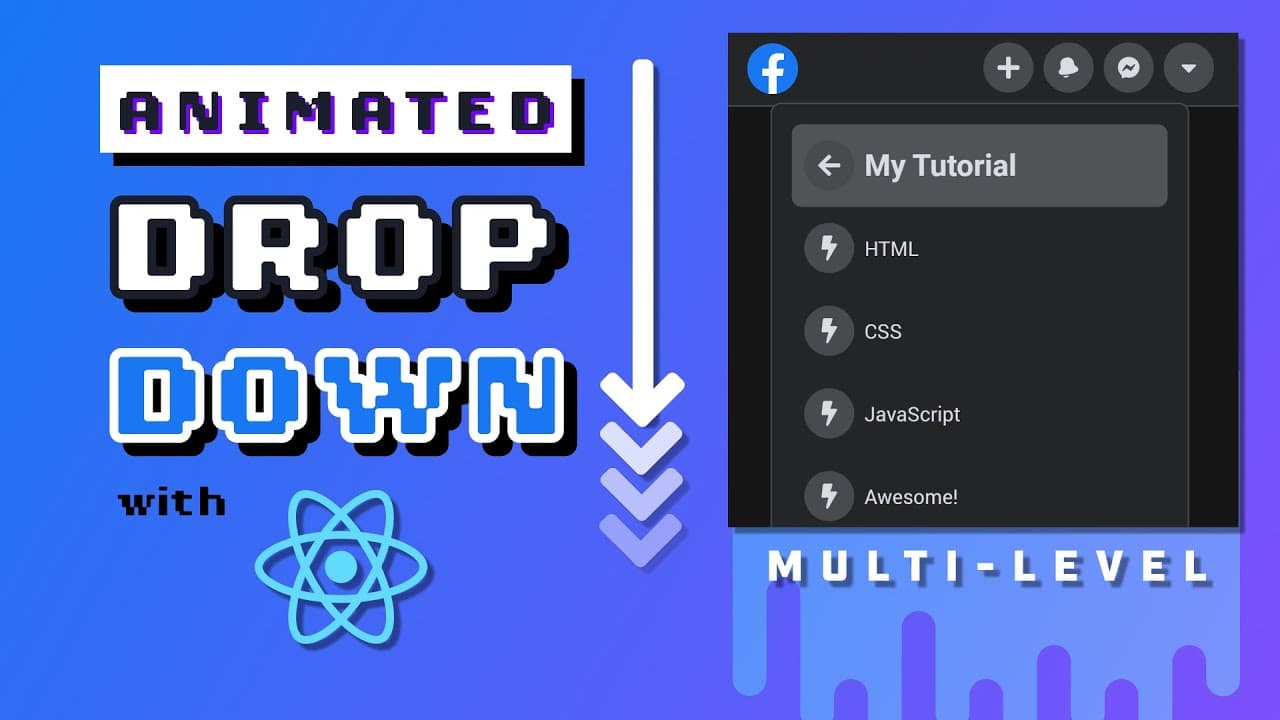
Reverse engineer Facebook's UI with React, creating icon buttons, sliding animations, drop-down menus using HTML, CSS & React.
Transcript
I don't log into Facebook often but the last time I did I was super impressed by its simple intuitive and fast new UI in today's video I'll show you how to reverse engineer some of its UI features specifically the top navigation bar is icon buttons and this multi-level animated drop-down will do it using HTML CSS and because I mentioned the word Fa... Read More
Key Insights
- 💦 Building a Facebook-like UI involves creating reusable components for navigation and drop-down menus.
- 🪝 React's functional components and hooks simplify component composition and state management in the application.
- 👤 CSS is used to style and animate UI elements, providing a visually engaging user interface.
- ❓ Utilizing CSS transitions and animations enhances the interactivity and dynamism of the UI components.
- ❓ React Transition Group enables smooth transitions between different states of UI components.
- 👻 Managing state in React components allows for dynamic rendering and interactive functionalities.
- 🎭 Component lifecycle hooks like onEnter provide opportunities to perform actions during specific stages of component rendering.
Install to Summarize YouTube Videos and Get Transcripts
Explore YouTube Video Summarizer or Get YouTube Transcript Extractor
Questions & Answers
Q: What are the key features demonstrated in the video?
The video showcases how to create icon buttons, sliding animations, and multi-level drop-down menus similar to Facebook's UI using HTML, CSS, and React.
Q: How does component composition work in React?
Component composition in React involves breaking down the application into small, reusable components that can be easily managed and maintained for enhanced functionality.
Q: What role do props play in passing data between React components?
Props allow data to be passed from parent components to child components in React, enabling communication and dynamic rendering of UI elements based on the data.
Q: How does CSS transitions and animations enhance the UI experience?
CSS transitions and animations can be used to create visually appealing effects like hover animations, sliding effects, and dynamic resizing of elements to enhance the overall user experience.
Summary & Key Takeaways
-
Demonstration of building a Facebook-like UI using React, focusing on icon buttons, sliding animations, and multi-level drop-down menus.
-
Utilizes HTML, CSS, and React to create reusable components for navigation and drop-down functionality.
-
Covers fundamental concepts in React such as component composition, hooks, and CSS animations based on the state of the application.
Read in Other Languages (beta)
Share This Summary 📚
Summarize YouTube Videos and Get Video Transcripts with 1-Click
Try YouTube Summary with ChatGPT & Claude or YouTube Transcript Generator
Explore More Summaries from Fireship 📚






Summarize YouTube Videos and Get Video Transcripts with 1-Click
Try YouTube Summary with ChatGPT & Claude or YouTube Transcript Generator