How Does Canva's Text-To-Video Feature Work?
TL;DR
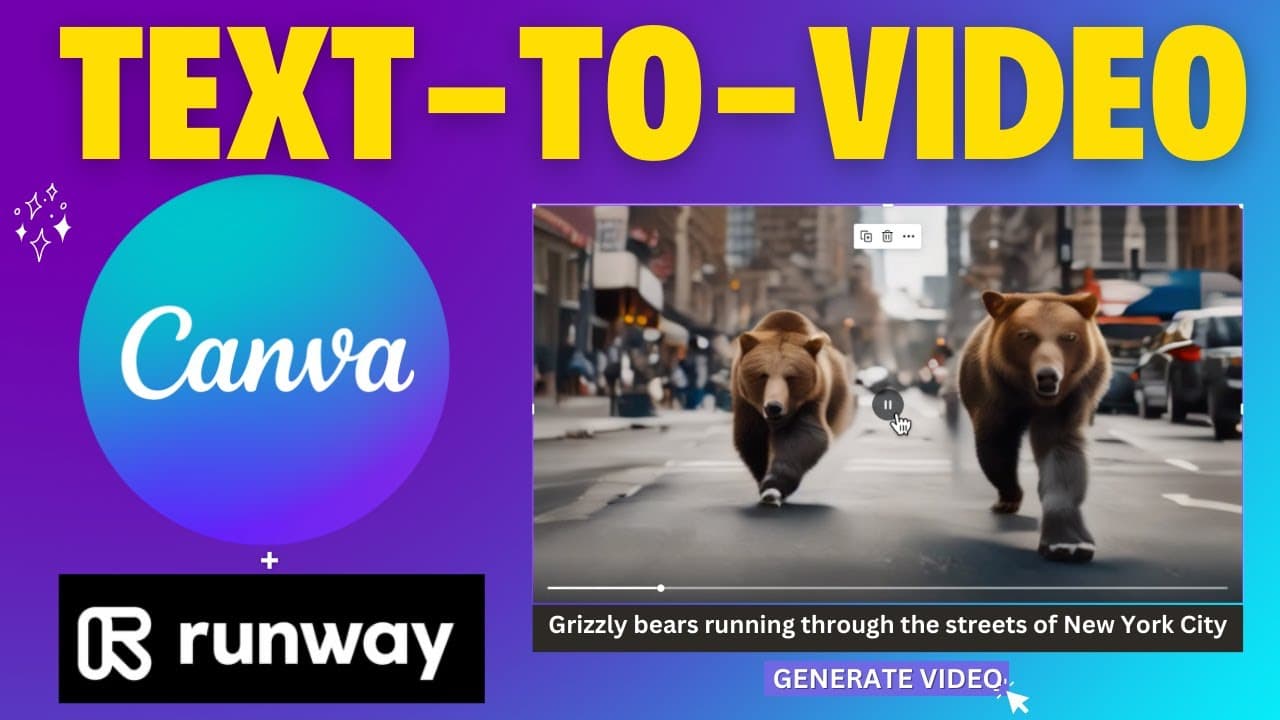
Canva's text-to-video feature allows users to create videos by entering text prompts, powered by Runway ML. Each monthly subscription includes around 50 video generations, but the results may sometimes include distortions or unexpected visuals. While still in beta, this feature shows promise for future improvements.
Transcript
welcome to edtech hustle my name is Rich and today I'm going to be showing you a feature that I've been waiting for for quite some time from canva and that is text to video so let's go ahead and get started so this is actually under magic media so we'll select apps and I'm just going to scroll to the bottom and you can see magic media down here oka... Read More
Key Insights
- 🎮 Canva has introduced a text to video feature that allows users to generate videos based on text prompts.
- 🎮 The text to video feature is powered by Runway ml and is currently in beta with a limit of around 50 video generations per month.
- 😎 There may be distortions or morphing faces in the generated videos, but some videos may still look cool and meet user expectations.
- 👻 Certain prompts, such as trademarked material, are not allowed in the text to video feature.
- 🎮 The text to image feature in Canva is considered more useful and easier to generate compared to the text to video feature.
- 🎮 The text to video feature has potential for improvement and may become more widely used in the future.
- 👤 Users may need to experiment with different prompts and styles to achieve the desired results with the text to video feature.
Install to Summarize YouTube Videos and Get Transcripts
Explore YouTube Video Summarizer or Get YouTube Transcript Extractor
Questions & Answers
Q: How does Canva's text to video feature work?
Canva's text to video feature allows users to input a text prompt and select from different styles to generate a video based on the prompt. The feature is powered by Runway ml and may take around 1 to 2 minutes to generate the video.
Q: Are there limitations to using the text to video feature?
While the text to video feature is exciting, there are limitations. Users have around 50 credits per month to generate videos, and certain prompts that may violate content policies, such as trademarked material, are not allowed.
Q: How do the generated videos look?
The quality of the generated videos can vary. Some videos may have distortions or morphing faces, while others may look cool and meet the user's expectations. It may depend on the prompt and style chosen.
Q: Is the text to video feature as useful as the text to image feature in Canva?
The text to image feature in Canva is considered more useful and easier to generate compared to the text to video feature. The text to video feature is still in beta and has room for improvement.
Summary & Key Takeaways
-
Canva has added a new feature called text to video, which works similarly to the text to image feature. Users can type their desired text prompt and choose from various styles to generate a video.
-
The text to video feature is powered by the website Runway ml and is currently in beta. Users have around 50 credits per month to generate videos with this feature.
-
The videos generated through the text to video feature may have some distortions or not meet user expectations, but the feature is fun to play around with and has potential for improvement.
Read in Other Languages (beta)
Share This Summary 📚
Summarize YouTube Videos and Get Video Transcripts with 1-Click
Try YouTube Summary with ChatGPT & Claude or YouTube Transcript Generator
Explore More Summaries from EdTech Hustle 📚






Summarize YouTube Videos and Get Video Transcripts with 1-Click
Try YouTube Summary with ChatGPT & Claude or YouTube Transcript Generator