Converting tkinter to exe tutorial with cx_Freeze - Python 3.4 part 29
TL;DR
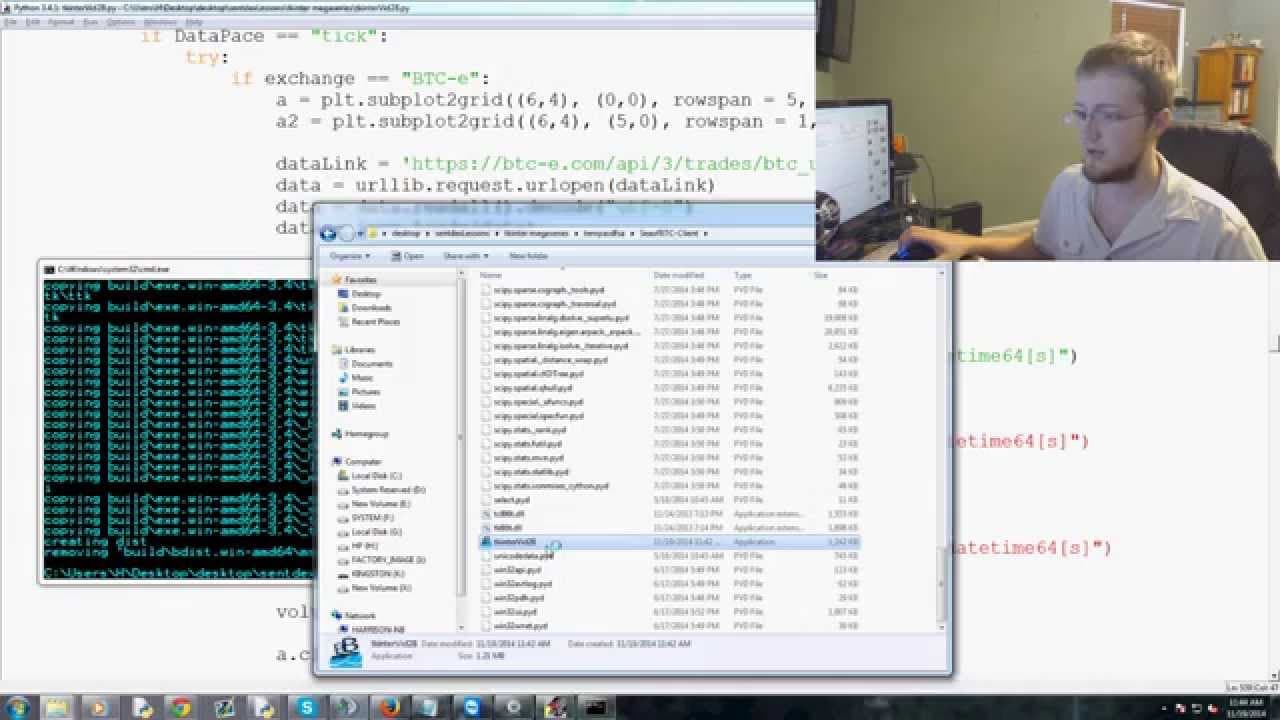
Learn how to convert a Tkinter application into an executable using CX Freeze, including handling bugs and optimizing file size.
Transcript
what's going on everybody welcome to another tkinter tutorial video in this video I'm gonna be showing you guys how to convert your tkinter application to an executable so I know I said I was going to do the trading next but I want to go ahead and get the executable out of the way and then we'll talk about trading and all that so I've held off on d... Read More
Key Insights
- 👤 Converting a Tkinter application to an executable improves accessibility and ease of use for users.
- 💳 CX Freeze is a popular module used for freezing Python scripts into standalone executables.
- 🐛 Handling bugs and optimizing file size are crucial steps in the conversion process.
- 🪡 Issues such as name errors, memory allocation, and missing packages may arise and need to be resolved.
Install to Summarize YouTube Videos and Get Transcripts
Explore YouTube Video Summarizer or Get YouTube Transcript Extractor
Questions & Answers
Q: What is the purpose of converting a Tkinter application to an executable?
Converting a Tkinter application to an executable allows users to run the program without the need for Python or any other dependencies, making it more accessible and user-friendly.
Q: What is CX Freeze and why is it used?
CX Freeze is a module used to convert Python scripts into standalone executable files. It freezes the code along with all required dependencies, allowing the program to run independently.
Q: What are some common bugs or issues that may arise during the conversion process?
Some common bugs include name errors, memory issues, and missing packages. These can be resolved by properly importing the required modules, addressing memory allocation, and explicitly including necessary packages.
Q: How can the file size of the executable be optimized?
In order to optimize file size, unnecessary packages or dependencies can be excluded from the build. This can be achieved by removing unused imports or specifying only the required packages in the setup file.
Summary & Key Takeaways
-
The tutorial video guides viewers on how to convert a Tkinter application to an executable using CX Freeze.
-
The content covers the necessary imports and setup steps, including specifying the executables and adding options.
-
The video also addresses common issues with the conversion process, such as handling bugs and optimizing file size.
Read in Other Languages (beta)
Share This Summary 📚
Summarize YouTube Videos and Get Video Transcripts with 1-Click
Try YouTube Summary with ChatGPT & Claude or YouTube Transcript Generator
Explore More Summaries from sentdex 📚






Summarize YouTube Videos and Get Video Transcripts with 1-Click
Try YouTube Summary with ChatGPT & Claude or YouTube Transcript Generator