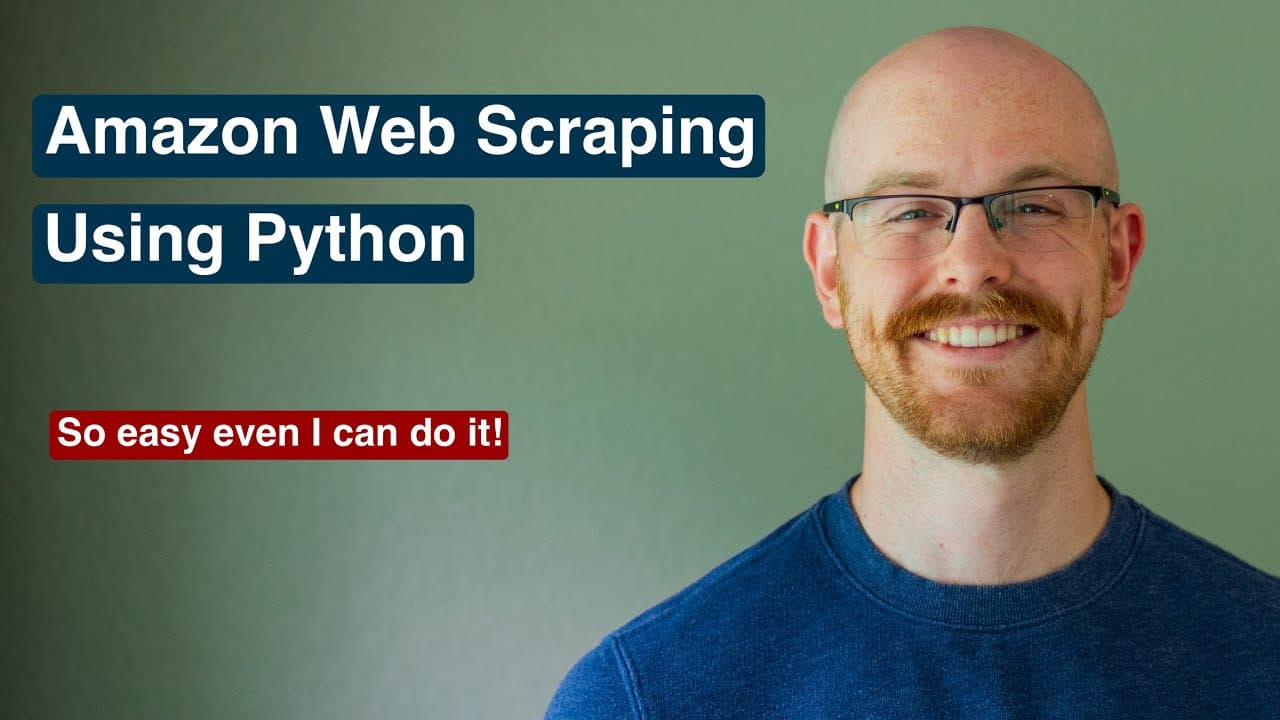
How to Scrape Amazon Data with Python: Data Analyst Portfolio Project
TL;DR
You can scrape Amazon data with Python by using Requests and BeautifulSoup to retrieve and parse a product page, clean fields such as the title and price, and save the results in a CSV file. The project also uses datetime for timestamps and can be automated to track changes over time. Read on for the project setup, core libraries, and data-collection workflow.
Transcript
what's going on everybody welcome back to another video today we are back with another data analyst portfolio project where we will be scraping data from amazon using python now you may be asking do i need to know web scripting to become a data analyst and the answer is no you absolutely don't need to know it but it is a very cool skill to learn an... Read More
Key Insights
- Web scraping is a valuable skill for data analysts but not mandatory.
- BeautifulSoup and Requests are Python libraries used for web scraping.
- Web scraping can automate data collection from static web pages.
- You can create a CSV file to store scraped data for analysis.
- Automating the scraping process can help track data changes over time.
- Headers and user-agent information are essential for connecting to websites.
- Data cleaning is necessary to make scraped data useful for analysis.
- Python's datetime library can add timestamps to your data for better tracking.
Install to Summarize YouTube Videos and Get Transcripts
Explore YouTube Video Summarizer or Get YouTube Transcript Extractor
Questions & Answers
Q: How do you scrape Amazon data with Python?
Open a Python 3 notebook in Jupyter, import BeautifulSoup and Requests, and connect to an Amazon product page using headers and user-agent information. Parse the page to extract fields such as the product title and price, clean the values, and save them in a CSV file.
Q: What is the Amazon web scraping portfolio project?
It is an intermediate data analyst portfolio project that creates a dataset by scraping an individual Amazon product page with Python. The walkthrough focuses on making the extracted information useful, while scraping multiple products across the 20 result pages is reserved for a more complicated follow-up project.
Q: Which Python libraries are used in the Amazon scraper?
The core libraries are BeautifulSoup and Requests for retrieving and parsing webpage content. The project also uses time and datetime, while pandas can support data manipulation and an additional email library can be used for optional notifications.
Q: What Amazon product data can the Python script collect?
The project demonstrates collecting product details such as the title and price from an individual Amazon item page. The presenter notes that many other elements on the page can also be scraped, allowing the script to create a custom dataset.
Q: How is scraped Amazon data saved for analysis?
After extraction, the title, price, and other values are cleaned so they can be analyzed. The script saves the resulting records to a CSV file and can append later observations for ongoing tracking.
Q: How can the Amazon scraping process be automated?
The Python script can run repeatedly with the time library and append new observations to the CSV file. Adding datetime timestamps to each collection makes it possible to track price or other data changes over time.
Q: Why are headers and user-agent information used in the scraper?
Headers and user-agent information are used when connecting to the Amazon page. They identify the source of the request and help the script retrieve the webpage content needed for parsing.
Q: Do data analysts need to know web scraping?
No, the presenter says web scraping is not required to become a data analyst. It is still a useful skill for creating custom datasets, and the presenter has used it professionally in the past.
Summary & Key Takeaways
-
Web scraping with Python can automate the extraction of data from static web pages like Amazon. By using BeautifulSoup and Requests, you can collect product details such as titles and prices, clean the data, and save it to a CSV file for further analysis.
-
Automating the scraping process allows for continuous data collection, which is useful for tracking price changes or other data points over time. This project serves as an introduction to web scraping, with a focus on creating a basic data analyst portfolio project.
-
Incorporating timestamps into your data can provide valuable insights into trends and changes. The video also touches on using Python libraries like datetime for time tracking and pandas for data manipulation, making the project more robust and informative.
Read in Other Languages (beta)
Share This Summary 📚
Summarize YouTube Videos and Get Video Transcripts with 1-Click
Try YouTube Summary with ChatGPT & Claude or YouTube Transcript Generator
Explore More Summaries from Alex The Analyst 📚



Summarize YouTube Videos and Get Video Transcripts with 1-Click
Try YouTube Summary with ChatGPT & Claude or YouTube Transcript Generator