What Do You Need to Know About SQL and Databases?
TL;DR
To get started with SQL and databases, understand that SQL is essential for managing data in relational databases, which store data in structured tables. Key concepts include CRUD operations, primary keys for unique row identification, and foreign keys for establishing relationships between tables. MySQL is a user-friendly option for beginners, and tools like PopSQL facilitate writing and executing SQL queries.
Transcript
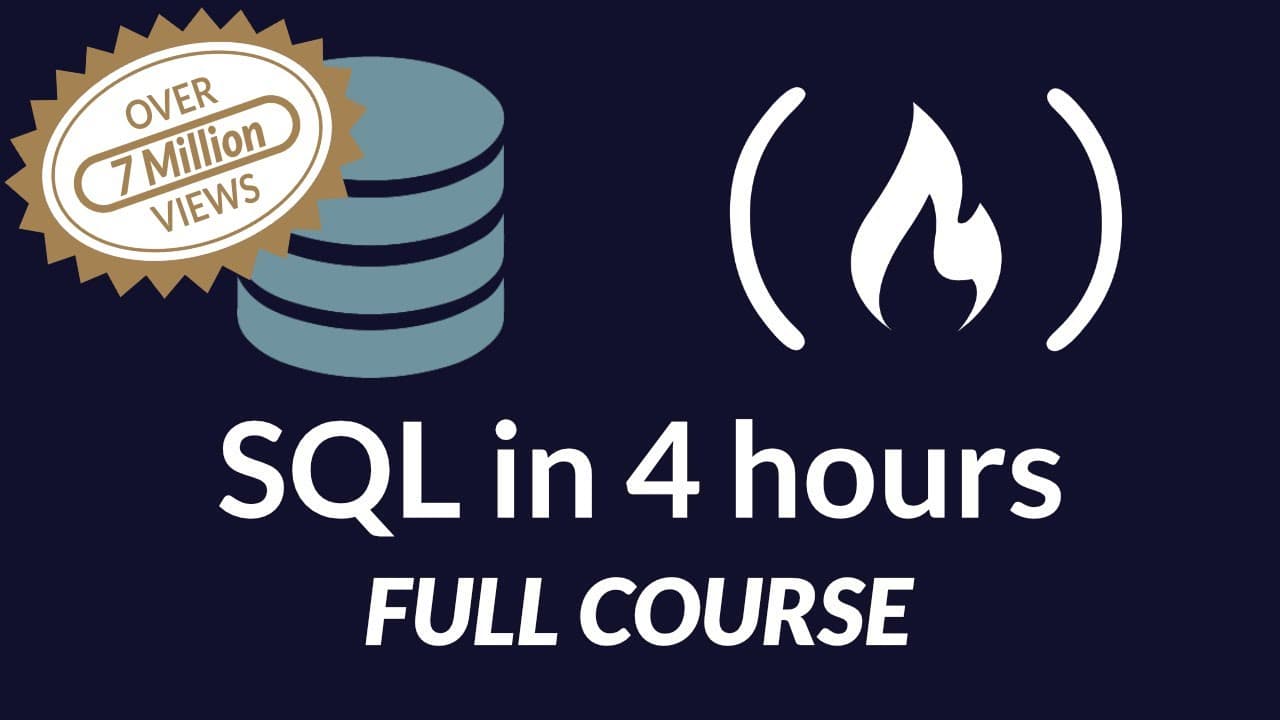
SQL Tutorial - Full Database Course for Beginners In this course I’m going to teach you everything you need to know to get started using SQL. Now SQL is a language which is used to interact with relational database management systems. And a relational database management system is basically just a software application which we can use to create... Read More
Key Insights
- SQL is essential for interacting with relational database management systems, allowing users to create, read, update, and delete data efficiently.
- Databases store related information, and relational databases use structured tables with rows and columns, while non-relational databases use flexible structures.
- MySQL is a popular relational database management system for beginners, offering a free and open-source version called MySQL Community Server.
- SQL queries allow users to retrieve specific data from a database, similar to performing a Google search for precise information.
- Primary keys uniquely identify each row in a table, while foreign keys establish relationships between tables, enabling complex data structures.
- PopSQL is a helpful tool for writing SQL queries, providing a user-friendly interface to interact with databases and visualize query results.
- Creating a database schema involves defining tables, columns, and data types, which is crucial for organizing and storing data effectively.
- The course emphasizes practical SQL skills, including creating tables, inserting data, and writing queries, with additional resources available online.
Install to Summarize YouTube Videos and Get Transcripts
Explore YouTube Video Summarizer or Get YouTube Transcript Extractor
Questions & Answers
Q: What is the purpose of a database management system?
A database management system (DBMS) is a software application that provides a systematic way to create, retrieve, update, and manage data in databases. It ensures data integrity, security, and efficient data processing, allowing users to perform CRUD operations and manage large amounts of information effectively.
Q: How does SQL facilitate interaction with databases?
SQL, or Structured Query Language, is a standardized language used to communicate with relational database management systems. It allows users to create, read, update, and delete data, define database schemas, and perform administrative tasks such as managing user permissions and data security, making it a crucial tool for database interaction.
Q: What are the differences between relational and non-relational databases?
Relational databases organize data into structured tables with rows and columns, using SQL for data manipulation and retrieval. Non-relational databases, or NoSQL databases, store data in flexible formats such as key-value pairs, documents, graphs, or wide-column stores, allowing for more diverse data structures and scalability.
Q: Why is MySQL a popular choice for beginners?
MySQL is widely used due to its open-source nature, ease of installation, and comprehensive documentation. It provides a robust platform for learning SQL and database management, offering a beginner-friendly environment with community support, making it an ideal choice for those new to database systems.
Q: What role do primary and foreign keys play in databases?
Primary keys uniquely identify each row in a table, ensuring data integrity by preventing duplicate entries. Foreign keys establish relationships between tables, linking data across different tables and enabling complex database structures, which are essential for maintaining relational database integrity and facilitating data retrieval.
Q: How does PopSQL enhance the SQL learning experience?
PopSQL provides a user-friendly interface for writing and executing SQL queries, allowing users to visualize query results and manage databases more efficiently. Its features, similar to Google Docs for SQL, facilitate collaboration and enhance the learning experience by making SQL commands more accessible and easier to understand.
Q: What is the significance of defining a database schema?
Defining a database schema is crucial for organizing data effectively within a database. It involves specifying tables, columns, data types, and relationships, ensuring data consistency and integrity. A well-designed schema facilitates efficient data retrieval and manipulation, supporting the overall functionality and performance of the database system.
Q: What advanced SQL topics are covered in the course?
The course covers advanced SQL topics such as joins, nested queries, aggregation, and triggers. These concepts allow users to perform complex data retrieval and manipulation tasks, optimize database performance, and implement sophisticated data relationships, providing a comprehensive understanding of SQL's capabilities in database management.
Summary & Key Takeaways
-
The video provides a comprehensive introduction to SQL and database management systems, focusing on MySQL for beginners. It covers the basics of databases, relational and non-relational types, and the importance of SQL in managing data.
-
Key concepts such as tables, keys, and CRUD operations are explained, alongside practical demonstrations of creating, altering, and deleting tables using SQL commands. The course also introduces advanced topics like joins and nested queries.
-
The tutorial includes detailed instructions for installing MySQL on Windows and Mac, setting up a database server, and using PopSQL for writing and executing SQL queries, making it accessible for learners to follow along and practice.
Read in Other Languages (beta)
Share This Summary 📚
Summarize YouTube Videos and Get Video Transcripts with 1-Click
Try YouTube Summary with ChatGPT & Claude or YouTube Transcript Generator
Explore More Summaries from freeCodeCamp.org 📚




Summarize YouTube Videos and Get Video Transcripts with 1-Click
Try YouTube Summary with ChatGPT & Claude or YouTube Transcript Generator