Which Chrome Extensions Boost School Productivity?
TL;DR
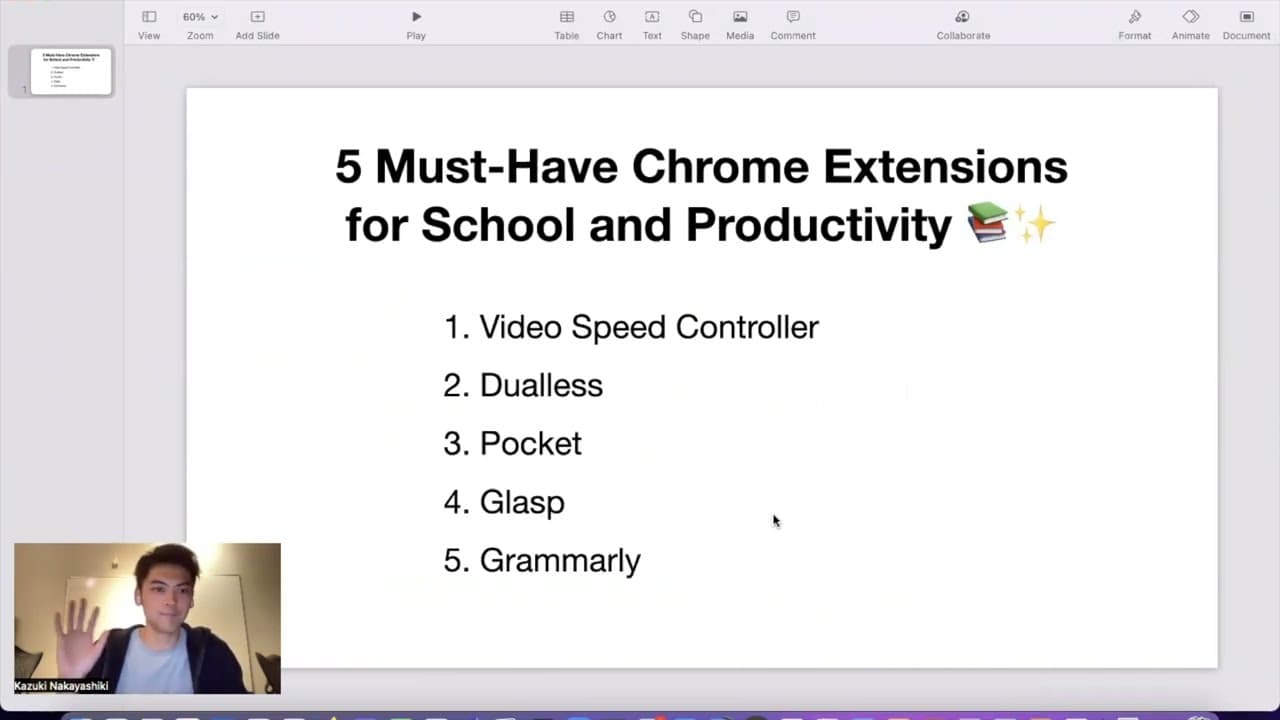
Five crucial Chrome extensions can greatly enhance your school productivity. Key tools include Video Speed Controller for adjusting playback speeds, Dualis for managing window layouts, Pocket for saving articles to read later, Grasp for highlighting online content, and Grammarly for real-time grammar checking.
Transcript
hi everyone thank you for watching the video so today i'm going to show you like five must-have chrome extensions for school and productivity and i'm i'm going to introduce five chrome extension video speed controller dual s pocket grasp and grammarly so let's move on so first one is video speed controller so this with this chrome extension you can... Read More
Key Insights
- 📹 Video Speed Controller: Chrome extension allows users to control the playback speed of YouTube videos, enabling faster or slower viewing.
- 💻 Dualis: Simplifies multitasking by allowing users to adjust window sizes easily, focusing on writing while working on documents.
- 📚 Pocket: Bookmarking tool that saves articles and websites for later viewing, eliminating the need for multiple open tabs.
- 🔍 Glass: Social web highlighter for annotating, highlighting, and leaving notes on websites, making important information easily accessible.
- ✍️ Grammarly: Grammar checker for writing tasks, such as research papers, that automatically detects and suggests corrections for grammatical errors.
- 🎒 Productivity Boost: Chrome extensions like Video Speed Controller, Dualis, Pocket, Glass, and Grammarly enhance productivity and efficiency for school, work, and research.
- 💡 Streamlined Workflow: By using these extensions, users can save time and improve their focus, allowing them to streamline their workflow and accomplish tasks more efficiently.
- 🔧 Diverse Applications: The mentioned extensions cater to various needs, including video playback control, multitasking, bookmarking, highlighting, and grammar checking.
Install to Summarize YouTube Videos and Get Transcripts
Explore YouTube Video Summarizer or Get YouTube Transcript Extractor
Questions & Answers
Q: How does the Video Speed Controller extension work?
The Video Speed Controller extension allows users to control the playback speed of YouTube videos, giving them the option to speed up or slow down the video to their desired pace. This can be helpful for quickly skimming through lengthy videos or watching content in a more digestible manner.
Q: Can Dualis automatically adjust window sizes for different tasks?
Yes, Dualis is designed to simplify multitasking by automatically adjusting the window sizes of documents and websites. Users can select preset sizes or customize their own, allowing them to focus on specific tasks without the need for manual resizing.
Q: How does Pocket help with research and reading later?
Pocket is a bookmarking tool that allows users to save articles and websites for later reading. By saving content to Pocket, users can easily access and organize their saved materials, making it ideal for researchers who need to keep track of relevant information without cluttering their browser tabs.
Q: How does Grasp's web highlighter feature work?
Grasp is a web highlighter that enables users to highlight and annotate text on websites. This feature allows users to mark important sections, make notes, and easily refer back to them when needed. It's an excellent tool for studying, research, and collecting information for future use.
Q: Can Grammarly check grammar in real-time while writing?
Yes, Grammarly is a grammar checker extension that provides real-time grammar checks while users are writing. It automatically detects and highlights grammar mistakes in the text, offering suggestions to improve sentence structure and clarity. Grammarly can be particularly helpful when working on research papers or any other type of written document.
Summary & Key Takeaways
-
The first recommended extension is Video Speed Controller, which allows users to adjust the playback speed of YouTube videos for faster or slower viewing.
-
Dualis is a window organizer that makes it easier to work on multiple documents or websites simultaneously by automatically adjusting window sizes.
-
Pocket is a bookmarking tool that allows users to save articles and websites for later reading, making it convenient for research purposes.
-
Grasp is a social web highlighter that enables users to highlight and annotate text on websites, useful for keeping track of important information for future reference.
-
Grammarly is a grammar checker extension that helps users correct and improve their writing by automatically identifying grammar errors and suggesting improvements.
Read in Other Languages (beta)
Share This Summary 📚
Summarize YouTube Videos and Get Video Transcripts with 1-Click
Try YouTube Summary with ChatGPT & Claude or YouTube Transcript Generator
Explore More Summaries from Glasp 📚


Summarize YouTube Videos and Get Video Transcripts with 1-Click
Try YouTube Summary with ChatGPT & Claude or YouTube Transcript Generator