Products
Features
YouTube Video Summarizer
Summarize YouTube videos
Web & PDF Highlighter
Highlight web pages & PDFs
Chat with PDF
Ask any PDF questions with AI
Ask AI Clone
Chat with your highlights & memories
Audio Transcriber
Transcribe audio files to text
Glasp Reader
Read and highlight articles
Kindle Highlight Export
Export your Kindle highlights
Idea Hatch
Hatch ideas from your highlights
Integrations
Obsidian Plugin
Notion Integration
Pocket Integration
Instapaper Integration
Medium Integration
Readwise Integration
Snipd Integration
Hypothesis Integration
Apps & Extensions
Chrome Extension
Safari Extension
Edge Add-ons
Firefox Add-ons
iOS App
Android App
Discover
Discover
Ideas
Discover new ideas and insights
Articles
Curated articles and insights
Books
Book recommendations by great minds
Posts
Essays and notes from readers
Quotes
Inspiring quotes collection
Videos
Curated videos and summaries
Explore Glasp
Glasp Newsletter
Weekly insights and updates
Glasp Talk
Interview series with great minds
Glasp Blog
Latest news and articles
Glasp Use Cases
Learn how others use Glasp
Build & Support
Glasp API
Access Glasp's API for developers
MCP Connector
Connect Glasp to Claude & ChatGPT
Community
Glasp Reddit Community
Students
Student discount and benefits
FAQs
Frequently Asked Questions
AboutPricing
DashboardLog inSign up

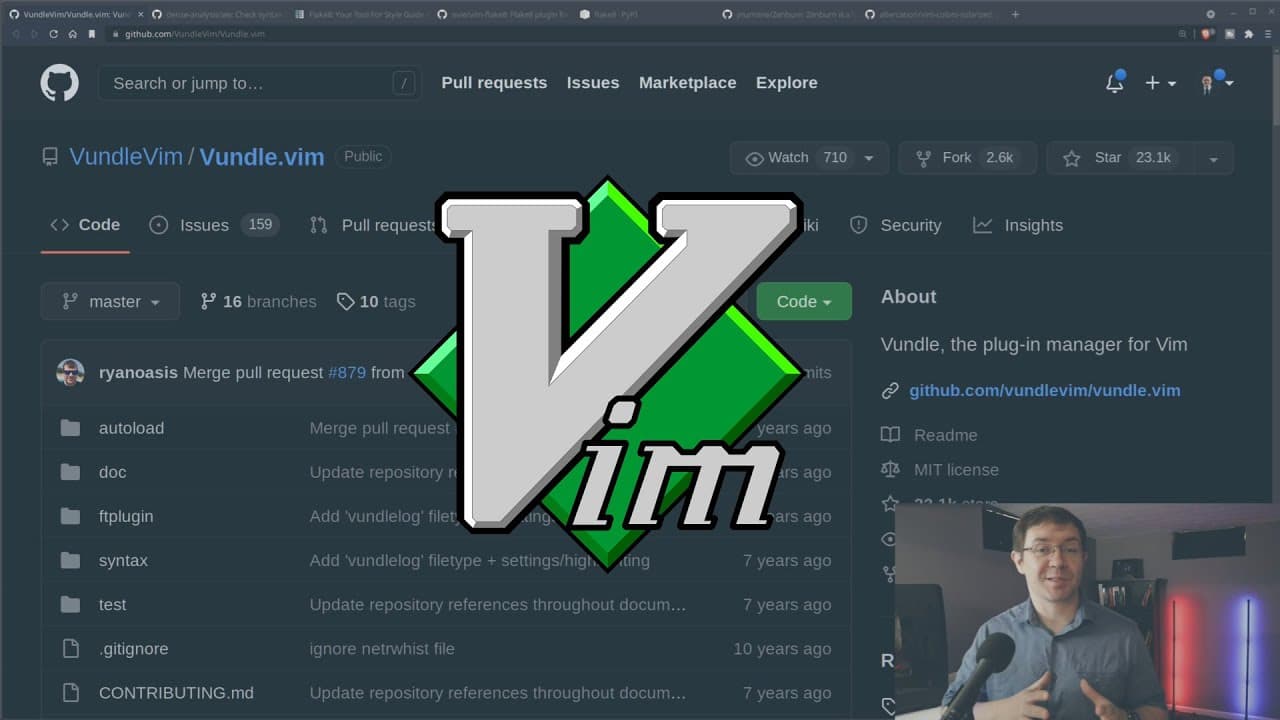
Getting Started with VIM as a Python Editor
June 24, 2022
by
Machine Learning with Phil
YouTube video player
Getting Started with VIM as a Python Editor

TL;DR

Vim is a portable and open-source code editor that offers privacy and basic functionality, making it ideal for deep learning and remote work.

Transcript

welcome back everybody now in today's video i want to address a very important topic a few months ago i got a comment to the effect of hey boomer hey old fuddy duddy why don't you use a code editor from this century to which i reply no i'm not going to do that and i don't think you should either now in this video i'm going to give you some reasons ... Read More

Key Insights

  • 💦 Vim is advantageous for portability, particularly for deep learning and AI work in the terminal on remote machines.
  • 🤗 The open-source nature of Vim ensures user privacy without any hidden data collection.
  • 😫 Setting up Vim requires installing it and using a plugin manager like Bundle to enhance its features.
  • 💨 Vim is a lightweight and fast code editor that consumes minimal resources, making it suitable for any system.
  • 👨‍💻 It offers syntax checking and linting features, such as the ALE plugin for real-time error detection in Python code.
  • 👻 Vim supports color schemes and customization options, allowing users to personalize their coding environment.
  • 👨‍💻 The learning curve for Vim can be steep, but mastering it offers numerous benefits and greater efficiency in code editing.

Install to Summarize YouTube Videos and Get Transcripts

Explore YouTube Video Summarizer or Get YouTube Transcript Extractor

Questions & Answers

Q: What is the main advantage of using Vim?

The main advantage of using Vim is its portability, making it suitable for remote work and deep learning tasks in the terminal.

Q: Why is Vim considered to be a good choice for privacy-conscious individuals?

Vim is an open-source project, ensuring that there is no hidden data collection. This makes it a reliable choice for those concerned about their privacy.

Q: How can I get started with Vim?

To get started with Vim, you need to install it and set up a plugin manager like Bundle. This will allow you to add additional features and functionality.

Q: Are there any alternatives to Vim?

Yes, there are alternative code editors like Visual Studio Code, but Vim offers a minimalist approach with basic functionality and greater privacy.

Summary & Key Takeaways

  • Vim is beneficial for portability, particularly for deep learning and AI work done in the terminal on remote machines.

  • The open-source nature of Vim ensures user privacy, making it a reliable choice for those concerned about data collection.

  • Setting up Vim requires installing it and using a plugin manager like Bundle to add additional functionality.


Read in Other Languages (beta)

English

Share This Summary 📚

Summarize YouTube Videos and Get Video Transcripts with 1-Click

Download browser extensions on:

Try YouTube Summary with ChatGPT & Claude or YouTube Transcript Generator

Explore More Summaries from Machine Learning with Phil 📚
How To Code Policy Iteration | Free Reinforcement Learning Course Module 5b thumbnail
How To Code Policy Iteration | Free Reinforcement Learning Course Module 5b
Machine Learning with Phil
Watch GTC and win a free GPU thumbnail
Watch GTC and win a free GPU
Machine Learning with Phil
How to Code Policy Evaluation | Free Reinforcement Learning Course Module 5a thumbnail
How to Code Policy Evaluation | Free Reinforcement Learning Course Module 5a
Machine Learning with Phil
How To Do Transfer Learning For Computer Vision | PyTorch Tutorial thumbnail
How To Do Transfer Learning For Computer Vision | PyTorch Tutorial
Machine Learning with Phil
Actor Critic Methods Are Easy With Keras thumbnail
Actor Critic Methods Are Easy With Keras
Machine Learning with Phil
How to Code A Deep Neural Network From Scratch | PyTorch Tutorial thumbnail
How to Code A Deep Neural Network From Scratch | PyTorch Tutorial
Machine Learning with Phil

Summarize YouTube Videos and Get Video Transcripts with 1-Click

Download browser extensions on:

Try YouTube Summary with ChatGPT & Claude or YouTube Transcript Generator

Apps & Extensions

  • Chrome Extension
  • Safari Extension
  • Edge Add-ons
  • Firefox Add-ons
  • iOS App
  • Android App

Key Features

  • YouTube Video Summarizer
  • Web & PDF Summarizer
  • Web & PDF Highlighter
  • Chat with PDF
  • Ask AI Clone
  • Audio Transcriber
  • Glasp Reader
  • Kindle Highlight Export
  • Idea Hatch

Integrations

  • Obsidian Plugin
  • Notion Integration
  • Pocket Integration
  • Instapaper Integration
  • Medium Integration
  • Readwise Integration
  • Snipd Integration
  • Hypothesis Integration

More Features

  • APIs
  • MCP Connector
  • Blog & Post
  • Embed Links
  • Image Highlight
  • Personality Test
  • Quote Shots

Company

  • About us
  • Blog
  • Community
  • FAQs
  • Job Board
  • Newsletter
  • Pricing
Terms

•

Privacy

•

Guidelines

© 2026 Glasp Inc. All rights reserved.