How to Build a Node.js Backend with Express
TL;DR
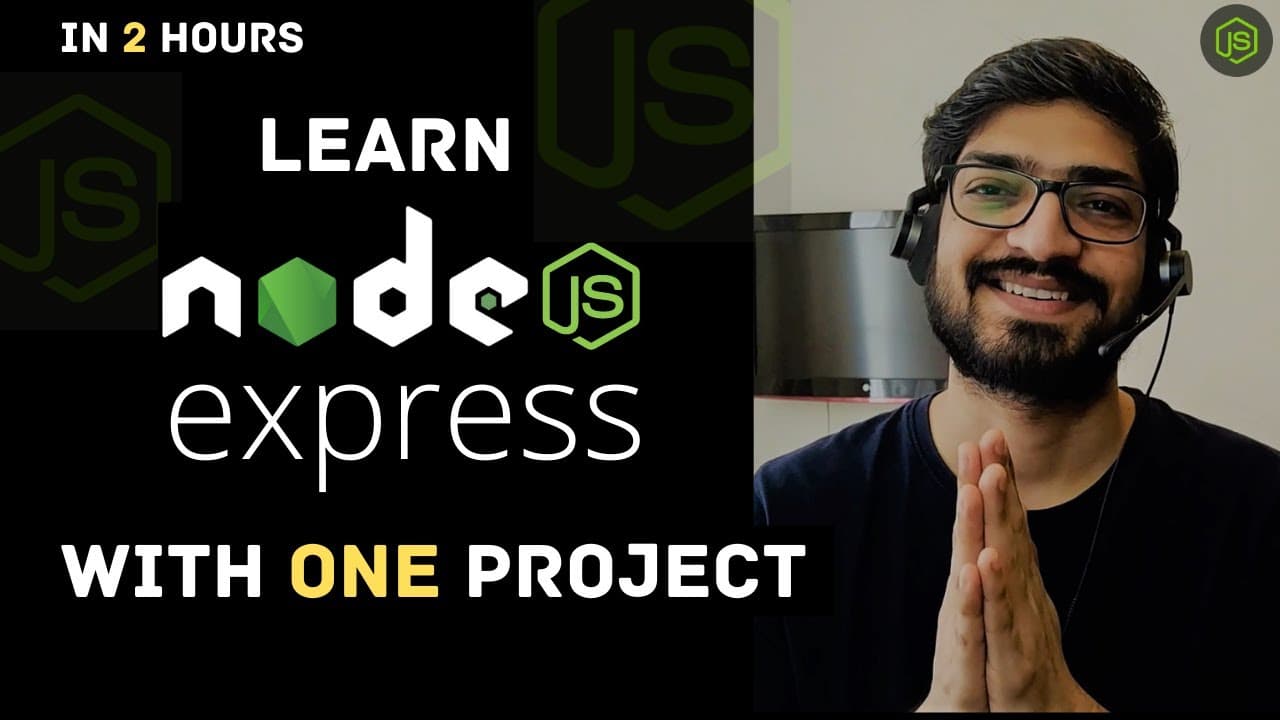
Learn to build a contact manager application using Node.js and Express in two hours. This video covers setting up a server, creating routes, handling errors, connecting to MongoDB, and implementing authentication with JWT. By the end, you'll understand how to create a backend application with user registration, login, and CRUD operations.
Transcript
Hey what's going on guys welcome back to another video so this is a two hours long Express crash course for beginners and in this video we will build a node Express project from scratch let me show you the topics that we are going to build in this video so we will first start with the express project setup and then we will move to how we can ... Read More
Key Insights
- Express is a minimal and flexible Node.js web application framework that provides a robust set of features for web and mobile applications.
- Setting up an Express server involves initializing a project, installing necessary packages, and defining routes.
- Middleware functions in Express are functions that have access to the request object, the response object, and the next middleware function in the application’s request-response cycle.
- MongoDB is a NoSQL database that stores data in flexible, JSON-like documents, making it easy to integrate with Node.js applications.
- Mongoose provides a straight-forward, schema-based solution to model application data in MongoDB.
- JWT (JSON Web Token) is a compact, URL-safe means of representing claims to be transferred between two parties, often used for authentication.
- Error handling in Express can be efficiently managed using custom middleware functions that intercept and format error messages.
- Protecting routes in Express can be achieved by validating JWT tokens to ensure only authenticated users can access certain endpoints.
Install to Summarize YouTube Videos and Get Transcripts
Explore YouTube Video Summarizer or Get YouTube Transcript Extractor
Questions & Answers
Q: How to set up an Express server?
To set up an Express server, initialize a new Node.js project and install Express using npm. Define a server file, import Express, and create an instance of it. Set a port and use the listen method to start the server. Define routes using app.get, app.post, etc., to handle different HTTP requests.
Q: What is the role of middleware in Express?
Middleware in Express are functions that execute during the lifecycle of a request to the server. They have access to the request and response objects and the next middleware function. They can modify request and response objects, end the request-response cycle, and call the next middleware in the stack.
Q: How do you connect Express to MongoDB?
Connect Express to MongoDB by installing Mongoose, a Node.js package that provides an interface to MongoDB. Define a schema using Mongoose for your data model, and use Mongoose's connect method with your MongoDB URI to establish a connection. Handle connection events to monitor success or failure.
Q: What is JWT and how is it used in authentication?
JWT (JSON Web Token) is a compact, URL-safe token that represents claims between two parties. In authentication, a server issues a JWT after verifying user credentials. The client stores this token and includes it in the header of subsequent requests to access protected routes. The server verifies the token's validity to grant access.
Q: How do you handle errors in an Express application?
Errors in Express can be handled using middleware functions. Create a custom error-handling middleware that takes four arguments: error, request, response, and next. Use this middleware to format error messages and send them to the client. It can also log errors and decide the response status code.
Q: How to implement CRUD operations in Express?
Implement CRUD operations in Express by defining routes that correspond to Create, Read, Update, and Delete actions. Use app.post for creating data, app.get for reading data, app.put for updating data, and app.delete for removing data. Interact with the database within these route handlers using a library like Mongoose.
Q: What is the purpose of Mongoose in a Node.js application?
Mongoose is an ODM (Object Data Modeling) library for MongoDB and Node.js. It provides a schema-based solution to model application data, making it easier to define data structures, validate data, and interact with MongoDB. It simplifies working with MongoDB by providing built-in methods for CRUD operations.
Q: How to protect routes in an Express application?
Protect routes in an Express application by using middleware to verify JWT tokens. Create a middleware function that checks for a token in the request header, verifies it using a secret key, and attaches the decoded user information to the request object. Apply this middleware to routes that require authentication to ensure only authenticated users can access them.
Summary & Key Takeaways
-
The video guides viewers through building a backend application using Node.js and Express, starting from project setup to implementing CRUD operations. It explains how to set up an Express server, create routes, and handle HTTP requests.
-
Viewers learn to connect the application to MongoDB using Mongoose, which simplifies data modeling and interaction with the database. It also covers setting up user authentication using JSON Web Tokens (JWT).
-
By the end of the video, viewers should understand how to build a backend application with user registration, login, and the ability to perform CRUD operations on user-specific data. The video emphasizes the importance of middleware and error handling in Express.
Read in Other Languages (beta)
Share This Summary 📚
Summarize YouTube Videos and Get Video Transcripts with 1-Click
Try YouTube Summary with ChatGPT & Claude or YouTube Transcript Generator
Explore More Summaries from Dipesh Malvia 📚
Summarize YouTube Videos and Get Video Transcripts with 1-Click
Try YouTube Summary with ChatGPT & Claude or YouTube Transcript Generator