The BEST Productivity Tips & Apps
TL;DR
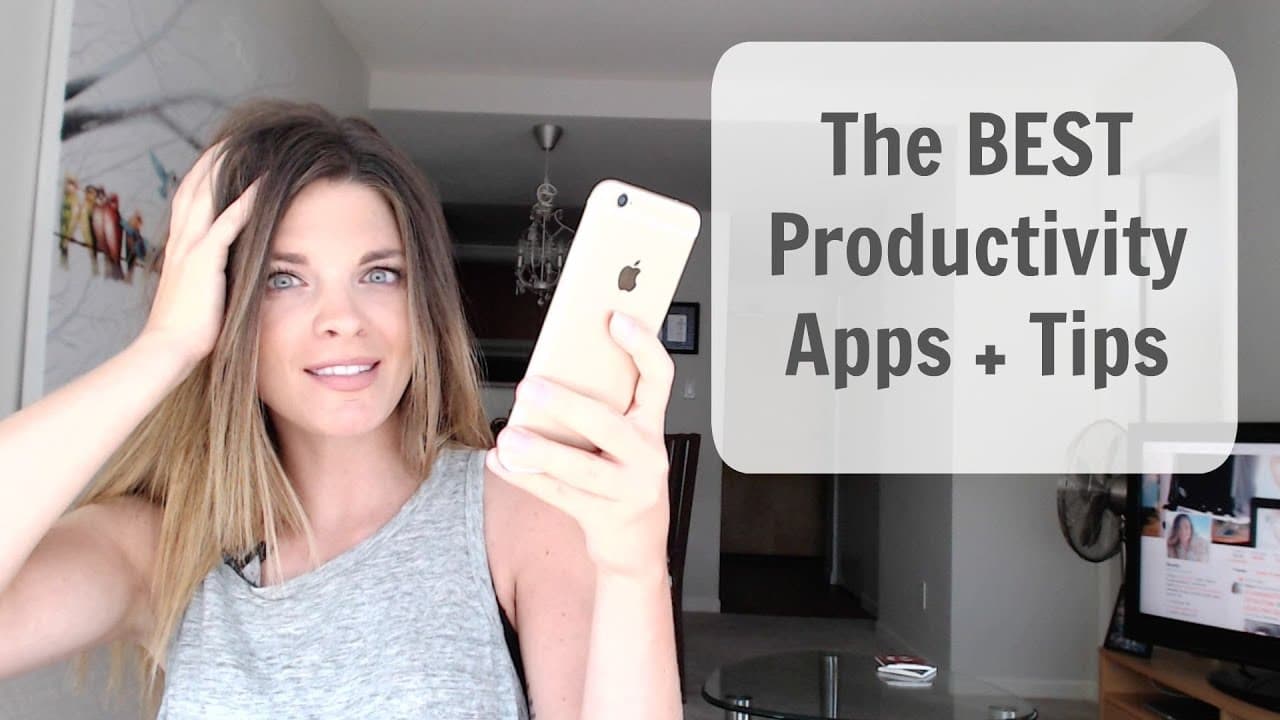
This video offers a compilation of productivity apps and tips to help individuals stay focused and improve their productivity.
Transcript
Do you find yourself really easily distracted? Do you ever have those days where you're really ready to do some work and be productive and then all of a sudden it's like wait, what? I'm snap chatting this right now. Just gonna send out a tweet. What's happening on Instagram? Oh, who just tweeted me? Did I send that email? Sound familiar? I am so ea... Read More
Key Insights
- 💌 Checking email first thing in the morning hinders productivity.
- 💌 Unroll.me helps reduce inbox clutter by compiling subscriptions into a single email.
- 💌 Boomerang enables temporary email disappearance and scheduling replies.
- 😀 IFTTT automates tasks between different apps for increased efficiency.
- 🔉 Tools like Self Control, Cold Turkey, and Antisocial block social media access to minimize distractions.
- 🎵 Evernote helps with note organization, checklists, and communication.
- 👻 Hootsuite allows for scheduling social media content ahead of time.
Install to Summarize YouTube Videos and Get Transcripts
Explore YouTube Video Summarizer or Get YouTube Transcript Extractor
Questions & Answers
Q: How can I manage my email in a way that isn't overwhelming?
One tip is to not check email first thing in the morning. Instead, set aside dedicated time to address emails later in the day. Additionally, tools like unroll.me can help compile subscriptions into a single email, reducing clutter.
Q: How can I keep my inbox clean and tidy?
Boomerang is an email extension that allows messages to temporarily disappear and reappear in the inbox at a later time. This feature is useful for those who aim to keep their inbox at zero and want to address emails at a more convenient time.
Q: What is the purpose of IFTTT?
IFTTT (If This Then That) creates shortcuts between different apps, automating tasks and improving efficiency. For example, it can automate birthday messages on Facebook, congratulations messages on LinkedIn, and much more.
Q: How can I minimize distractions from social media?
Tools like Self Control, Cold Turkey, and Antisocial can blacklist social media sites for a set period of time, blocking access and allowing for better focus on work.
Summary & Key Takeaways
-
Checking email first thing in the morning puts you in a reactive state and hinders focus on important tasks; manage email in a way that isn't overwhelming.
-
Unroll.me allows users to compile subscriptions and newsletters into a single email, reducing clutter in the inbox.
-
Boomerang is an email extension that helps keep the inbox clean and tidy by allowing messages to disappear and reappear later.
-
IFTTT creates shortcuts between different apps, automating tasks and improving efficiency.
-
Self Control, Cold Turkey, and Antisocial are tools that help block access to social media to minimize distractions.
-
Evernote helps with note organization, checklists, and communication.
-
Hootsuite allows for scheduling social media content ahead of time, saving time and effort.
-
Google Drive and LastPass are useful for collaboration and password management.
Read in Other Languages (beta)
Share This Summary 📚
Summarize YouTube Videos and Get Video Transcripts with 1-Click
Try YouTube Summary with ChatGPT & Claude or YouTube Transcript Generator
Explore More Summaries from Sunny Lenarduzzi 📚

Summarize YouTube Videos and Get Video Transcripts with 1-Click
Try YouTube Summary with ChatGPT & Claude or YouTube Transcript Generator