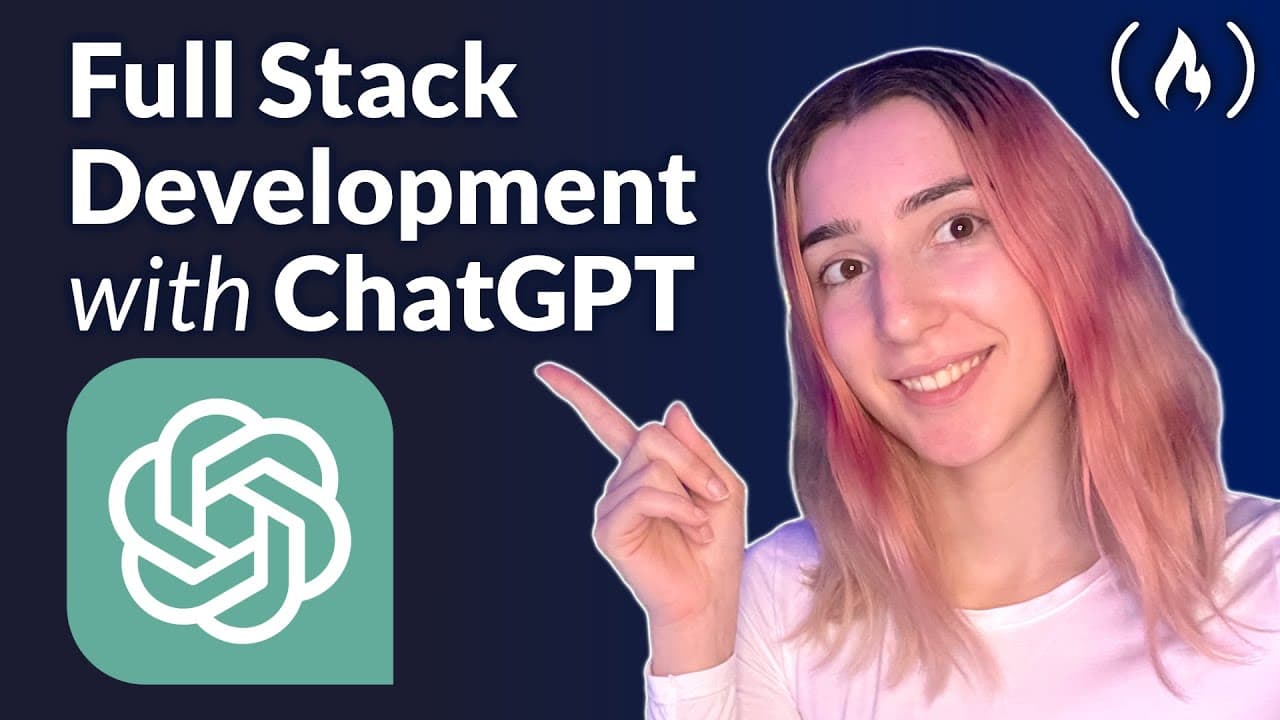
Use ChatGPT to Code a Full Stack App – Full Course
TL;DR
ChatGPT can help build a full-stack educational app by proposing architecture, generating code, troubleshooting, and explaining best practices. The course shows how to develop authentication, course browsing, categories, search, payments, and saved courses with minimal manual coding. It also demonstrates why specific prompts and project context produce better results. Read on for the recommended workflow, architecture, and database decisions.
Transcript
learn how to build a full stack application using chat GPT in this course you'll learn how to Leverage The Power of chat GPT to accelerate your development process and make programming smoother Judy is a full stack developer and teacher in this course she'll demonstrate how to build an educational application using chat GPT to ask questions about c... Read More
Key Insights
- 👊 Chat GPT can be a valuable tool for developers to accelerate the development process and improve productivity.
- 👊 Providing specific context and information to chat GPT yields better results and more accurate answers.
- 🏛️ Prisma, Superbase, and Tailwind CSS are useful tools for building full stack applications and can be integrated seamlessly into the development process.
- 👊 Chat GPT can assist in creating user profiles, saving courses, and implementing various features in an application.
- 👊 Optimization techniques and performance testing are important considerations in the development process that can be explored with chat GPT.
Install to Summarize YouTube Videos and Get Transcripts
Explore YouTube Video Summarizer or Get YouTube Transcript Extractor
Questions & Answers
Q: How can you use ChatGPT to code a full-stack app?
Give ChatGPT a clear role, describe the app’s purpose, and list the required features. It can then propose an architecture, recommend tools, help with syntax and troubleshooting, and guide development from the database through the user interface.
Q: What app is built in this ChatGPT full-stack course?
The course builds an educational application that lets users take online courses on different subjects. Its planned features include authentication, course browsing, categories, search, payments, saved courses, and progress tracking.
Q: How should you prompt ChatGPT as a coding assistant?
Ask ChatGPT to act as a software developer and provide specific information about its mission. The course notes that default answers can be generic, while detailed context produces better results.
Q: What full-stack architecture does ChatGPT suggest for the course app?
ChatGPT divides the application into front-end and back-end sections and suggests tools and approaches for each. The front end provides a responsive, user-friendly interface, while the back end includes an API and database.
Q: Which technologies are suggested for the front end and back end?
For the user interface, ChatGPT suggests modern technologies such as React or Angular. For the back end, it proposes frameworks such as Node.js, Django, or Laravel so data can be communicated between the front end and back end.
Q: What authentication and payment options does ChatGPT recommend?
For authentication, ChatGPT provides options including OAuth, JWT, and OpenID Connect. For payment processing, it suggests Stripe and PayPal.
Q: How does the course approach database selection and structure?
The walkthrough asks ChatGPT whether the app should use a relational or non-relational database after it mentions MongoDB, MySQL, and PostgreSQL. It emphasizes clear, consistent relationships for profiles and courses while noting that course-progress data may not require the same strict structure.
Q: When should you refine ChatGPT’s database output?
Refine and iterate on the proposed tables before building because the database structure drives core functionality. You can ask ChatGPT to revise fields or display the output in a table for clearer visualization, while avoiding so much deliberation that the project is delayed.
Summary & Key Takeaways
-
This course teaches you how to build a full stack application using chat GPT, leveraging its power to ask questions, troubleshoot coding issues, and learn best practices.
-
You will learn how to build features such as authentication, browsing courses, and creating categories using chat GPT.
-
The course emphasizes the importance of providing specific information to get better results and demonstrates how to use Prisma, Superbase, and Tailwind CSS in the development process.
Read in Other Languages (beta)
Share This Summary 📚
Summarize YouTube Videos and Get Video Transcripts with 1-Click
Try YouTube Summary with ChatGPT & Claude or YouTube Transcript Generator
Explore More Summaries from freeCodeCamp.org 📚




Summarize YouTube Videos and Get Video Transcripts with 1-Click
Try YouTube Summary with ChatGPT & Claude or YouTube Transcript Generator