How to Use ChatGPT: 15 Essential Tips for Beginners
TL;DR
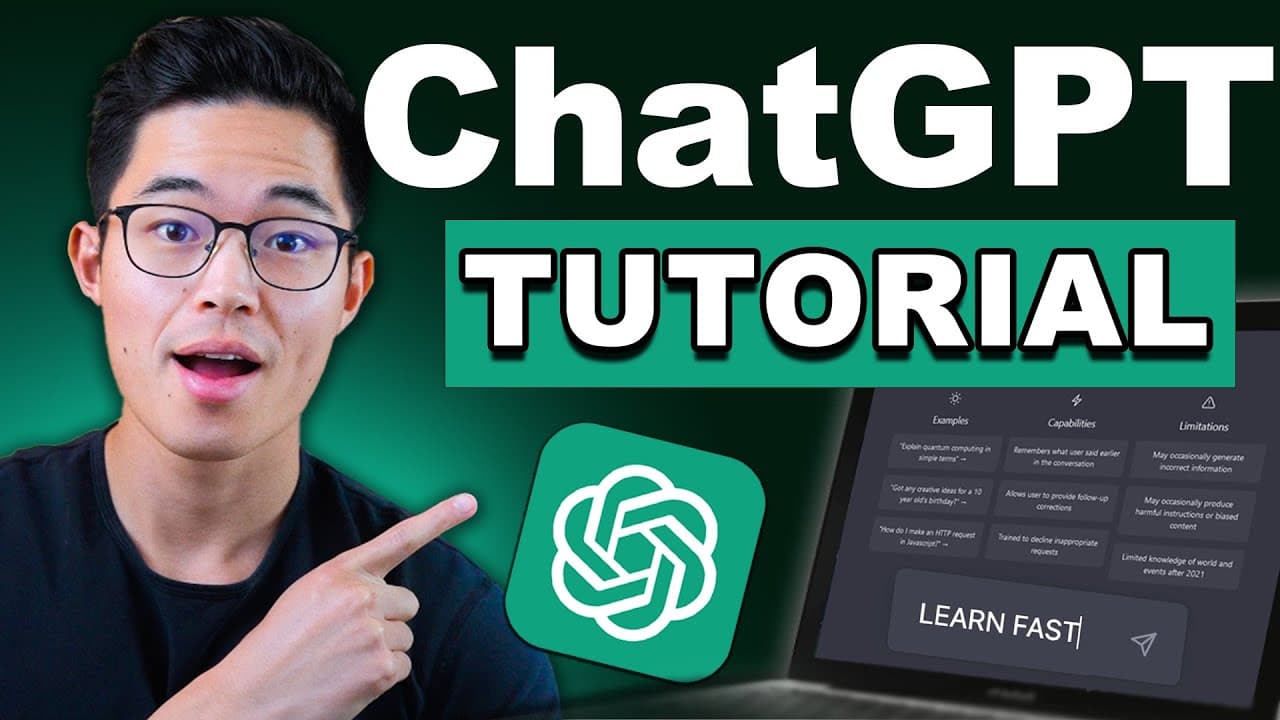
To use ChatGPT effectively, start by signing up at chat.openai.com and explore 15 key command prompts such as fact-finding, language translation, and creative writing. Remember, it excels at summarizing text, generating lists, and providing suggestions, but be aware of its limitations, as its data only goes up to September 2021. Always fact-check and provide feedback to improve its responses.
Transcript
hey everyone so this is going to be a completely free course on how you can use chat GPT I guarantee you if you watch this video from start to finish you'll become an expert chat gbt user we'll be going over 15 different types of command prompts that you guys can use yeah I think you're gonna be blown away by just how powerful chat GPT is and the w... Read More
Key Insights
- 🔍 Chat GPT has a wide range of applications and can be used for various purposes, ranging from specific facts and details to language translation and creative writing.
- 📲 To access Chat GPT, users can sign up for an account on chat.openai.com. The free version is available, but there are also paid options.
- 🧠 Chat GPT has limitations, with data only available up until September 2021. Users should fact-check information obtained from Chat GPT and be aware that not all responses may be accurate.
- 💡 Chat GPT can provide suggestions, such as book recommendations, show recommendations, and ideas for activities.
- 🌍 Language translation is one of Chat GPT's strengths, as it can provide translations with context and social cues rather than just word-for-word translations.
- ⚖️ Comparing different things, such as the differences between iOS and Android or cats and dogs as pets, is another task that Chat GPT can perform effectively.
- ✍️ Chat GPT can assist with creative writing, whether it's generating short stories, songs, poems, or even email templates and responses.
- 📊 Chat GPT can help with research by generating lists, summarizing text, providing feedback on written content, and brainstorming ideas for various topics.
Install to Summarize YouTube Videos and Get Transcripts
Explore YouTube Video Summarizer or Get YouTube Transcript Extractor
Questions & Answers
Q: How can I sign up for a Chat GPT account?
To sign up for a Chat GPT account, visit chat.openai.com and click on "Sign up." You can create an account using your email address or by signing in with Google or Microsoft accounts. After confirming your email, you will have access to your Chat GPT account.
Q: What is the difference between Chat GPT's fact-finding feature and searching on Google?
The fact-finding feature of Chat GPT is like having a conversation and receiving summarized information from various sources, while searching on Google requires browsing through multiple websites. Chat GPT provides a contextual and summarized response, making it a more efficient way to obtain specific facts or details.
Q: Can Chat GPT provide language translation services like Google Translate?
Chat GPT offers language translation services and can provide translations that consider context and social cues, resulting in more accurate and natural translations compared to Google Translate. It can translate spoken languages as well as written text.
Q: How can Chat GPT help with creative writing?
Chat GPT is an excellent tool for creative writing. It can generate short stories, songs, poems, and even help with writing emails, creating blog articles, writing jokes, and much more. By providing prompts and specific requirements, Chat GPT will generate creative and original content.
Q: Can Chat GPT summarize lengthy texts or provide feedback on written content?
Yes, Chat GPT can summarize long pieces of text, making them more concise and digestible. It can also provide feedback on written content, suggesting improvements, highlighting strengths, and even offering to rewrite the text. This feature is valuable for essay grading, proofreading, writing mentorship, and more.
Q: How can Chat GPT be used for idea generation and brainstorming?
Chat GPT can help generate ideas for various purposes, including business ideas, event planning, service recommendations, and more. By providing prompts and specific criteria, Chat GPT will suggest ideas, generate business names, create lists, and offer step-by-step guidance.
Q: Can Chat GPT provide explanations on different concepts or answer questions on specific topics?
Yes, Chat GPT can explain concepts and provide answers to specific questions or topics. Whether it's mathematical formulas, scientific studies, pros and cons of certain subjects, or providing quotes, Chat GPT can offer well-informed and detailed responses.
Q: How can Chat GPT assist with role-playing and mentorship?
Chat GPT can simulate conversations, helping with role-playing scenarios like job interviews, language practice, or learning new subjects. It can act as a mentor, providing advice, answering questions, giving feedback, and offering guidance in various situations.
Q: What tips can enhance the effectiveness of using Chat GPT?
Be specific and clear in your prompts, provide feedback to improve answers, be patient with the AI's responses, communicate with it like a journalist, and make use of follow-up questions for better understanding. Additionally, understand that Chat GPT is a valuable tool but cannot provide accountability on its own.
Summary & Key Takeaways
-
The video provides a comprehensive guide on how to use Chat GPT effectively, covering 15 different command prompts.
-
It explains how to sign up for an account and navigate the Chat GPT dashboard.
-
The video demonstrates various command prompts, such as fact-finding, suggestions, translation, creative writing, summarizing, role-playing, providing feedback, brainstorming ideas, explaining concepts, generating lists, and seeking mentorship.
Read in Other Languages (beta)
Share This Summary 📚
Summarize YouTube Videos and Get Video Transcripts with 1-Click
Try YouTube Summary with ChatGPT & Claude or YouTube Transcript Generator
Explore More Summaries from Charlie Chang 📚




Summarize YouTube Videos and Get Video Transcripts with 1-Click
Try YouTube Summary with ChatGPT & Claude or YouTube Transcript Generator