Top 5 Android 12 Features: Huge Redesign!
TL;DR
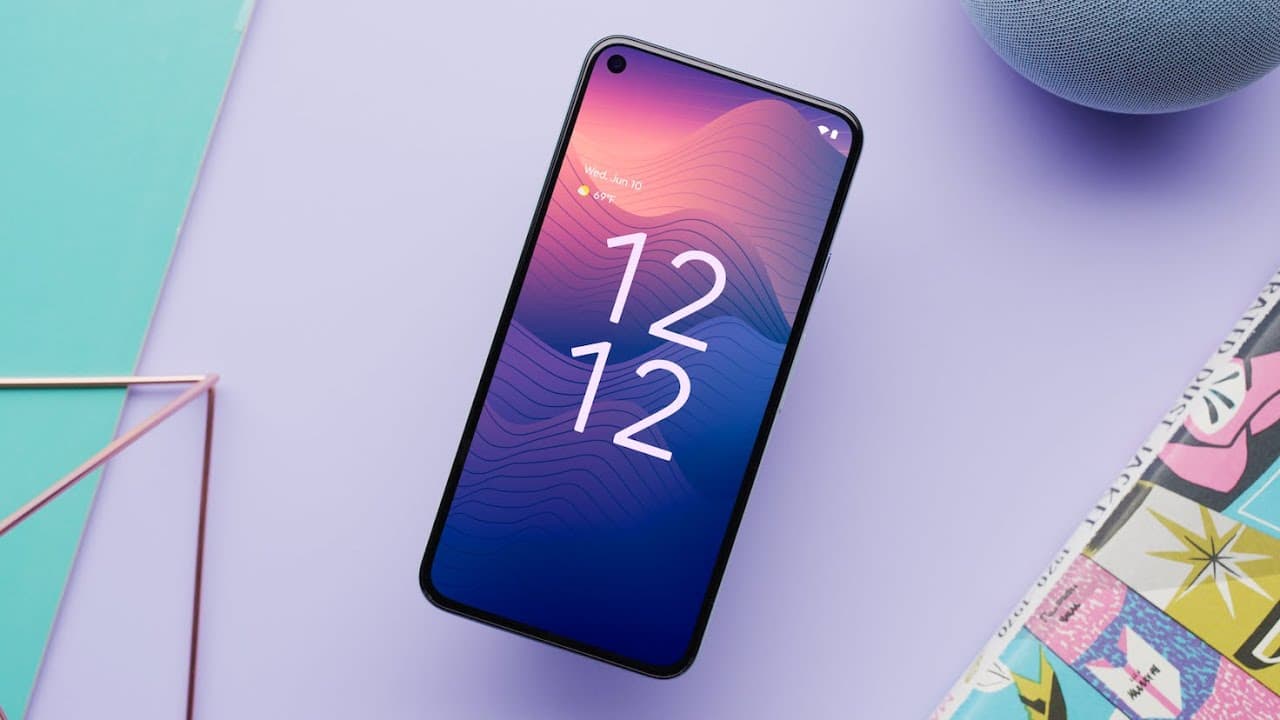
Android 12’s top five changes are smoother performance, redesigned widgets, expanded privacy controls, revamped quick settings, and the Material You visual overhaul. Google streamlined CPU time for core system services by 22%, while new camera and microphone indicators, access toggles, and a privacy dashboard give users more control. Read on for a focused breakdown of how each change affects the Android experience.
Transcript
hey what's up mkbhd here and it is that time of year where we've got a new version of android and all the fun stuff that comes with it now we usually have a name for the version as well it's usually named after a suite like marshmallow or kitkat or oreo jelly bean something like that uh i guess that got a little too crazy because now we're just on ... Read More
Key Insights
- 🎨 Android 12 represents the most significant redesign of the operating system, with changes to both the visual design and functionality.
- 💨 Performance improvements aim to make Android smoother and faster on all devices.
- 👶 New widgets and a redesigned widget selector enhance user experience.
- 🎮 Android 12 introduces commendable privacy controls, including indicators for camera and microphone access, a privacy dashboard, and location permission customization.
- 🌥️ Quick settings receive a visual overhaul, with larger toggles and a separate brightness slider. The UI for network connections is also consolidated.
- 🆕 The Material You aesthetic introduces a fresh look to Android 12, with larger touch targets, a new power button menu, customizable colors, and aesthetics that match the device's wallpaper.
- ❓ The update is specific to Pixel devices for now but will likely have variations for other Android devices.
Install to Summarize YouTube Videos and Get Transcripts
Explore YouTube Video Summarizer or Get YouTube Transcript Extractor
Questions & Answers
Q: What are the top five Android 12 features?
The five highlighted changes are smoother performance, redesigned widgets, expanded privacy controls, revamped quick settings, and the Material You aesthetic. Together, they constitute what MKBHD describes as potentially Android’s biggest redesign since the beginning.
Q: How does Android 12 improve performance?
Google streamlined the CPU time used by core system services by 22%. The change is intended to make Android 12 feel smoother, with less jitter, jank, and stuttering across both older and newer hardware.
Q: What changed about widgets in Android 12?
Android 12 introduces a new widget selector and a completely redesigned set of widgets. The selector previews every widget supplied by an app before it is added to the home screen, removing the need to guess how it will look.
Q: What privacy controls does Android 12 add?
Android 12 adds camera and microphone activity indicators, optional system-wide access toggles, and a privacy dashboard. It also provides location-permission customization, including control over whether an app receives precise or approximate location information.
Q: How do Android 12’s camera and microphone indicators work?
Green indicators appear in the top-right corner when an app accesses the camera or microphone. Swiping down and tapping the indicator opens the responsible app’s permissions, where that access can be removed.
Q: Can Android 12 block camera or microphone access for every app?
Yes. Optional Quick Settings toggles can immediately disable camera or microphone access for all apps, and no app regains access until the user enables it again.
Q: What does the Android 12 privacy dashboard show?
The privacy dashboard displays a timeline of which apps accessed information or sensors such as location, camera, and microphone, along with when access occurred. This can expose apps operating unexpectedly in the background so their access can be removed.
Q: What is Material You in Android 12?
Material You is Android 12’s new visual aesthetic, featuring larger buttons, sliders, toggles, and touch targets. It also supports customizable styles and accent colors that match the device’s wallpaper.
Summary & Key Takeaways
-
Android 12 is the most significant redesign of the operating system since its inception, with a completely new visual overhaul.
-
The update improves performance, making the system smoother and faster, regardless of the hardware.
-
New features include redesigned widgets, enhanced privacy controls, revamped quick settings, and a new Material You aesthetic.
Read in Other Languages (beta)
Share This Summary 📚
Summarize YouTube Videos and Get Video Transcripts with 1-Click
Try YouTube Summary with ChatGPT & Claude or YouTube Transcript Generator
Explore More Summaries from Marques Brownlee 📚





Summarize YouTube Videos and Get Video Transcripts with 1-Click
Try YouTube Summary with ChatGPT & Claude or YouTube Transcript Generator