How to Add a Pause Functionality in Python Games
TL;DR
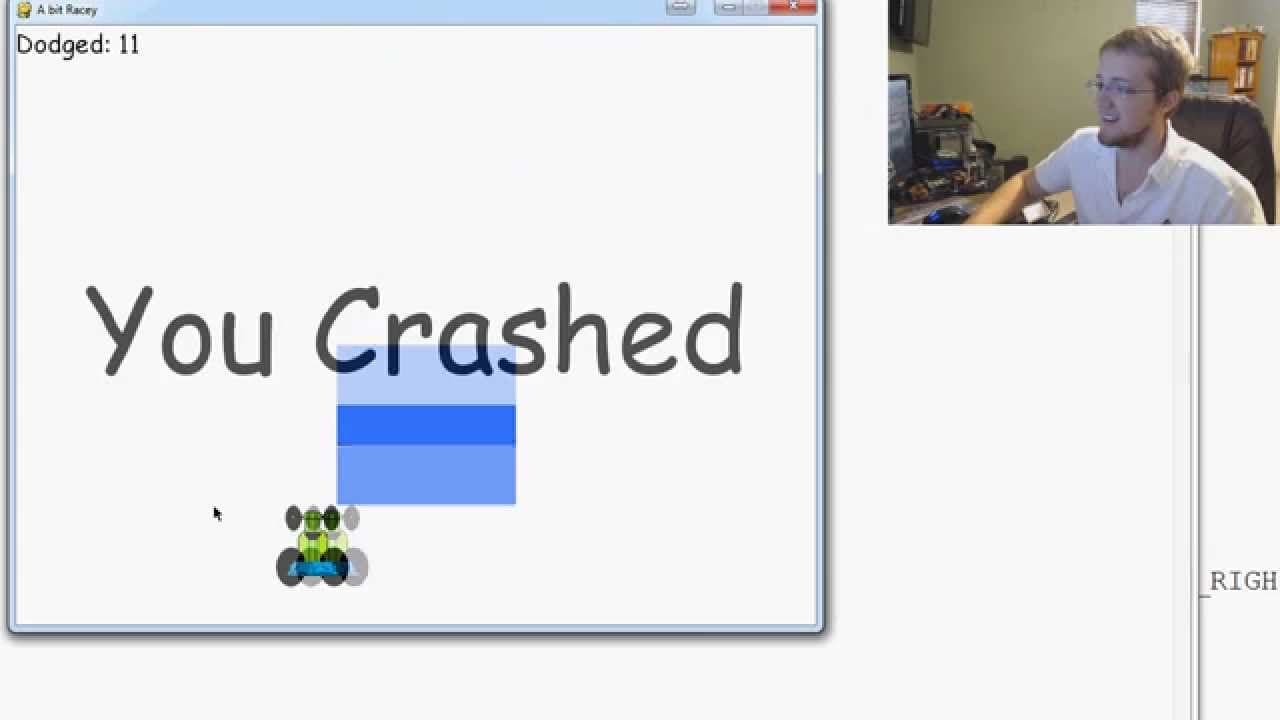
To add a pause functionality in Python games using PyGame, implement a pause screen with buttons instead of relying on keyboard events. Manage the pause state with a global variable, which allows for seamless transitions between the pause and game loop. Users can resume the game through the pause menu, enhancing the overall user experience.
Transcript
hey guys what's going on welcome to another hugging tutorial video in this video we're going to be doing is adding a pause functionality to our game so the pause functionality is going to be a lot very similar to where is the game intro screen so basically the pause just we just want to run pause for as long as we're paused and then when we're done... Read More
Key Insights
- 🎮 The video tutorial demonstrates how to add a pause functionality to a game using buttons instead of keyboard events.
- ⏯️ The use of a global variable helps control the pause state and allows for a seamless transition between the pause and game loop.
- 🤩 The tutorial also emphasizes the importance of distinguishing between uppercase and lowercase characters when defining key events.
- ⏯️ Adding buttons to the pause screen provides a more user-friendly experience by eliminating the need for keyboard inputs.
- ⏯️ The video addresses the challenge of exiting the pause loop and suggests using a global variable to toggle the pause state.
- ⏯️ The tutorial highlights the advantage of using functions, such as "unpause," to simplify the pause functionality implementation.
- 🎮 The video discusses the possibility of extending the button functionality to the crash page of the game to provide options for replaying or exiting the game.
Install to Summarize YouTube Videos and Get Transcripts
Explore YouTube Video Summarizer or Get YouTube Transcript Extractor
Questions & Answers
Q: How is the pause functionality different from the game intro?
The pause functionality runs within the game loop, while the game intro runs before the game loop. Both pause and game intro screens are similar in structure.
Q: What happens when the user presses a keyboard event to exit the pause screen?
When a keyboard event (except for the exit window event) is detected, the game fills the screen with white and displays a "paused" message. A button labeled "continue" is also shown.
Q: How is the "continue" button functionality implemented?
Upon clicking the "continue" button, the game unpauses by setting the global pause variable to false. This allows the game to continue from where it left off within the game loop.
Q: How does the pause functionality handle quitting the game?
The game allows the user to quit by clicking the "quit" button on the pause screen. This will exit the game without resuming the game loop.
Summary & Key Takeaways
-
The video focuses on adding a pause functionality to a game by incorporating a pause screen between the game intro and the game loop.
-
The pause functionality is implemented using buttons instead of keyboard events.
-
The video also addresses the challenge of exiting the pause loop and provides a solution by using a global variable.
Read in Other Languages (beta)
Share This Summary 📚
Summarize YouTube Videos and Get Video Transcripts with 1-Click
Try YouTube Summary with ChatGPT & Claude or YouTube Transcript Generator
Explore More Summaries from sentdex 📚






Summarize YouTube Videos and Get Video Transcripts with 1-Click
Try YouTube Summary with ChatGPT & Claude or YouTube Transcript Generator