How to Set Up a Meta Business Manager Account (Facebook Business Manager)
TL;DR
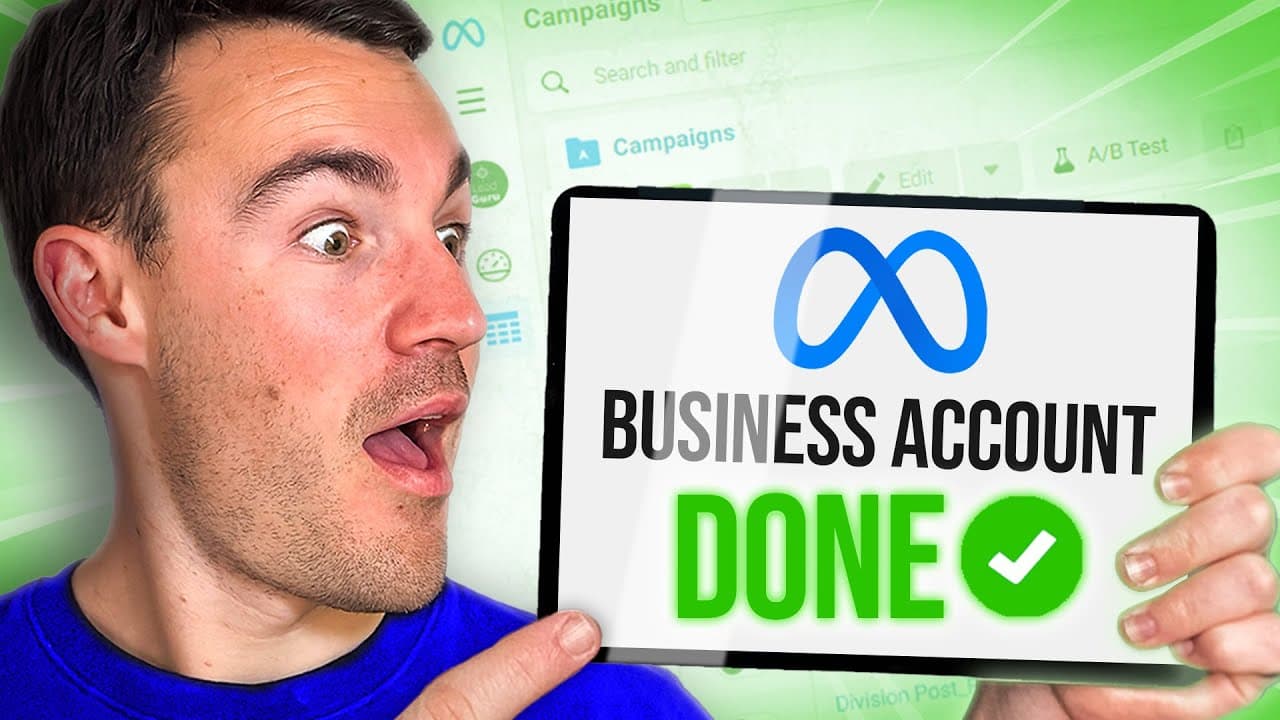
Learn to efficiently set up a Meta Business Manager account.
Transcript
in this video I'm going to show you how to create a meta business account what used to be called a Facebook business manager account and I'd strongly recommend that if you are going to be advertising on Facebook and Instagram that you get a proper business account set up a business account is effectively one Central Hub where you can organize all o... Read More
Key Insights
- Setting up a Meta Business Manager account is crucial for organizing Facebook and Instagram advertising assets efficiently, providing a central hub for management.
- A proper business account setup reduces the risk of ad account disabling and hacking, ensuring smoother advertising operations.
- The setup process involves visiting business.facebook.com and creating an account using a personal Facebook profile for accountability.
- Adding assets like Facebook pages, Instagram accounts, and ad accounts is essential for managing and running successful ad campaigns.
- The Meta Business Suite serves as a central location for managing various business assets such as ad accounts, pages, and profiles.
- Adding team members to the business account allows for collaborative management, with options to assign different access levels based on roles.
- Including payment methods in the Meta Business Suite is mandatory for running ad campaigns, ensuring seamless billing and financial management.
- The video emphasizes the importance of setting up the business manager correctly as a foundation for successful Facebook and Instagram advertising.
Install to Summarize YouTube Videos and Get Transcripts
Explore YouTube Video Summarizer or Get YouTube Transcript Extractor
Questions & Answers
Q: Why is setting up a Meta Business Manager account important?
Setting up a Meta Business Manager account is crucial for organizing and managing all your Facebook and Instagram advertising assets efficiently. It acts as a central hub where you can add and manage Facebook pages, ad accounts, and Instagram profiles. Proper setup reduces the risk of ad account disabling and hacking, ensuring smoother advertising operations and better management of access for team members.
Q: How do you create a Meta Business Manager account?
To create a Meta Business Manager account, visit business.facebook.com and click on 'Create an Account.' You need to be logged into your personal Facebook profile for accountability. Enter your business name, email, and follow the simple steps to set up your account. This process provides a centralized platform for managing your advertising assets on Facebook and Instagram.
Q: What assets can be managed through the Meta Business Suite?
The Meta Business Suite allows you to manage various business assets such as Facebook pages, ad accounts, Instagram profiles, and WhatsApp accounts. It provides a centralized location for managing these assets, enabling you to add, organize, and control access to them efficiently. This setup is essential for running successful ad campaigns and managing your digital marketing efforts effectively.
Q: How can team members be added to the business account?
To add team members to your business account, go to the settings in the Meta Business Suite and click on 'Add People.' Enter the email address of the person you want to add and assign them a role, such as employee or admin. You can also specify which business assets they can access. This feature allows for collaborative management and ensures that team members have the appropriate level of access based on their roles.
Q: What is the importance of adding payment methods in the Meta Business Suite?
Adding payment methods in the Meta Business Suite is essential for running Facebook and Instagram ad campaigns. Meta requires payment information to be set up to process billing for ad spend. This setup ensures seamless financial management and allows you to track expenses, view invoices, and manage outstanding balances. Proper billing setup is crucial for uninterrupted advertising operations.
Q: What should you do if you already have a Facebook page or ad account?
If you already have a Facebook page or ad account, you can add them to your Meta Business Manager account by claiming them. For a Facebook page, enter the page name or URL in the 'Claim a Facebook Page' section. For an ad account, copy the ad account ID from Ads Manager and add it to your business account. This integration allows you to manage existing assets within the centralized platform.
Q: How does the video emphasize the importance of proper setup?
The video emphasizes the importance of proper setup by highlighting the benefits of having a well-organized Meta Business Manager account. It explains how correct setup reduces risks such as account disabling and hacking, provides a centralized location for managing assets, and facilitates collaborative management by allowing team members to be added with appropriate access levels. Proper setup is presented as the foundation for successful Facebook and Instagram advertising.
Q: What additional resources does the video offer for learning about Facebook Ads?
The video offers additional resources for learning about Facebook Ads, including links to tutorials and mentorship opportunities. It provides a link to a comprehensive Facebook Ads tutorial for beginners and offers mentorship and done-for-you services through Ben Heath's marketing agency, Heath Media. These resources aim to help viewers achieve better results with their digital marketing efforts by providing in-depth knowledge and professional support.
Summary & Key Takeaways
-
This video tutorial guides viewers through the process of setting up a Meta Business Manager account, formerly known as Facebook Business Manager. It highlights the importance of having a centralized hub for managing Facebook and Instagram advertising assets and explains how to set up and organize these assets efficiently.
-
The video outlines the steps involved in creating a Meta Business Manager account, including logging in with a personal Facebook profile, entering business details, and adding assets like Facebook pages and ad accounts. It emphasizes the importance of proper setup to minimize risks such as account disabling and hacking.
-
Additionally, the tutorial demonstrates how to add team members to the business account, assign roles, and manage billing information. It provides insights into using the Meta Business Suite for managing various business assets and highlights the benefits of having a well-organized advertising setup for achieving better results.
Read in Other Languages (beta)
Share This Summary 📚
Summarize YouTube Videos and Get Video Transcripts with 1-Click
Try YouTube Summary with ChatGPT & Claude or YouTube Transcript Generator
Explore More Summaries from Ben Heath 📚

Summarize YouTube Videos and Get Video Transcripts with 1-Click
Try YouTube Summary with ChatGPT & Claude or YouTube Transcript Generator