How to Learn Node.js: 7 Beginner Steps Explained
TL;DR
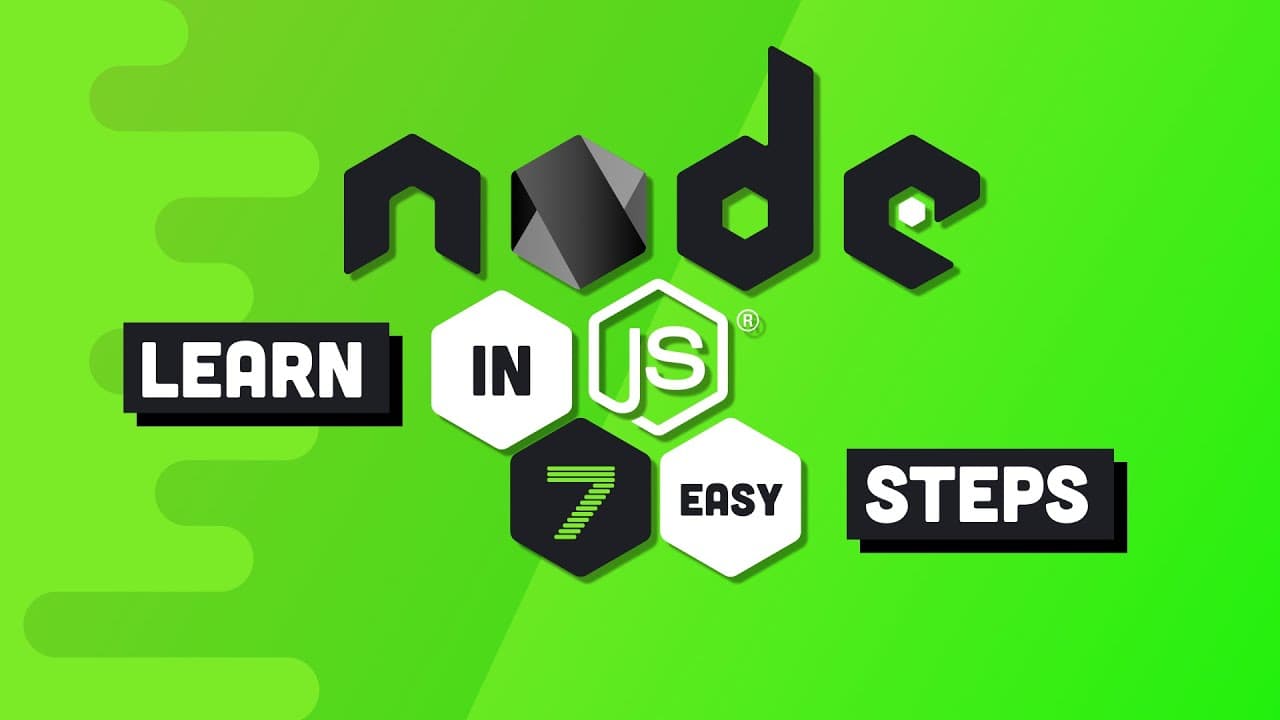
Node.js is a runtime that lets you run JavaScript on a server, not a programming language. Since its 2009 release it let developers write full stack applications in a single language. Beginners should learn Node over Deno because established tools rarely get replaced, and Node skills transfer to Deno anyway.
Transcript
one of the most valuable skills to have as a full stack web developer is without a doubt node.js and that's not going to change anytime soon but you might be wondering why I'm making a node tutorial in 2020 because if you've been watching the news you may have heard that node was killed last week by Deno when I lay my vengance upon making the extre... Read More
Key Insights
- Node.js is not a programming language but a runtime that allows you to run JavaScript on a server, which previously could only run inside a web browser after JavaScript first appeared in the 1990s.
- The initial release of Node.js in 2009 revolutionized web development because a web developer could suddenly write a full stack application in a single language, whereas most servers were previously written in Java or PHP.
- Beginners should learn Node over Deno because once something becomes as established as Node it does not get replaced, and those skills will mostly transfer to Deno anyway, so learning Node is the safe choice.
- The default entry point into a Node.js app is the index.js file, and code inside it runs with the node command followed by the file path, or just the parent directory since it is an index file.
- Node.js is an asynchronous event-driven runtime whose event loop pushes intensive operations to a separate thread, keeping only fast non-blocking operations on the main thread, making it suitable for high-throughput real-time applications and web servers.
- Callbacks get their name because the function is not called the first time Node sees it; it only runs after an event like the process exit event occurs at some point in the future, registered using on with a callback as the second argument.
- Node's built-in file system module FS can read, write, and delete files, and functions ending in sync are blocking, meaning they finish all work before any other code runs, while callback and promise versions are non-blocking.
- A module is nothing more than a JavaScript file that exports its code, and Node ships with built-in modules like fs and events that you import using the require function.
Install to Summarize YouTube Videos and Get Transcripts
Explore YouTube Video Summarizer or Get YouTube Transcript Extractor
Questions & Answers
Q: What is Node.js and why would you use it?
Node.js is not a programming language but a runtime that allows you to run JavaScript on a server. When JavaScript first came around in the 1990s it was designed as a simple scripting language to run only in the browser. Node lets developers write a full stack application in a single language, for example handling a request, reading a file from the server's file system, and responding with HTML to the client's browser.
Q: Should I learn Node or Deno as a beginner?
The answer is Node, especially if you want to get a job or build a product. When something becomes as established as Node it does not get replaced. The video compares this to failed predictions that GraphQL would replace REST or that Node would replace PHP, which never panned out and were built on hype. Deno is still considered awesome with a bright future, and Node skills will mostly transfer to Deno tomorrow, so both is good.
Q: How do you install Node.js?
Node can be installed on Windows, Mac, or Linux and is probably already installed on your system. You can check by running node with the -V flag from the command line, which in the video shows version 12.16, the current long-term support version. Even if Node is installed, it is a good idea to use node version manager (NVM), with an NVM package for Mac and Linux or a separate package for Windows, to install and switch between any Node version you want.
Q: How do you run your first Node Hello World program?
One way is repl mode, which stands for read evaluate print loop; typing node into the command line lets you run JavaScript and print results, for example console.log('hello world'), then Ctrl+C twice to exit. In most cases you run code from an actual file. The default entry point is index.js, so create that file, add a console.log, and run it with the node command followed by the file path, or just point to the parent directory.
Q: What are the important globals in the Node runtime?
Node has built-in identifiers called globals. Console is used to log values to the terminal. Global is a namespace available throughout the entire node process, comparable to the window object in the browser, so a property assigned to it can be accessed anywhere. The most important global is process, which gives access to the currently running node process; you might use it to check the current platform or operating system, or grab an environment variable from your server.
Q: How do events and callbacks work in Node.js?
Node is described as an asynchronous event-driven runtime that implements an event loop, pushing intensive operations to a separate thread so only fast non-blocking operations run on the main thread. You listen to events using on and register a callback function as the second argument. For example, before a node process finishes it emits an exit event. The name callback comes from the function only being called after the event occurs later. You can also create custom events by importing EventEmitter from the events module.
Q: What is the difference between blocking and non-blocking file reads in Node?
Node has a built-in file system module called FS that can read, write, and delete files in blocking or non-blocking ways. Functions ending in sync, like readFileSync, are blocking, meaning they finish all their work before any other code runs. The callback-based readFile is non-blocking; Node registers the callback, executes the rest of the script, then runs the callback once the file is read. A promise-based solution from the promises namespace is also asynchronous and non-blocking, producing cleaner code, especially with async await syntax.
Q: What is a module in Node.js?
A module is nothing more than a JavaScript file that exports its code. Node ships with a bunch of built-in modules, such as fs for the file system and events for event emitters, which the video already demonstrated. You bring these into your code using the require function, which was used in the earlier file system and event examples. This module system is what lets you organize and reuse code across a Node application built from these building blocks.
Summary & Key Takeaways
-
Node.js is a runtime released in 2009 that lets developers run JavaScript on a server rather than only in the browser. This revolutionized web development because a single language could now power a full stack application, replacing the need for separate server languages like Java or PHP.
-
For beginners choosing between Node and Deno, the answer is Node, especially to get a job or build a product. Established technologies rarely get replaced, similar to failed predictions that GraphQL would replace REST or Node would replace PHP, and Node skills transfer to Deno.
-
The tutorial covers seven steps: understanding Node, installing it with node version manager, running Hello World in an index.js file, learning globals like console, global, and process, handling events and callbacks, using the FS module for blocking and non-blocking file reads, and modules.
Read in Other Languages (beta)
Share This Summary 📚
Summarize YouTube Videos and Get Video Transcripts with 1-Click
Try YouTube Summary with ChatGPT & Claude or YouTube Transcript Generator
Explore More Summaries from Fireship 📚





Summarize YouTube Videos and Get Video Transcripts with 1-Click
Try YouTube Summary with ChatGPT & Claude or YouTube Transcript Generator