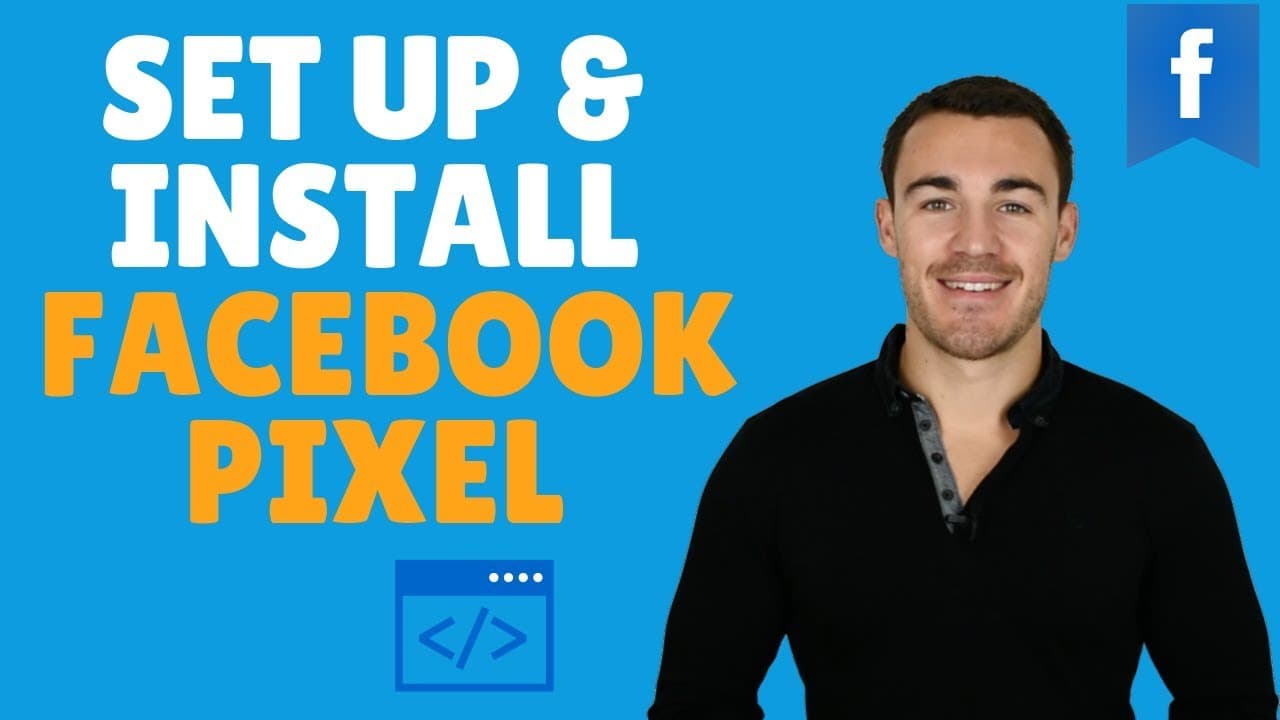
HOW TO SET UP & INSTALL THE FACEBOOK PIXEL
TL;DR
Learn to install Facebook Pixel for optimized ad campaigns.
Transcript
hi guys is Ben Heath from lead guru and in this video I'm gonna show you how to install the Facebook pixel now it's absolutely essential if you're advertising on Facebook that you do install the Facebook pixel and make sure that using it correctly because number one it allows you to optimize for whatever it is that you want to optimize your faceboo... Read More
Key Insights
- Installing the Facebook Pixel is essential for optimizing Facebook ad campaigns, allowing for better targeting and improved results.
- The Facebook Pixel enables retargeting, which can effectively convert website visitors who did not initially purchase or become leads.
- Facebook Pixel can be installed easily on various platforms like WordPress, Shopify, and others using plugins or direct integration.
- Using the Facebook Pixel, businesses can track user actions on their website and optimize for specific conversions like leads or purchases.
- Facebook Pixel Helper, a Chrome extension, helps verify if the Pixel is correctly installed on a website and tracks event codes.
- Event codes can be added to track specific actions, such as leads or purchases, providing valuable data on user interactions.
- Businesses can assign a monetary value to conversions, providing insights into the return on ad spend and optimizing ad strategies.
- The video provides a step-by-step guide on setting up the Facebook Pixel, emphasizing the simplicity and importance of proper installation.
Install to Summarize YouTube Videos and Get Transcripts
Explore YouTube Video Summarizer or Get YouTube Transcript Extractor
Questions & Answers
Q: What is the primary benefit of installing the Facebook Pixel?
The primary benefit of installing the Facebook Pixel is the ability to optimize Facebook ad campaigns effectively. It allows advertisers to track conversions, understand user behavior on their website, and retarget visitors who did not initially convert, ultimately leading to improved ad performance and better return on investment.
Q: How does the Facebook Pixel enable retargeting?
The Facebook Pixel enables retargeting by tracking visitors to your website and allowing you to serve ads to them again on Facebook. This is particularly useful for reaching users who showed interest but did not complete a desired action, such as making a purchase or signing up, increasing the chances of conversion on subsequent visits.
Q: What platforms are compatible with Facebook Pixel installation?
Facebook Pixel can be installed on various platforms, including WordPress, Shopify, Squarespace, Kajabi, and Magento. These platforms often have plugins or direct integration options that simplify the installation process, allowing businesses to easily set up the Pixel and start tracking user interactions on their websites.
Q: What is the role of the Facebook Pixel Helper?
The Facebook Pixel Helper is a Google Chrome extension that helps verify the installation of the Facebook Pixel on a website. It provides insights into whether the Pixel is working correctly and which events are being tracked, making it a valuable tool for ensuring that your Facebook Pixel setup is functioning as intended.
Q: How can event codes enhance the utility of the Facebook Pixel?
Event codes enhance the utility of the Facebook Pixel by allowing businesses to track specific user actions on their websites, such as leads, purchases, or page views. By understanding these interactions, advertisers can optimize their campaigns for desired outcomes, ensuring that their ads are more targeted and effective.
Q: Why is it beneficial to assign a value to conversions?
Assigning a value to conversions is beneficial because it provides insights into the financial impact of your Facebook ad campaigns. By understanding the value of each conversion, businesses can better assess their return on ad spend, make informed decisions about budget allocation, and optimize their advertising strategies for maximum profitability.
Q: What is the process for installing the Facebook Pixel on a WordPress site?
To install the Facebook Pixel on a WordPress site, navigate to the WordPress dashboard, select 'Plugins', and click 'Add New'. Search for a Facebook Pixel plugin, such as PixelYourSite, install and activate it, then paste your Facebook Pixel ID into the plugin settings. This process automatically installs the Pixel across your website, enabling tracking.
Q: How can businesses use the data collected by the Facebook Pixel?
Businesses can use the data collected by the Facebook Pixel to gain insights into user behavior, track conversions, and measure the effectiveness of their ad campaigns. This data helps in refining targeting strategies, optimizing ad creative, and making data-driven decisions to improve overall campaign performance and achieve business objectives.
Summary & Key Takeaways
-
The video explains the importance of installing the Facebook Pixel for optimizing Facebook ad campaigns. It highlights the benefits of retargeting and tracking user actions to improve ad performance and achieve specific objectives like lead generation or sales.
-
A detailed walkthrough demonstrates how to install the Facebook Pixel on a WordPress website using plugins, ensuring that even those without technical expertise can set it up. The video emphasizes the ease of installation on platforms like Shopify.
-
Key tools like the Facebook Pixel Helper are introduced, helping users verify Pixel installation and track events. The video also discusses assigning values to conversions to better understand and improve return on ad spend.
Read in Other Languages (beta)
Share This Summary 📚
Summarize YouTube Videos and Get Video Transcripts with 1-Click
Try YouTube Summary with ChatGPT & Claude or YouTube Transcript Generator
Explore More Summaries from Ben Heath 📚
Summarize YouTube Videos and Get Video Transcripts with 1-Click
Try YouTube Summary with ChatGPT & Claude or YouTube Transcript Generator