How to Use OpenBCI with Python for EEG Data Analysis?
TL;DR
To use OpenBCI for EEG data analysis with Python, start by unboxing the starter kit, which includes the headset and necessary components. Assemble the headset, ensure correct battery connections, and install the required Python packages like PI OpenBCI. Finally, use the GUI to visualize brainwave data and explore various brainwave frequencies for potential applications like controlling objects in video games.
Transcript
what's going on everybody and welcome to a video series that might have me more excited than any other series before most of because I don't know what I'm doing here I know some of the things that are possible but I don't know everything and it's gonna be a lot of stuff that I have to learn and hopefully we can learn together so what I've got here ... Read More
Key Insights
- 🤗 The Open BCI is an accessible and non-invasive EEG device that allows users to explore brainwave data without the need for invasive procedures.
- 🎮 EEG data can be used for a variety of purposes, including controlling objects in video games or monitoring brain activity during sleep.
- 🤗 The Open BCI starter kit provides the necessary components to get started with EEG data collection, including electrodes, conductive paste, and a headset.
- ☠️ Resampling the data and determining the appropriate sampling rate may be important for accurate analysis and interpretation of brainwave data.
- 🎒 Attention to detail, such as double-checking polarities when connecting the battery pack, is essential to avoid potential issues and ensure a smooth setup process.
Install to Summarize YouTube Videos and Get Transcripts
Explore YouTube Video Summarizer or Get YouTube Transcript Extractor
Questions & Answers
Q: What is the Open BCI and what can it do?
The Open BCI is a non-invasive EEG device that allows users to read brainwave data. It can be used to monitor and analyze brain activity, potentially enabling applications such as controlling objects in a video game.
Q: How does the Open BCI headset work?
The Ultra Cortex Mark 4 headset contains electrode spots where the user can place electrodes. The headset rests on the head and transmits brainwave data to a computer using Bluetooth technology. Ear clips are also provided for additional data collection.
Q: Can the Open BCI be used for other purposes besides EEG data?
Yes, besides EEG data, the Open BCI can also be used to read ECG and EMG data, which monitor heart and muscle activity, respectively. However, the presenter is primarily interested in EEG data.
Q: What are the potential challenges in using the Open BCI?
One challenge is the availability of a suitable battery pack, as the one provided by Open BCI may not be compatible with all devices. Another challenge is the data sampling rate, which may affect the accuracy and resolution of the brainwave data collected.
Summary & Key Takeaways
-
The video showcases the unboxing of the Open BCI starter kit, which includes electrodes, conductive paste, a battery pack, and the Ultra Cortex Mark 4 headset.
-
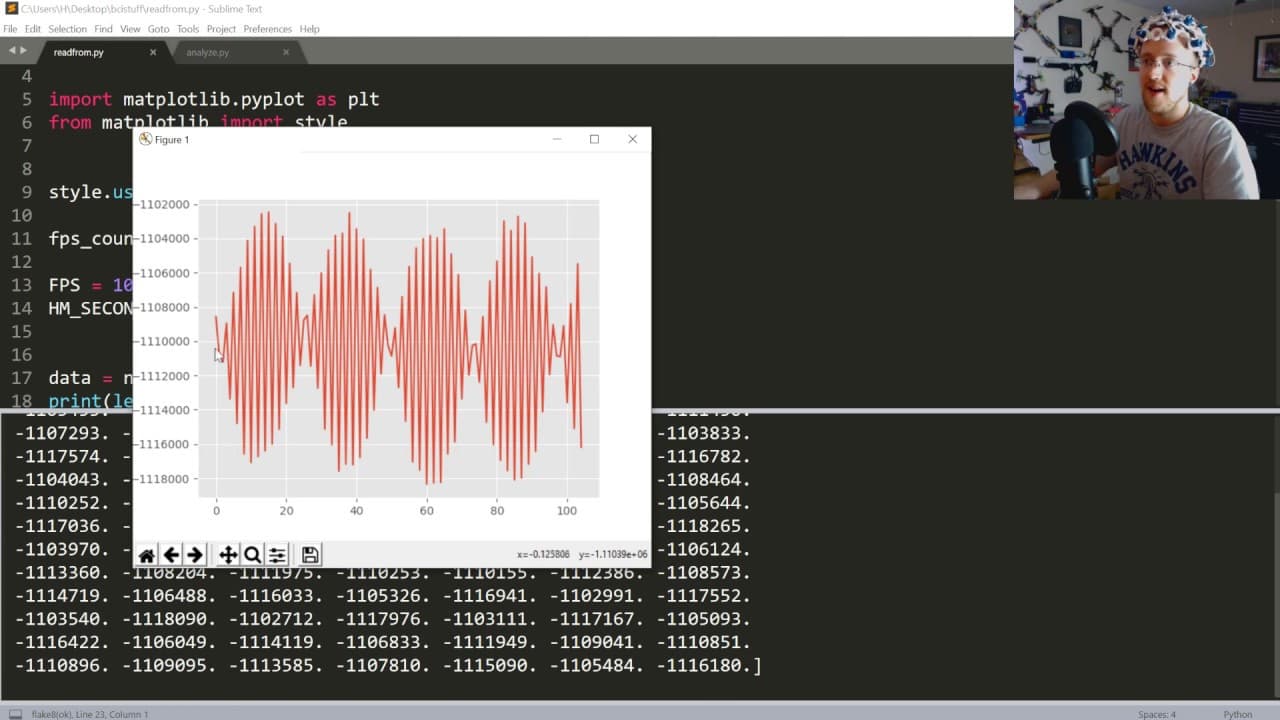
The presenter highlights the potential uses of EEG data, particularly in controlling objects in a video game, and explores different brainwave frequencies, such as delta, theta, alpha, beta, and gamma waves.
-
The video also covers data sampling rates and the challenge of resampling the data, as well as the importance of double-checking polarities when connecting the battery pack.
Read in Other Languages (beta)
Share This Summary 📚
Summarize YouTube Videos and Get Video Transcripts with 1-Click
Try YouTube Summary with ChatGPT & Claude or YouTube Transcript Generator
Explore More Summaries from sentdex 📚






Summarize YouTube Videos and Get Video Transcripts with 1-Click
Try YouTube Summary with ChatGPT & Claude or YouTube Transcript Generator