What Common Mistakes Should You Avoid With Vibe-Coded Websites?
TL;DR
Avoid blindly accepting AI-generated design choices that make vibe-coded websites generic, distracting, or difficult to use. Common problems include ubiquitous purple gradients, scroll effects that compete with the content, faint text, and hover states that hide controls or critical information. AI can also make distinctive, brand-reinforcing animations easier to build when each effect serves a clear purpose. Read on for practical rules illustrated by new.ai and Rosebud AI.
Transcript
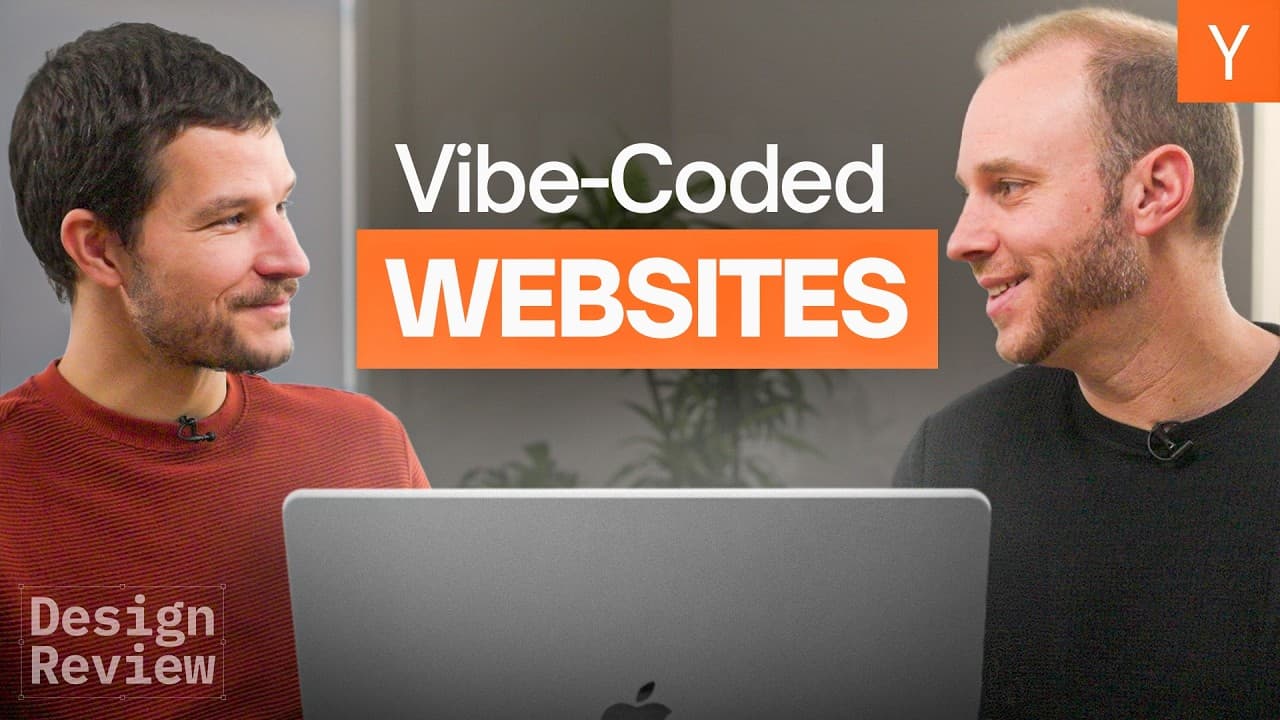
It's easier than ever to design with AI tools, but that doesn't mean you should always accept all changes. [music] So today, I'll be joined by Raphael Shod to look at the good, the bad, and the ugly of AI assisted design and sort through how to use these superpowers to stand out. Welcome to another design review. All right. Today I am thrilled to b... Read More
Key Insights
- AI tools simplify website design but can lead to overuse of common trends such as purple gradients and animations.
- Originality is often lost when AI-generated designs are not tailored to the brand's identity.
- Unnecessary animations and effects can distract users rather than enhance the user experience.
- Effective website design requires a balance between AI capabilities and human creativity.
- Designers should focus on clear messaging and usability, ensuring the site serves its purpose as a customer acquisition tool.
- QA is crucial to catch quirks and bugs that may arise from AI-generated designs.
- Hover effects should enhance usability, not obscure critical information or functionality.
- AI tools should be used to free designers from technical constraints, allowing them to focus on strategic design decisions.
Install to Summarize YouTube Videos and Get Transcripts
Explore YouTube Video Summarizer or Get YouTube Transcript Extractor
Questions & Answers
Q: What are the most common mistakes with vibe-coded websites?
Common mistakes include copying ubiquitous purple gradients, adding scroll effects that distract from the content, using text with insufficient contrast, and making hovered elements fade away. These choices can weaken originality, obscure functionality, and divert attention from the message intended to convert visitors into customers.
Q: Why do AI-generated startup websites often look alike?
LLMs are trained on prominent examples, including successful websites that receive many links. When a strong site establishes a trend such as a purple gradient, AI tools can quickly reproduce it across many startup sites, causing the trend to lose its specialness and originality.
Q: When does animation improve an AI-designed website?
Animation helps when it reinforces the brand or clarifies the point being communicated. On new.ai, animated cards—including two controllers connected by lightning—were praised as creative, distinctive, and relevant, unlike a moving line that followed the visitor and distracted from the page.
Q: How should hover effects work on vibe-coded websites?
Hover effects should make an element feel clickable and inviting, such as by making it pop, using a lighter shade, or adding a small glow. A hovered navigation item should not fade into the background, especially because the browser already changes the cursor to a hand to signal clickability.
Q: Why should critical features not be hidden behind hover effects?
Visitors should not have to hunt by hovering across an interface to discover important information or functionality. Hover also has no direct mobile equivalent, while long press is difficult to discover and never became a reliable substitute.
Q: How can AI-assisted design preserve brand originality?
Designers should judge whether each generated choice supports the company’s brand and message instead of accepting every AI suggestion. Rosebud AI and new.ai both used similar pink-purple styling, illustrating how an attractive trend can still make separate brands feel alike.
Q: What usability checks should designers perform on AI-generated websites?
Check whether text has enough contrast, navigation states remain visible, interactive elements clearly look clickable, and animations direct attention toward meaningful content. Also test whether essential information and controls remain discoverable without hover, particularly on mobile.
Q: What is the main benefit of using AI for website design?
AI makes professional-looking websites and technically demanding effects much easier to build, even for people who are not designers. That benefit is strongest when the saved implementation effort is used to create purposeful, compelling interactions rather than effects added simply because they are easy to generate.
Summary & Key Takeaways
-
AI tools in website design can lead to common mistakes, such as overused trends like purple gradients and unnecessary animations. These can detract from brand originality and user experience. Designers should focus on maintaining brand identity and usability, using AI as a tool to enhance creativity. (50 words)
-
Key to successful AI-assisted design is balancing AI capabilities with human creativity. This involves ensuring clear messaging, usability, and originality. Designers should use AI to free themselves from technical constraints, allowing them to focus on strategic design decisions that enhance customer engagement and conversion. (50 words)
-
QA is essential for AI-generated designs to catch quirks and bugs. Hover effects and animations should be used thoughtfully to enhance, not detract from, usability. AI tools should support designers in creating unique, engaging websites that effectively communicate the brand's message and convert visitors into customers. (50 words)
Read in Other Languages (beta)
Share This Summary 📚
Summarize YouTube Videos and Get Video Transcripts with 1-Click
Try YouTube Summary with ChatGPT & Claude or YouTube Transcript Generator
Explore More Summaries from Y Combinator 📚





Summarize YouTube Videos and Get Video Transcripts with 1-Click
Try YouTube Summary with ChatGPT & Claude or YouTube Transcript Generator