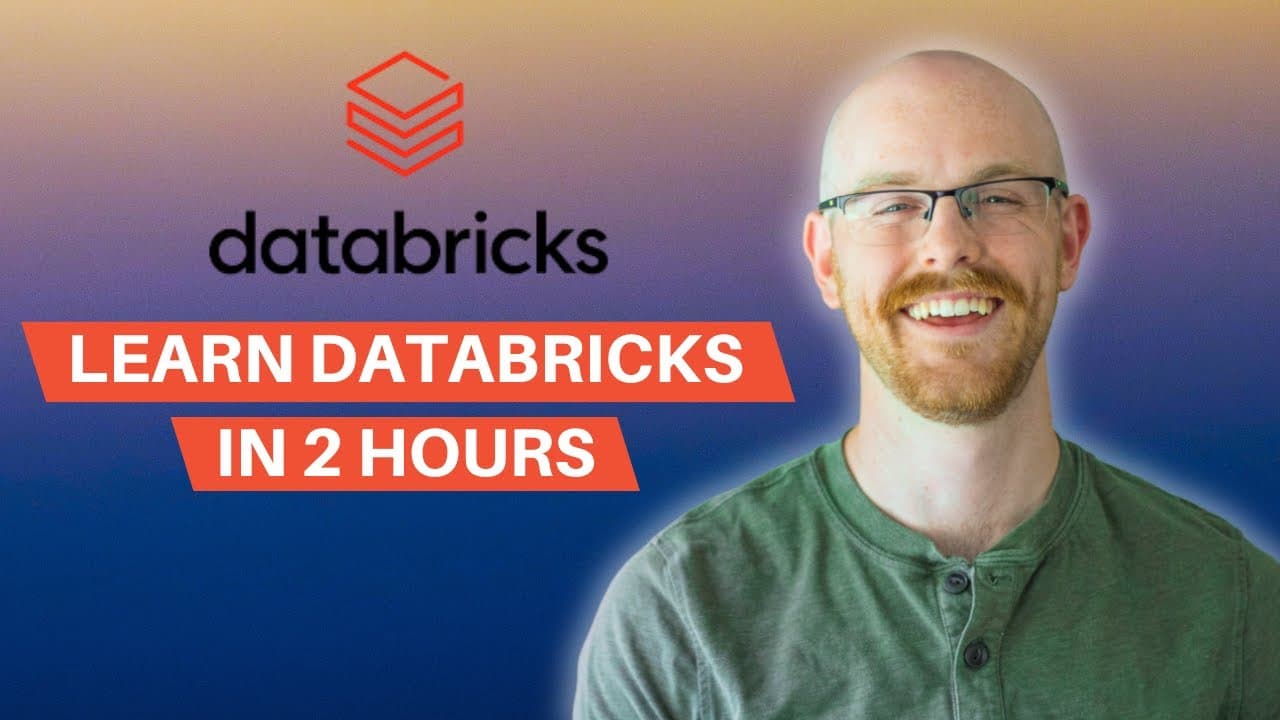
How to Learn Databricks in Under 2 Hours with Free Edition
TL;DR
You can learn Databricks in under two hours by following a structured walkthrough of Free Edition, from account setup and data importing to SQL, notebooks, visualizations, AI tools, and a full project. Registration requires only Google, Microsoft, or email login and no credit card. The course also explains workspaces, catalogs, pipelines, and serverless compute, so read on for direct answers about each core feature.
Transcript
What's going on everybody? Welcome back to another video. Today we're going to be learning data bricks in under two hours. Now, for the past 5 weeks, we've been diving into data bricks. And in this video, we're just putting all that together so you can follow along really easily. We're going to start by taking a quick walkthrough of data bricks and... Read More
Key Insights
- Databricks Free Edition costs nothing and takes no credit card information. You sign up with a Google account, a Microsoft account, or just an email, state what country you are from, and click continue, which the presenter describes as about as seamless as it can possibly be.
- Databricks is built on top of Apache Spark, which is why it handles large amounts of data well. It is designed so that entire teams of data engineers, data analysts, and data scientists can ingest, analyze, and visualize data collaboratively in one platform.
- The workspace is the place where you work and collaborate. You can give teammates access to your workspace so that any data, code, or visualizations you have created there become available to them without sending files back and forth.
- Catalog in Databricks works like a schema in a database. Underneath it sit all your tables, views, and stored procedures, and the samples section contains different databases you can click into to view the tables and files available within Databricks.
- Jobs and pipelines split into three pieces: an ingestion pipeline handles the extraction step of ETL, an ETL pipeline handles transforming and loading data into a table inside Databricks, and a job orchestrates when those pipelines run, whether daily, weekly, or monthly.
- The Free Edition offers no compute options beyond a serverless starter warehouse sized at 2X-Small. It stays inactive until you open something and start working with real data, at which point the serverless compute activates and is usable for free.
- A second compute type called generic compute exists but is not visible in the interface. It applies only to the specific case of running Python in a notebook, while the serverless compute covers most other work in the platform.
- Genie is the AI system inside Databricks that lets you get insights from your data using natural language. The SQL editor also has AI integrated into it, which helps with writing the base queries you would otherwise type out by hand.
Install to Summarize YouTube Videos and Get Transcripts
Explore YouTube Video Summarizer or Get YouTube Transcript Extractor
Questions & Answers
Q: How can I learn Databricks in under two hours?
Follow the combined five-week lesson, which starts with a platform walkthrough and then covers importing flat files, connecting data sources, using the SQL editor and notebooks, and visualizing data. It also introduces Genie and the AI assistant before finishing with a full project.
Q: How do I sign up for Databricks Free Edition?
Open the Free Edition signup page and sign in with Google, Microsoft, or an email address. No credit card information is required; after entering your name and country and clicking continue, the account is ready.
Q: What is Databricks built on, and what is the platform used for?
Databricks is built on Apache Spark, which makes it effective at handling large amounts of data. It gives data engineers, data analysts, and data scientists one collaborative place to ingest, analyze, and visualize data.
Q: What is a Databricks workspace?
A workspace is where you work and collaborate in Databricks. Teammates can receive access to the data, code, and visualizations stored there, allowing the team to share work without sending files back and forth.
Q: What is the catalog section in Databricks used for?
Catalog is similar to a database schema, with tables, views, stored procedures, and related objects beneath it. It provides organized access to databases, files, and tables, including the databases available in the samples section.
Q: What is the difference between an ingestion pipeline, an ETL pipeline, and a job?
An ingestion pipeline extracts data and brings it into the platform, while an ETL pipeline transforms and loads that data into a Databricks table. A job orchestrates when pipelines run, with schedules such as daily, weekly, or monthly.
Q: What compute is included in Databricks Free Edition?
Free Edition provides a serverless starter warehouse sized at 2X-Small, with no other visible compute choices. It remains inactive until you open data or run work that needs it, and then the serverless compute activates for free.
Q: What AI and data tools are covered in the Databricks course?
The course covers Genie, the AI assistant, SQL, Python, notebooks, data visualization, and interactive dashboards. Genie supports natural-language insights, while AI integrated into the SQL editor helps write the base queries that would otherwise be entered manually.
Summary & Key Takeaways
-
The video compiles five weeks of Databricks lessons into a single follow-along session. It covers a walkthrough of the platform, importing data from both flat files and connected data sources, using the SQL editor and notebooks, visualizing data, working with AI tools such as Genie and the AI assistant, and building a full project at the end.
-
Databricks is built on top of Apache Spark, which makes it strong at handling large amounts of data. It is designed for whole teams of data engineers, data analysts, and data scientists to work with data collaboratively, covering ingestion, analysis, and visualization all in one place rather than across separate tools.
-
The left-hand navigation covers the main areas: workspace for collaboration, catalog for databases and tables, jobs and pipelines for ingestion, ETL and orchestration, compute for the SQL warehouse, marketplace for partner connectors and free data, the SQL editor, saved queries, dashboards, and Genie for natural language insights.
Read in Other Languages (beta)
Share This Summary 📚
Summarize YouTube Videos and Get Video Transcripts with 1-Click
Try YouTube Summary with ChatGPT & Claude or YouTube Transcript Generator
Explore More Summaries from Alex The Analyst 📚



Summarize YouTube Videos and Get Video Transcripts with 1-Click
Try YouTube Summary with ChatGPT & Claude or YouTube Transcript Generator