How to Get Started with Arduino Programming
TL;DR
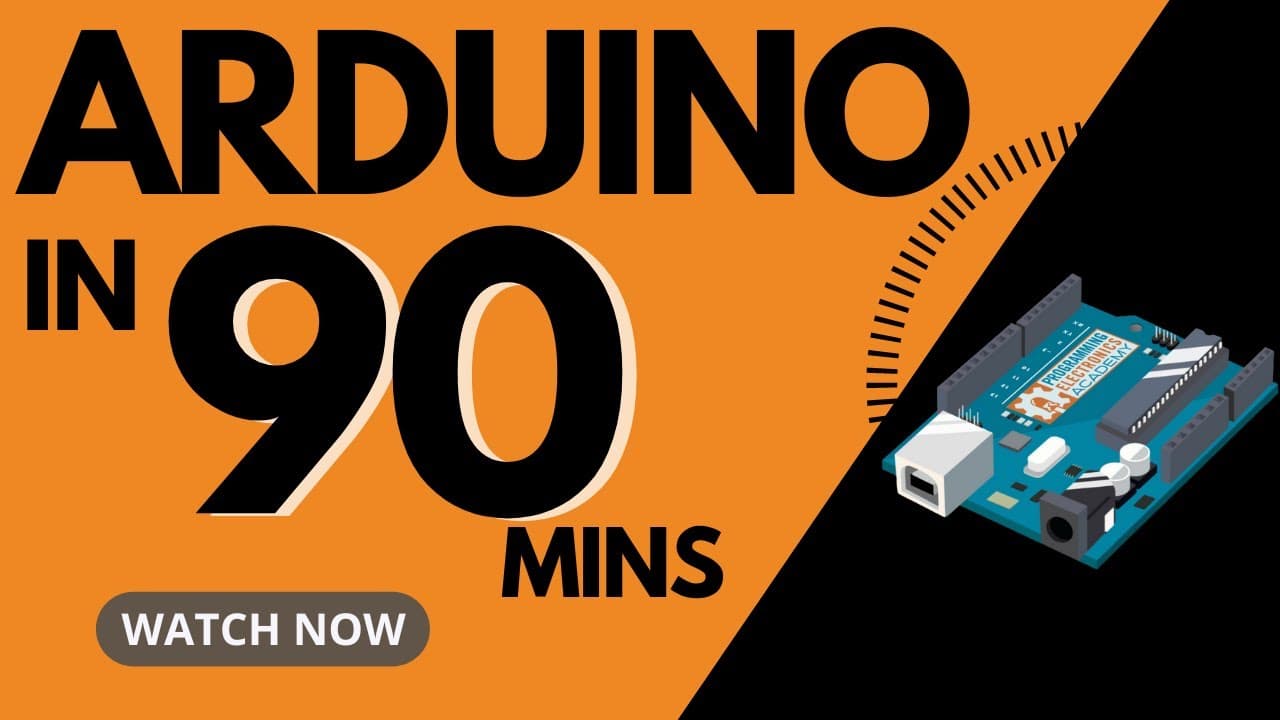
To start programming with Arduino, you'll need an Arduino board (preferably the Arduino Uno Rev 3), the Arduino IDE software, and knowledge of Arduino code (sketch). You can control inputs and outputs using this setup, allowing you to create various electronic projects. The Arduino IDE is user-friendly and supports programming logic necessary for effective coding.
Transcript
are you trying to figure out how to use arduino to build something cool well hey you're in luck because in this single workshop you're going to learn everything you need to get started with arduino by the time you're done here you're going to know what hardware to get and why you're going to know the ins and outs of an arduino board you... Read More
Key Insights
- 🔨 Arduino is a tool that helps control electronic devices with code, and it requires an Arduino board, the Arduino IDE software, and Arduino code.
- 🤖 Arduino boards come in different types, but the Arduino Uno Rev 3 is recommended for beginners.
- 💡 Inputs are devices that gather information, while outputs are devices that have some action in the world. Arduino can read inputs and control outputs.
- 💻 The Arduino IDE is the software used to write code for Arduino. It is free, easy to use, and compatible with different Arduino boards.
- 🔌 Arduino programming uses variables to store information, and control structures like if statements and switch cases to control the flow of code. ⏱ The delay function can stop the program for a set amount of time, and the analogWrite function is used for pulse width modulation (PWM) of output pins.
- 🌐 The Arduino Web Editor is an online option for programming Arduino boards and is particularly useful for Chromebook users.
- 🎛 The serial monitor tool in the Arduino IDE allows for communication between the Arduino board and the computer, displaying text output.
Install to Summarize YouTube Videos and Get Transcripts
Explore YouTube Video Summarizer or Get YouTube Transcript Extractor
Questions & Answers
Q: What is the purpose of an Arduino board in a project?
The purpose of an Arduino board is to control electronic components in a project using code. It acts as an interface between the inputs and outputs.
Q: How can you control the brightness of an LED using Arduino?
You can control the brightness of an LED using pulse width modulation (PWM), which adjusts the on and off time of the LED at a rapid pace. Arduino has a specific function called "analogWrite" that enables PWM control.
Q: Can you use any Arduino board with the Arduino IDE?
Yes, most Arduino boards are compatible with the Arduino IDE. They can be programmed using the same code structure and functions. However, different boards may have different features and capabilities.
Q: How do you choose the right Arduino board for a project?
The choice of Arduino board depends on the specific project requirements. The Arduino Uno Rev 3 is a popular choice for beginners due to its widespread support and availability of resources. Other boards offer additional features and capabilities for more advanced projects.
Q: Can Arduino code be easily transferred between different Arduino boards?
Yes, Arduino code can be transferred between different Arduino boards with some minor modifications. The core programming structure remains the same, but pin configurations and specific functions may need to be adjusted for different boards.
Q: What is the purpose of the Arduino IDE?
The Arduino IDE is a software tool that allows you to write, compile, and upload code to an Arduino board. It provides a convenient development environment specifically designed for programming Arduino.
Q: What is the advantage of using the Arduino web editor?
The Arduino web editor provides a cloud-based development environment for programming Arduino boards. It allows you to access your sketches and code from anywhere, making it particularly useful for Chromebook users or those in educational settings.
Summary & Key Takeaways
-
Arduino is a tool that allows you to control electronic components with code.
-
Inputs and outputs are the two main categories of electronic components that Arduino can control.
-
To get started, you need an Arduino board, the Arduino IDE (Integrated Development Environment), and the Arduino code (sketch).
Read in Other Languages (beta)
Share This Summary 📚
Summarize YouTube Videos and Get Video Transcripts with 1-Click
Try YouTube Summary with ChatGPT & Claude or YouTube Transcript Generator
Explore More Summaries from Programming Electronics Academy 📚
Summarize YouTube Videos and Get Video Transcripts with 1-Click
Try YouTube Summary with ChatGPT & Claude or YouTube Transcript Generator