How to Make YouTube Videos With Claude Code
TL;DR
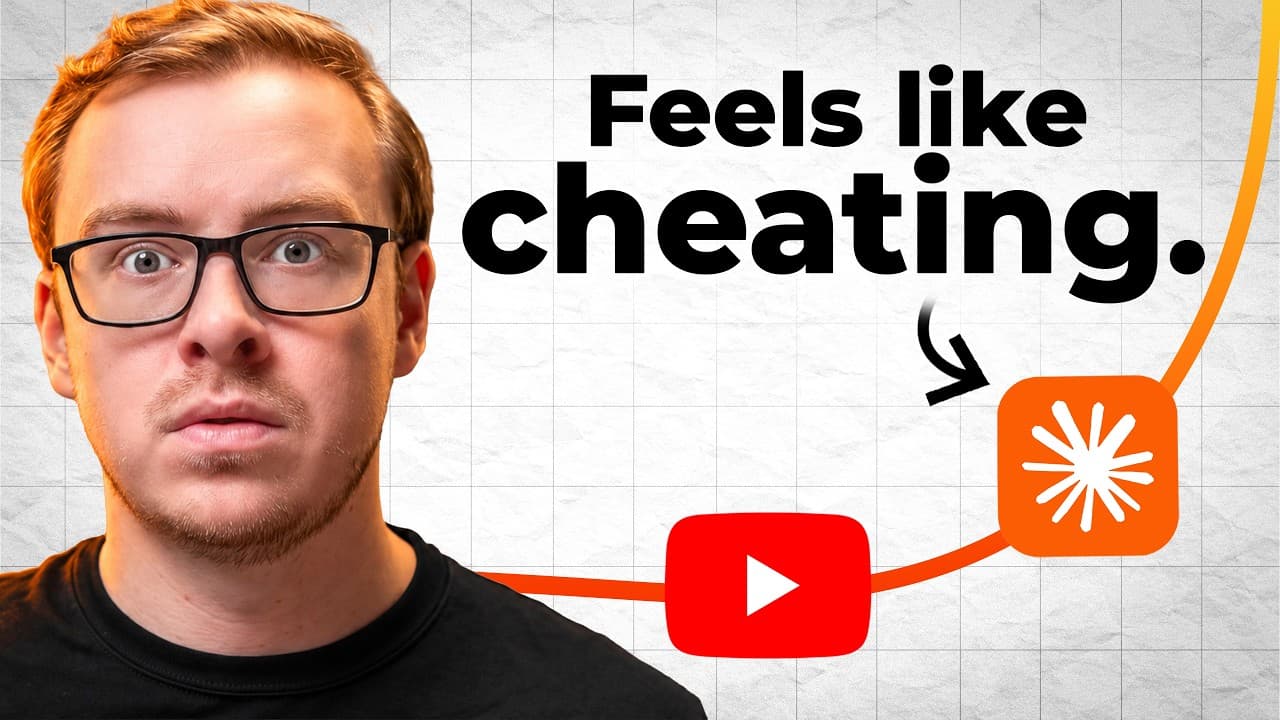
Use Claude Code to create simple visual slides, organize them in a dedicated project folder, and place one slide at each meaningful point in a script. The recommended workflow prioritizes strong ideas, clear explanations, authentic face-camera delivery, and useful visuals over elaborate animations or highly polished editing.
Transcript
Claude Code just changed how YouTube videos are made forever. And I promise there's a version of this in here that fits your exact life. And before I tell you anything, let me just go ahead and show you. This is a video that we put out called the number one Claude AI side hustle for people over 50. And about 4 minutes in, you'll see that Claude mad... Read More
Key Insights
- Claude Code is described as Claude with the ability to create files, folders, and automations directly on a computer. For video creators, that means it can generate slide files and other production assets from conversational instructions without requiring the creator to understand programming.
- A dedicated project folder is the foundation of the workflow because every generated asset is saved there. The setup involves adding a folder from Claude Code, creating and naming a new folder, opening it, and then using that location for subsequent video-production work.
- Voice input is the recommended way to communicate with Claude because creators can describe requests as if they were talking to another person. The presenter says he rarely types beyond a few words and recommends simply explaining the desired outcome or asking Claude what to do next.
- Claude Code can help diagnose setup problems by examining the connected directories, requesting necessary authorizations, and responding to questions about what went wrong. The suggested approach is to describe the problem directly and ask Claude either for instructions or for help fixing it.
- Simple and authentic teaching content is presented as more effective than heavily polished videos filled with motion graphics, flying elements, and sound effects. The transcript argues that elaborate editing can consume substantial effort without necessarily helping viewers understand the lesson.
- One slide per point is the central visual-design rule, because several sentences can contribute to one coherent idea. Instead of illustrating every sentence, creators should place a visual on screen whenever it helps the audience understand a meaningful point being made.
- Generated slides can be paired with the exact script lines they support, which makes placement easier during editing. In the demonstrated output, Claude created five slides for five points and listed the relevant lines so the creator could identify where each visual belonged.
- A strong video idea is treated as more important than production quality. The described blueprint moves from finding and validating ideas to developing a standout thumbnail, testing that thumbnail, writing the script, and assembling the complete process in the proper order.
Install to Summarize YouTube Videos and Get Transcripts
Explore YouTube Video Summarizer or Get YouTube Transcript Extractor
Questions & Answers
Q: How do you set up Claude Code for YouTube production?
Download the Claude desktop application from claude.com, install it, sign in, and select the Code option in the upper-left area. Next, add a folder, create a new project folder, and open it so Claude has a defined location for generated files. Test the setup by asking whether Code is working, then approve the authorizations it requests while checking the connected directory.
Q: What is Claude Code in this YouTube workflow?
Claude Code is described as Claude with hands: it does more than respond inside a chat window because it can build files, folders, and automations on the computer. Since slides and edited videos are ultimately files, the creator can describe the desired result conversationally and have Claude generate production assets, including multiple slides, inside a connected project folder.
Q: Do you need coding skills to make video assets with Claude Code?
Coding knowledge is not presented as a requirement for this workflow. The creator communicates with Claude in ordinary language, either by typing or using the microphone, and explains what should be built. The transcript says that anyone who can speak to another person on the phone can use the system, provided they remember to state the task or ask what to do next.
Q: How should you prompt Claude Code when something goes wrong?
Describe the problem directly and ask Claude what is happening or whether it can fix the issue. The transcript says that Claude can inspect the relevant directories, explain the necessary steps, and in many cases perform the correction. This approach is recommended for differences between computers, such as a process behaving differently on a PC than on the demonstrated Mac.
Q: How many slides should a YouTube video use?
The recommended rule is one slide per meaningful point, not one slide per sentence. A section may contain five sentences that all build toward one idea, in which case that section needs only one slide. The purpose of each visual is to help the viewer understand the point, so the number of slides should follow the structure of the ideas rather than the sentence count.
Q: How can Claude Code help place slides in a script?
Claude can generate a separate slide for each identified point and provide the script lines associated with every slide. That mapping shows the creator where each visual belongs during editing. In the demonstration, Claude produced five slides for five points, including concepts such as an empty lake, shallow holes, a domino, a house without a blueprint, and being three feet from gold.
Q: Why does the workflow avoid complicated video animations?
The transcript argues that audiences are tired of highly polished content packed with moving elements, sound effects, and motion graphics that may take hours to create without teaching anything useful. AI animation demonstrations can also hide the work of an experienced human editor who corrected mistakes. The recommended alternative is simpler, authentic production that places helpful visuals on screen when a real point needs clarification.
Q: What matters most when making YouTube videos with AI?
A strong idea and clear teaching are presented as more important than visual polish. AI should support the message by creating useful slides and reducing production work, not by adding unnecessary complexity. The broader blueprint referenced in the description includes finding video ideas, spotting proven concepts, developing a standout thumbnail, testing the thumbnail, writing the script, and following the complete workflow in the right order.
Summary & Key Takeaways
-
Claude Code is presented as Claude with the ability to create files, folders, and automations on a computer. After installing the desktop application, signing in, opening Code, and connecting a dedicated folder, creators can describe the assets they need through ordinary spoken instructions instead of writing code or manually using design software.
-
The slide workflow follows one central rule: create one slide for each meaningful point, not one slide for every sentence. Several sentences may build toward a single idea, so the visual should clarify that idea. Claude can also identify the corresponding script lines, helping creators determine where each generated slide belongs.
-
The broader production strategy favors clear, authentic content over elaborate editing. Simple slides and a face-camera layout can support teaching without requiring complex animation. The transcript argues that a strong idea matters more than production polish and outlines later stages involving idea discovery, proven concepts, thumbnails, testing, scripting, and workflow order.
Read in Other Languages (beta)
Share This Summary 📚
Summarize YouTube Videos and Get Video Transcripts with 1-Click
Try YouTube Summary with ChatGPT & Claude or YouTube Transcript Generator
Explore More Summaries from Shane Hummus 📚



Summarize YouTube Videos and Get Video Transcripts with 1-Click
Try YouTube Summary with ChatGPT & Claude or YouTube Transcript Generator