How to Remove Image Backgrounds Using PyTorch
TL;DR
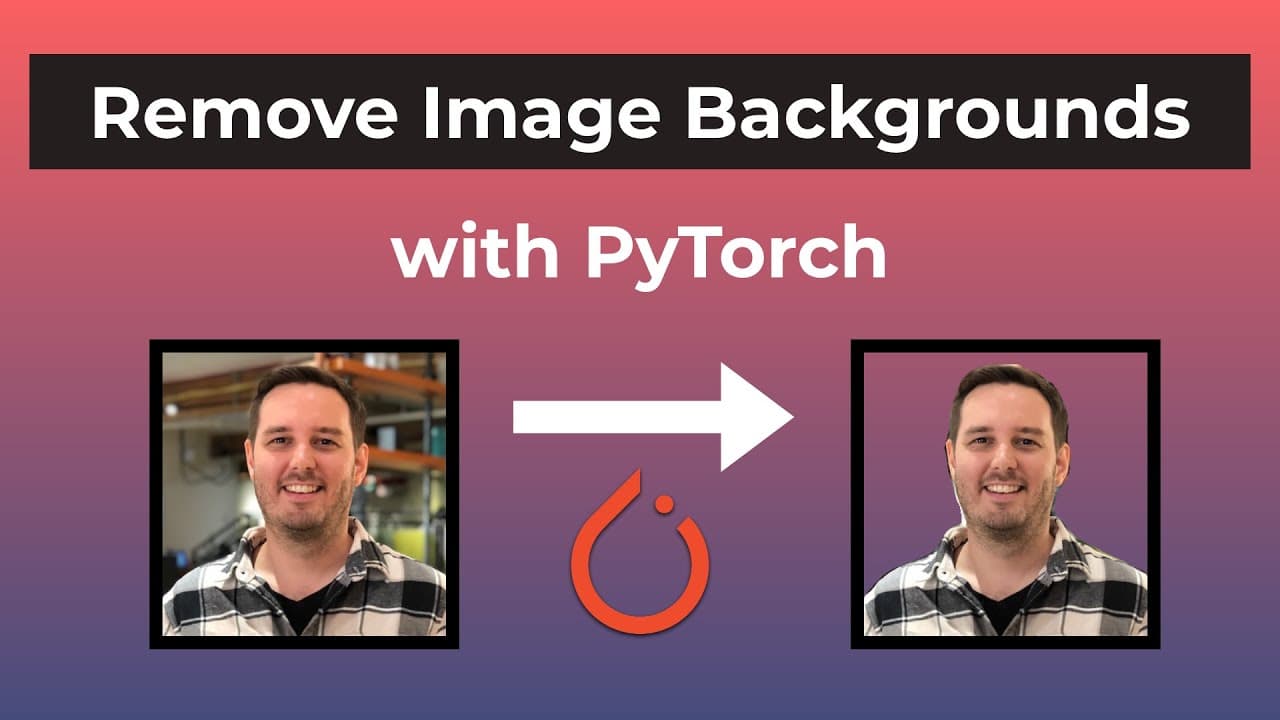
To remove image backgrounds with PyTorch, use the DeepLab v3 image segmentation model. Load your model, preprocess the image, and apply the model to generate a binary mask. Finally, create a transparent foreground and merge it with a new background image. Follow the step-by-step process in Google Colab for implementation.
Transcript
hi everyone I'm Patrick from assembly Ai and in this tutorial we learn how we can remove the background of images with pytorch so here we have an input image and then after applying the model we can extract only the foreground and then we can also merge this with another background that we want so without further Ado let's jump right into it so bef... Read More
Key Insights
- ❓ The tutorial utilizes PyTorch and the DeepLab v3 image segmentation model to remove image backgrounds.
- 🙂 The code used in the tutorial is based on the "practical ML" repository, with slight modifications.
- 👨💻 Google Colab is used as the platform to execute the background removal code.
- ❓ Different model structures, such as ResNet-101 or MobileNet, can be experimented with.
- 👶 The tutorial demonstrates how to save the foreground image with a transparent background as well as how to merge it with a new background.
- 😑 The process involves pre-processing the input image, applying the model, generating a binary mask, and creating the final foreground image.
- 📚 PyTorch's TorchVision, OpenCV, NumPy, Pillow Image, and Matplotlib libraries are used in the tutorial.
Install to Summarize YouTube Videos and Get Transcripts
Explore YouTube Video Summarizer or Get YouTube Transcript Extractor
Questions & Answers
Q: What is the main model used in this tutorial?
The DeepLab v3 image segmentation model from PyTorch's Hub is used to remove image backgrounds.
Q: Can different model structures be used instead of the ResNet-50?
Yes, alternative models like ResNet-101 or MobileNet can be tried for image background removal.
Q: How is the foreground image extracted from the original image?
The foreground is obtained by creating a transparent foreground using the DeepLab v3 model's output mask.
Q: Is it possible to merge the foreground image with a new background?
Yes, a custom background can be specified using the "custom_background" helper function, which pastes the foreground onto the new background.
Summary & Key Takeaways
-
This tutorial demonstrates how to remove image backgrounds using PyTorch and the DeepLab v3 image segmentation model.
-
The code used in the tutorial is from the "practical ML" repository on GitHub, with minor modifications.
-
The tutorial walks through the step-by-step process of implementing the background removal technique using Google Colab.
Read in Other Languages (beta)
Share This Summary 📚
Summarize YouTube Videos and Get Video Transcripts with 1-Click
Try YouTube Summary with ChatGPT & Claude or YouTube Transcript Generator
Explore More Summaries from AssemblyAI 📚






Summarize YouTube Videos and Get Video Transcripts with 1-Click
Try YouTube Summary with ChatGPT & Claude or YouTube Transcript Generator