How to Install the Facebook Pixel After iOS 14 Changes
TL;DR
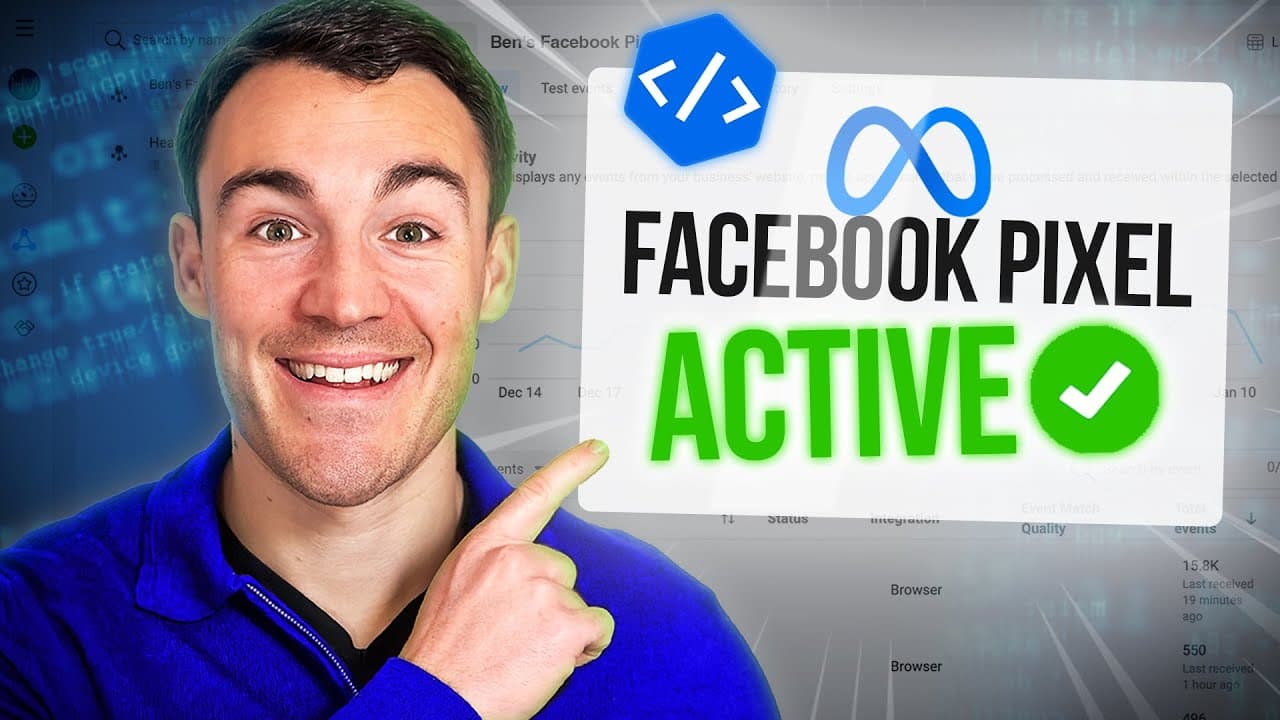
To install the Facebook Pixel after iOS 14 changes, verify your domain in Facebook Business Manager and configure web event prioritization. Use partner integrations for platforms like Shopify or WordPress to simplify the setup process. This ensures accurate tracking of user actions and optimizes your Facebook ad campaigns effectively.
Transcript
hi guys it's ben heath from lead guru and in this video i'm going to show you exactly how to install the facebook pixel if you want to advertise on facebook you absolutely want to get the facebook pixel installed it allows you to do so much awesome stuff from retarget people that visit your website to accurately track exactly what people do on your... Read More
Key Insights
- The Facebook Pixel is essential for tracking user actions on your website and optimizing Facebook ad campaigns effectively.
- Post-iOS 14, extra steps are required to install the Facebook Pixel, including domain verification and event prioritization.
- Facebook's partner integrations simplify Pixel installation for platforms like Shopify, WordPress, and others.
- Setting up conversion events allows for accurate tracking of specific actions like purchases or leads on your website.
- Domain verification in Facebook Business Manager is crucial to manage and prioritize conversion events effectively.
- Configuring web event prioritization ensures that the most critical conversion events are tracked, even with iOS 14 restrictions.
- The video provides step-by-step guidance on installing the base Facebook Pixel and setting up conversion events.
- Understanding and setting up the Facebook Pixel can significantly improve ad performance and result tracking.
Install to Summarize YouTube Videos and Get Transcripts
Explore YouTube Video Summarizer or Get YouTube Transcript Extractor
Questions & Answers
Q: Why is the Facebook Pixel important for advertisers?
The Facebook Pixel is crucial for advertisers because it allows them to track user actions on their website, such as purchases and leads. This data enables advertisers to optimize their campaigns more effectively by understanding which ads and targeting strategies yield the best results. Additionally, the Pixel helps in retargeting website visitors and improving ad performance.
Q: What challenges do advertisers face with the Facebook Pixel post-iOS 14?
Post-iOS 14, advertisers face challenges such as limited tracking capabilities due to Apple's app tracking transparency framework. Users can opt out of tracking, which affects the data collected by the Facebook Pixel. To address these challenges, advertisers must verify their domain, set up web event prioritization, and ensure their Pixel is configured correctly to maintain effective tracking and optimization.
Q: How can advertisers install the Facebook Pixel on WordPress sites?
Advertisers can install the Facebook Pixel on WordPress sites by using the Facebook for WordPress plugin. This plugin simplifies the process by providing a guided setup with no coding required. Advertisers need to connect their Facebook ad account to the plugin, grant necessary permissions, and ensure the Pixel is installed on all website pages. This allows for effective tracking of user actions on the site.
Q: What is the significance of verifying a domain in Facebook Business Manager?
Verifying a domain in Facebook Business Manager is significant because it establishes which business manager account has the authority to configure and prioritize conversion events for that domain. This step is essential due to iOS 14 changes, as it allows advertisers to manage their eight available conversion events effectively. Domain verification ensures that advertisers can optimize their campaigns and maintain accurate reporting.
Q: What are conversion events, and why are they important?
Conversion events are specific actions taken by users on a website, such as making a purchase or submitting a lead form. They are important because they provide valuable data on user behavior, helping advertisers understand which ads and strategies are most effective. By tracking conversion events, advertisers can optimize their campaigns, improve targeting, and achieve better results.
Q: How does web event prioritization work, and why is it necessary?
Web event prioritization involves setting a hierarchy of conversion events to ensure the most important actions are tracked, especially for iOS 14 users who opt out of tracking. It's necessary because only the highest priority event is reported if multiple events occur. This ensures that advertisers receive data on the most critical actions, allowing for better campaign optimization and decision-making.
Q: What role do partner integrations play in Facebook Pixel installation?
Partner integrations play a crucial role in simplifying the Facebook Pixel installation process for various platforms like Shopify, WordPress, and others. These integrations provide step-by-step guidance and often require minimal technical knowledge, making it easier for advertisers to set up the Pixel correctly. This ensures accurate tracking and optimization of ad campaigns across different website platforms.
Q: What steps should advertisers take to ensure their Facebook Pixel is fully functional?
Advertisers should take several steps to ensure their Facebook Pixel is fully functional: install the base Pixel across their website, set up conversion events to track specific user actions, verify their domain in Facebook Business Manager, and configure web event prioritization. These steps help maintain effective tracking and optimization, especially in light of iOS 14 changes, ensuring accurate data collection and improved ad performance.
Summary & Key Takeaways
-
This video tutorial by Ben Heath from Lead Guru explains how to install the Facebook Pixel, especially after the iOS 14 changes. It covers the importance of the Pixel for tracking user actions and optimizing ad campaigns.
-
The tutorial provides a detailed walkthrough of setting up the Facebook Pixel, including domain verification and configuring web event prioritization to comply with iOS 14 updates.
-
The video emphasizes the use of partner integrations for various platforms, like Shopify and WordPress, to simplify the installation process and ensure effective tracking and optimization.
Read in Other Languages (beta)
Share This Summary 📚
Summarize YouTube Videos and Get Video Transcripts with 1-Click
Try YouTube Summary with ChatGPT & Claude or YouTube Transcript Generator
Explore More Summaries from Ben Heath 📚
Summarize YouTube Videos and Get Video Transcripts with 1-Click
Try YouTube Summary with ChatGPT & Claude or YouTube Transcript Generator