How Do Beginners Create a Successful YouTube Channel?
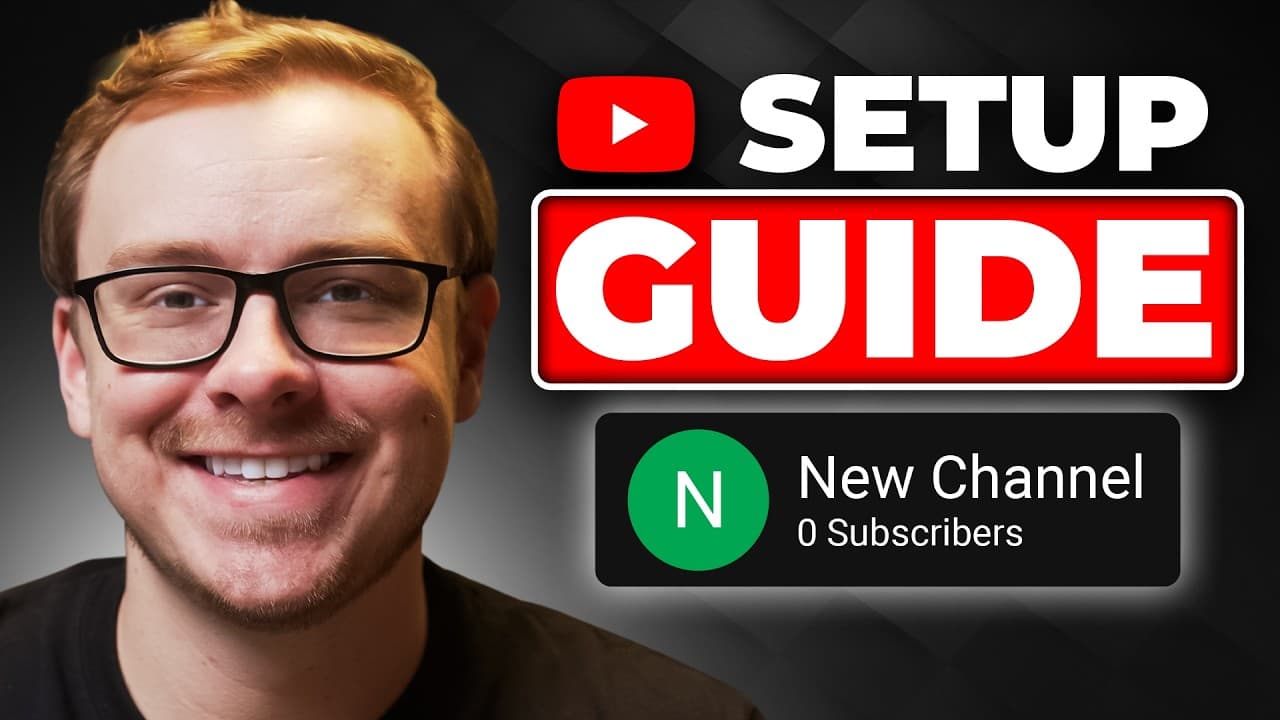
TL;DR
Beginners can create a successful YouTube channel by setting up a Google account, choosing a focused niche, creating professional branding, and optimizing the channel for discovery and security. The guide also covers a time-saving content system, strategies for getting views from day one, and steps toward turning those views into income. Read on for the complete setup sequence and the mistakes that can hold back channel growth.
Transcript
Here's exactly how you create a YouTube channel for beginners. I'll walk you through everything from setup to your first YouTube paycheck. And I'll share the strategies that help me build a profitable YouTube channel with over a million subscribers from scratch. And I'll be giving you some tips to help to grow your channel, keep it safe from hacker... Read More
Key Insights
- Starting a YouTube channel begins with creating a Google account and setting up your channel profile.
- Choosing a niche is crucial for targeting the right audience and growing your channel efficiently.
- Professional branding, including channel name, avatar, and banner, enhances your channel's appeal.
- Utilizing tools like Canva can help create visually appealing branding elements on a budget.
- SEO optimization in channel descriptions and keywords is essential for discoverability.
- Security measures, such as using a different email for public contact, protect your channel from hacking.
- Verifying your phone number unlocks additional YouTube features like custom thumbnails.
- Consistent content upload and engaging with viewers are key strategies for channel growth and monetization.
Install to Summarize YouTube Videos and Get Transcripts
Explore YouTube Video Summarizer or Get YouTube Transcript Extractor
Questions & Answers
Q: How do beginners create a YouTube channel from scratch?
Go to YouTube, select “Sign in,” and use an existing Google account or create a new one. After signing in, click the avatar in the upper-right corner, choose “Create a channel,” and select the channel name viewers will see.
Q: How should you choose a name for a new YouTube channel?
Choose a name that clearly reflects the channel’s niche. The guide suggests researching major keywords related to the niche and incorporating a relevant keyword into the channel name because this can help the channel grow.
Q: Why should you choose a niche before building your channel?
A defined niche helps you focus your content on a specific audience and establish a clear channel identity. It also guides decisions about the channel name, keywords, branding, and content strategy.
Q: How can you create professional YouTube channel branding on a budget?
Create a consistent channel name, avatar, and banner that match your niche. Canva can be used to design these visual elements with customizable templates and free features.
Q: How do you optimize a YouTube channel for discoverability?
Use relevant keywords in the channel name, description, and channel settings. These signals help clarify the channel’s topic and can improve its chances of being discovered by the intended audience.
Q: How can you protect a YouTube channel from hackers?
Add a recovery email when creating the Google account, even though that step can be skipped. Use a separate email for public contact so the account used to manage the channel is not unnecessarily exposed.
Q: Why should you verify a phone number for a YouTube channel?
Phone verification unlocks additional YouTube features, including custom thumbnails and uploads longer than 15 minutes. It is therefore an important part of setting up the channel for regular content publishing.
Q: What helps a new YouTube channel grow and generate income?
Upload quality content consistently, use a content creation system that saves time, and engage with viewers by responding to comments. The guide connects these practices with gaining subscribers, getting views from day one, and eventually turning those views into income.
Summary & Key Takeaways
-
Creating a successful YouTube channel involves setting up a Google account, selecting a niche, and branding your channel with a professional name and visuals. Utilize Canva for creating banners and avatars, and optimize channel descriptions and keywords for SEO. Implement security measures to protect your channel and verify your phone number to unlock features.
-
Engage with your audience by consistently uploading quality content and responding to comments. This interaction helps build a community and encourages subscriber growth. Additionally, attending workshops and leveraging AI tools can aid in niche selection and content strategy, ensuring your channel stands out in a competitive landscape.
-
Avoid common pitfalls like using the same email for public contact and failing to optimize channel settings. These mistakes can hinder growth and expose your channel to security risks. By following best practices and continuously learning, you can turn your YouTube channel into a profitable venture.
Read in Other Languages (beta)
Share This Summary 📚
Summarize YouTube Videos and Get Video Transcripts with 1-Click
Try YouTube Summary with ChatGPT & Claude or YouTube Transcript Generator
Explore More Summaries from Shane Hummus 📚






Summarize YouTube Videos and Get Video Transcripts with 1-Click
Try YouTube Summary with ChatGPT & Claude or YouTube Transcript Generator