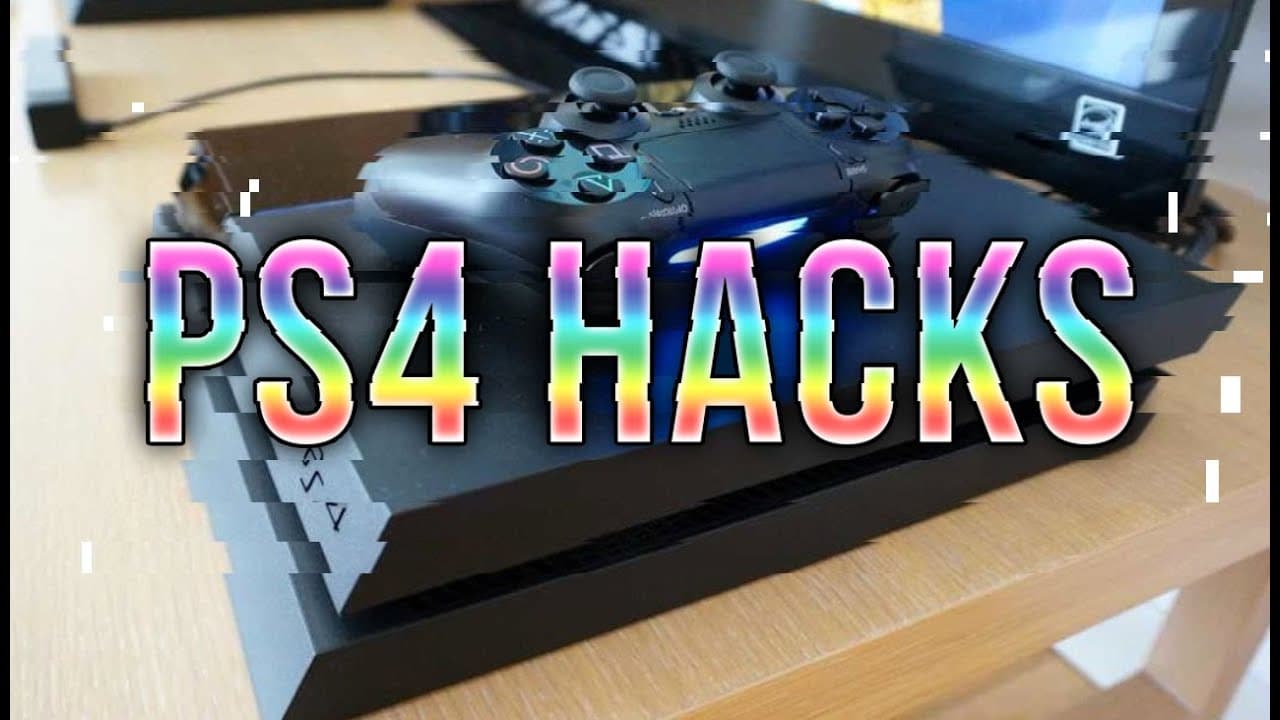
10 PS4 HACKS & Tricks You Probably Didn't Know
TL;DR
Learn hidden PS4 hacks to enhance your gaming experience.
Transcript
game ranks presents 10 ps4 hacks and tricks you probably didn't know from hidden convenience tricks to software and physical Hardware hacks we've got all kinds of ps4 users covered here we designed this list for you guys to get the maximum use out of your PlayStation 4 so let's get started with number 10 we're gonna start off with one that might se... Read More
Key Insights
- 🥶 Users are encouraged to take advantage of their PlayStation Plus membership by claiming and stockpiling free titles, regardless of ownership of multiple consoles.
- 🎮 The PS4's share functionality can be customized for quicker access to capturing screenshots and videos, improving social gaming interactions.
- 🎮 The PlayStation Vita serves multiple roles beyond a standalone console, including acting as a controller during multiplayer sessions.
- 🙏 Voice commands through connected headsets enhance ease of navigation and operation on the PS4, providing hands-free control for basic functions.
- 😀 The PlayStation app for mobile devices offers essential features such as remote purchasing and keyboard functionality for in-game chats.
- 👤 Users can efficiently charge their PS4 controllers using standard Android phone chargers, offering flexibility beyond the stock cable.
- 🎮 Automatic update settings on the PS4 help manage system updates and game patches, optimizing playing time by minimizing waiting periods.
Install to Summarize YouTube Videos and Get Transcripts
Explore YouTube Video Summarizer or Get YouTube Transcript Extractor
Questions & Answers
Q: What is the benefit of stockpiling free PlayStation Plus games?
Stockpiling free PlayStation Plus games allows users to accumulate titles across different platforms and access them indefinitely. Even if the promotional period ends, games downloaded remain in your library. This means you can build a digital collection for future use, enhancing your gaming experience and providing convenience for future console purchases like the PlayStation Vita.
Q: How can I easily take screenshots on my PS4?
To capture screenshots easily, users can customize the share button settings in the PS4's software menu. By altering the share button control type, pressing it once will instantly take a screenshot, or double-tapping can start capturing video clips immediately. This makes sharing in-game moments with friends fast and simple.
Q: Can I use my PlayStation Vita as a PS4 controller?
Yes, a PlayStation Vita can function as a secondary controller for the PS4. By utilizing Remote Play, users can play games on the Vita, sharing the gaming experience with others. A guest can also join in using the Vita, allowing for couch co-op gaming even if a separate DualShock 4 controller isn't available.
Q: What unique feature does the HDMI device link provide for PS4 and compatible TVs?
The HDMI device link feature enables seamless interaction between the PS4 and select modern TVs. If configured, turning on the PS4 with its controller will also power on the TV, enhancing convenience. Likewise, switching the TV input to the PS4 wakes the console from standby, streamlining the gaming setup and reducing hassle.
Summary & Key Takeaways
-
PS4 users can maximize their PlayStation Plus membership by stockpiling free games across platforms, which remain accessible indefinitely, even after promotions end.
-
The PlayStation 4 supports various user-friendly features, including voice command capabilities through its headset and the ability to record gameplay easily with the share button.
-
Additional hacks include charging controllers with Android chargers, using a PlayStation Vita as a second controller, and setting up automatic updates on the PS4 to alleviate waiting times before playing.
Read in Other Languages (beta)
Share This Summary 📚
Summarize YouTube Videos and Get Video Transcripts with 1-Click
Try YouTube Summary with ChatGPT & Claude or YouTube Transcript Generator
Explore More Summaries from gameranx 📚



Summarize YouTube Videos and Get Video Transcripts with 1-Click
Try YouTube Summary with ChatGPT & Claude or YouTube Transcript Generator