How to Freeze Rows and Columns in Excel for Better Navigation
TL;DR
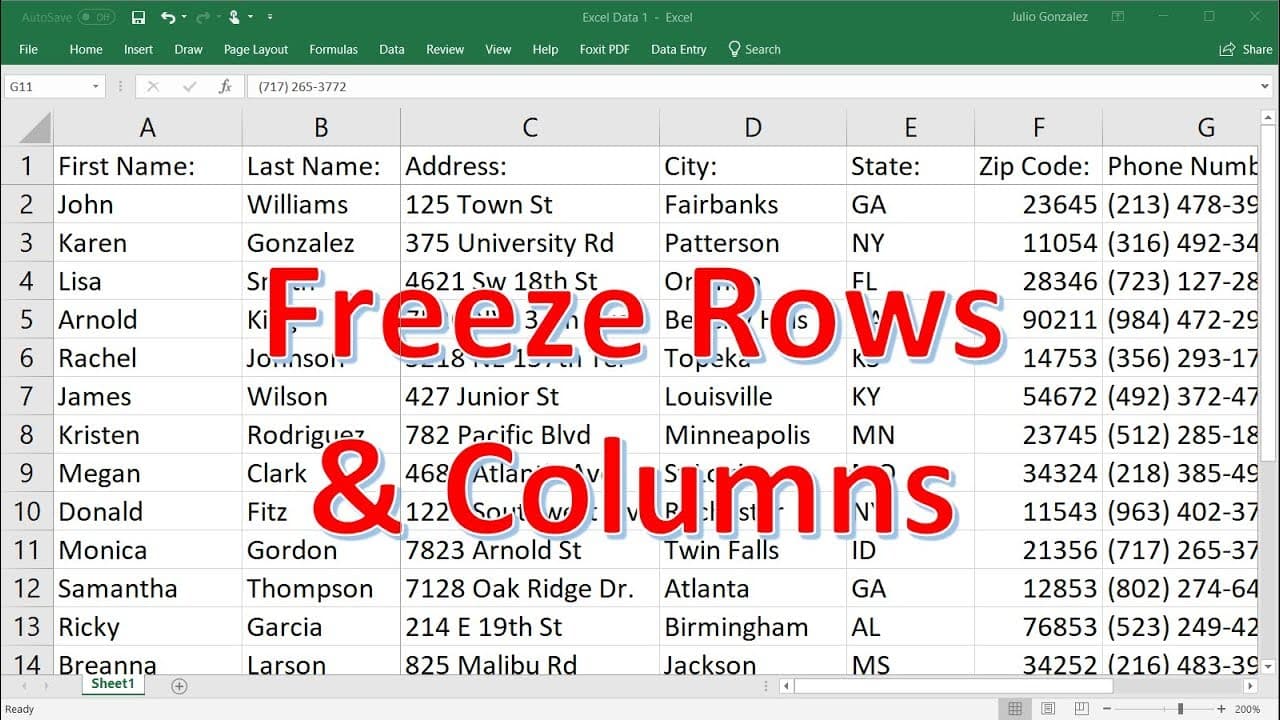
To freeze rows and columns in Excel, use the View tab and select Freeze Panes. You can freeze the top row for headers, the first column for key info, or both by choosing the appropriate cell intersection. This feature enhances data navigation by keeping essential context visible while scrolling.
Transcript
let's say that you have a huge data set in excel like this one and when you scroll down you want to be able to see the headers as you scroll down how can we do that well to freeze the first row go to view at the top and then select freeze panes and then you could select this option freeze top row so doing that as you scroll down you'll be able to s... Read More
Key Insights
- 🤨 The freeze panes feature in Excel allows you to keep certain rows or columns visible while scrolling through a large dataset.
- 🤨 You can freeze the first row to keep the headers visible, the first column to keep key information visible, or both a row and a column simultaneously.
- 🤨 Freezing rows and columns can help in understanding the data by providing contextual information.
- 👻 Excel also offers the split feature, which allows you to split the sheet into multiple sections and freeze specific portions.
- 🫥 The split feature can be customized by moving the dividing lines to adjust the frozen and scrollable sections.
Install to Summarize YouTube Videos and Get Transcripts
Explore YouTube Video Summarizer or Get YouTube Transcript Extractor
Questions & Answers
Q: How do I freeze the first row in Excel?
To freeze the first row in Excel, go to the View tab, select Freeze Panes, and choose Freeze Top Row. This will allow you to see the headers while scrolling.
Q: Can I freeze a column instead of a row?
Yes, you can freeze a column in Excel by selecting Freeze First Column under the Freeze Panes option in the View tab. This will keep the first column visible while scrolling.
Q: How do I freeze both a row and a column simultaneously?
To freeze both a row and a column at the same time, select the cell that is at the intersection of the row and column you want to freeze. Then, go to View, select Freeze Panes, and choose Freeze Panes again.
Q: How do I undo the freeze panes feature in Excel?
To undo the freeze panes feature in Excel, go to the View tab, click on Freeze Panes, and select Unfreeze Panes. This will revert the sheet back to its original state.
Summary & Key Takeaways
-
Freeze the first row by going to View, selecting Freeze Panes, and choosing Freeze Top Row. This allows you to see the headers as you scroll down.
-
You can also freeze the first column by selecting Freeze First Column under Freeze Panes in the View tab.
-
To freeze both a row and a column, select Freeze Panes and choose the cell that is at the intersection of the row and column you want to freeze.
Read in Other Languages (beta)
Share This Summary 📚
Summarize YouTube Videos and Get Video Transcripts with 1-Click
Try YouTube Summary with ChatGPT & Claude or YouTube Transcript Generator
Explore More Summaries from The Organic Chemistry Tutor 📚






Summarize YouTube Videos and Get Video Transcripts with 1-Click
Try YouTube Summary with ChatGPT & Claude or YouTube Transcript Generator