How to Set Up and Use the Ledger Nano S Plus
TL;DR
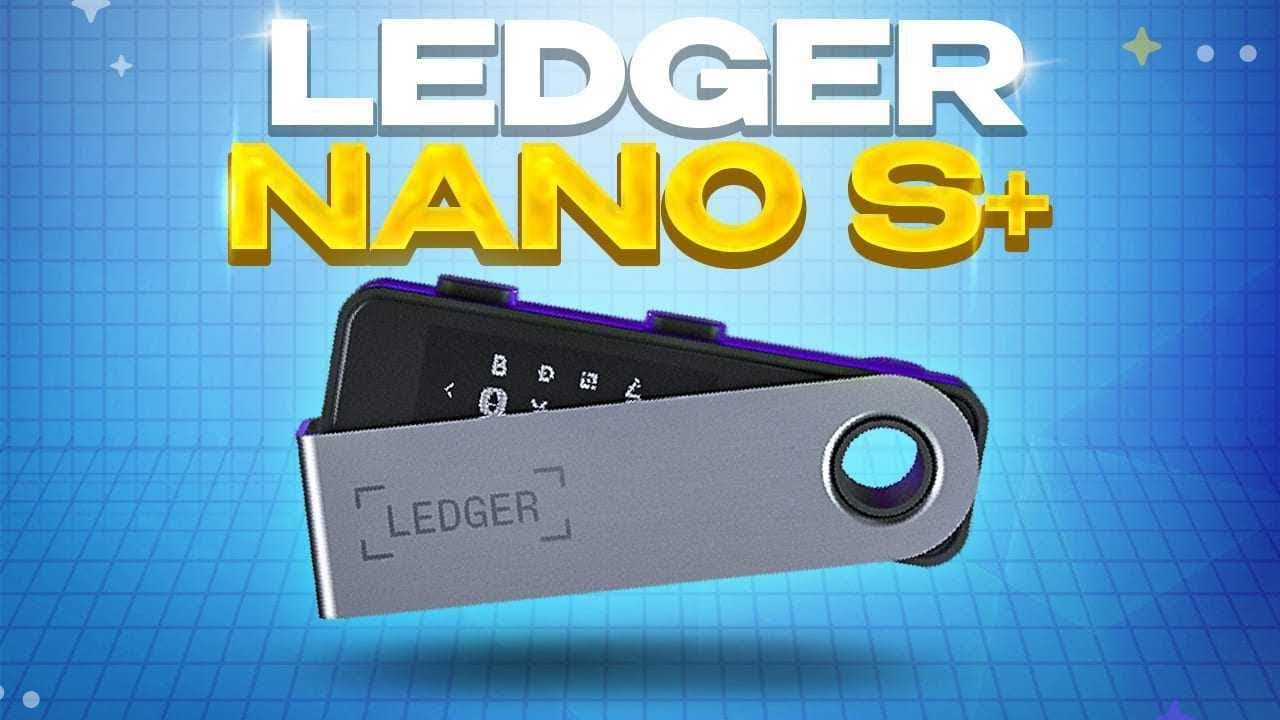
To set up the Ledger Nano S Plus, connect it to your computer, generate a recovery phrase, and install cryptocurrency apps using the Ledger Live application. This cold storage wallet offers enhanced security for storing crypto assets and is beginner-friendly, making it an ideal choice for those looking to protect their investments.
Transcript
so with news coming out what seems like every single day about crypto wallets getting hacked and people losing millions of dollars you may be wondering how you can store and trade your crypto in the safest way possible so in this video i'm gonna cover everything you need to know about the ledger nano s plus how to set it up how to send and receive ... Read More
Key Insights
- 🎅 Crypto wallets like the Ledger Nano S Plus provide a crucial layer of security for storing and trading cryptocurrencies, especially for long-term investors.
- 😅 Cold storage wallets offer better protection against hacking and security breaches compared to hot wallets.
- 😀 Ledger offers a range of apps and partner services to enhance the functionality and accessibility of their cold storage wallets.
- 🈸 Setting up the Ledger Nano S Plus involves generating a recovery phrase, installing apps for desired cryptocurrencies, and managing accounts using the Ledger Live application.
- 🎅 The Ledger Nano S Plus is a beginner-friendly and affordable option, while the Ledger Nano X offers more advanced features for crypto enthusiasts.
- 🥶 Cold storage wallets are particularly useful for managing NFT portfolios, as they provide an extra layer of security and control over valuable assets.
- 🤩 The recovery phrase is the most important aspect of using a cold storage wallet, as it is the key to accessing and recovering your crypto assets in the event of a lost or damaged device.
Install to Summarize YouTube Videos and Get Transcripts
Explore YouTube Video Summarizer or Get YouTube Transcript Extractor
Questions & Answers
Q: What is the main advantage of using a cold storage wallet like the Ledger Nano S Plus?
Cold storage wallets provide a higher level of security compared to hot wallets, making it difficult for hackers to gain access to your crypto assets. They allow you to store your private keys offline in a physical device, preventing vulnerability to online attacks.
Q: Can I use the Ledger Nano S Plus for managing NFTs?
Yes, the Ledger Nano S Plus supports NFT transactions. By connecting your wallet to the appropriate app, you can securely manage and trade your NFT assets using the physical device for transaction verification.
Q: What is the difference between the Ledger Nano S Plus and the Ledger Nano X?
The Ledger Nano S Plus is a more affordable option with a smaller screen and limited storage for apps. On the other hand, the Ledger Nano X offers additional features like Bluetooth connectivity, a larger screen, and support for over 100 apps.
Q: What should I do if I lose my Ledger Nano S Plus device?
Losing the device does not mean losing your crypto assets. As long as you have the recovery phrase written on the provided recovery sheet, you can recover your account and access your assets on any compatible device.
Summary & Key Takeaways
-
Ledger Nano S Plus is a cold storage wallet provided by Ledger, a leading company in the field, offering the highest level of security for crypto assets.
-
Cold storage wallets provide a physical and secure way to store private keys, ensuring protection against hacking and security breaches.
-
Setting up the Ledger Nano S Plus involves generating a recovery phrase, installing apps for different cryptocurrencies, and using the Ledger Live application for managing accounts and transactions.
Read in Other Languages (beta)
Share This Summary 📚
Summarize YouTube Videos and Get Video Transcripts with 1-Click
Try YouTube Summary with ChatGPT & Claude or YouTube Transcript Generator
Explore More Summaries from Brian Jung 📚





Summarize YouTube Videos and Get Video Transcripts with 1-Click
Try YouTube Summary with ChatGPT & Claude or YouTube Transcript Generator