How to Create Infinite Flying Cubes in PyOpenGL
TL;DR
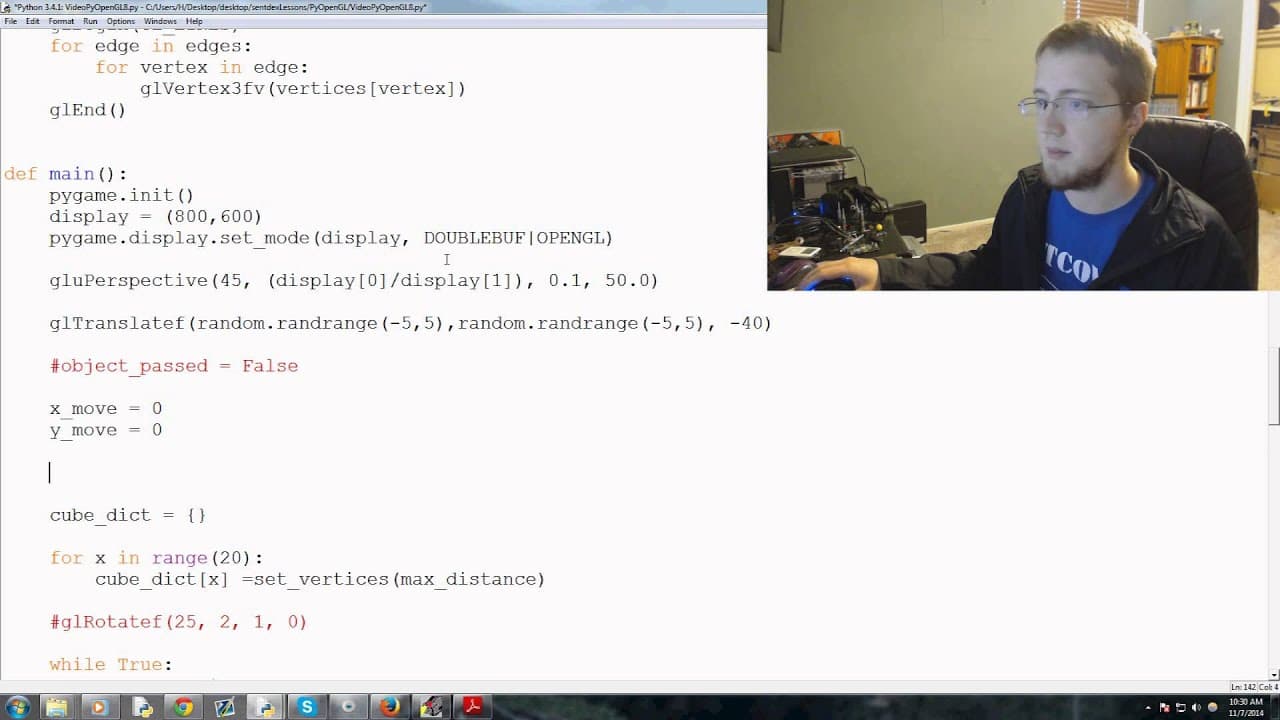
To create infinite flying cubes in PyOpenGL, dynamically adjust the maximum and minimum distances based on the camera's position. Remove cubes that exceed the clipping plane to maintain performance and prevent sudden appearances in the gameplay. This method effectively generates an endless environment, enhancing the 3D experience.
Transcript
hey everybody what is going on Welcome to the eighth Pi openg go uh tutorial video in this video what we're going to be talking about is how we can begin to uh have our cubes basically come at us infinitely uh as well as not needing to make you know this huge list of cubes in memory so uh with that let's go ahead and get started um the first thing ... Read More
Key Insights
- 🧊 Generating infinite cubes involves dynamically adjusting the maximum and minimum distances for cube creation based on the camera's position.
- 🧊 Removing cubes beyond the clipping plane improves performance and prevents sudden appearance of new cubes.
- 🧊 It is essential to generate cubes around the player in all directions to provide a challenging gameplay experience.
- 🧊 The tutorial focuses on managing cube generation and clipping in Pi Openg Go.
- 😫 Careful consideration is necessary while setting the maximum and minimum distances to ensure optimal cube generation.
- 🧊 Using a delete list to track cubes beyond the clipping plane can help manage cube deletion efficiently.
- 👨💻 Reassigning the cube values within the same loop can simplify the code and improve readability.
Install to Summarize YouTube Videos and Get Transcripts
Explore YouTube Video Summarizer or Get YouTube Transcript Extractor
Questions & Answers
Q: How can we generate infinite cubes in Pi Openg Go?
To generate infinite cubes, we can dynamically adjust the maximum and minimum distances for cube generation based on the camera's position. This ensures that new cubes are generated within the defined range.
Q: How can we handle cube deletion beyond the clipping plane?
We can track the cubes that are beyond the clipping plane and remove them from the list. Additionally, we can replace the vertices values of those cubes with new values based on the updated maximum and minimum distances.
Q: Why is it important to generate cubes beyond the clipping plane?
Generating cubes beyond the clipping plane ensures that new cubes do not suddenly appear in front of the camera, which can cause unexpected collisions. By generating cubes in advance, we create a smoother and more immersive gameplay experience.
Q: How can we handle cube generation in different directions?
To handle cube generation in all directions, we need to ensure that cubes are generated around the player, not just along one axis. This can be achieved by setting appropriate boundaries and adjusting the cube generation logic accordingly.
Summary & Key Takeaways
-
The tutorial focuses on generating infinite cubes in Pi Openg Go.
-
The video demonstrates how to set the maximum and minimum distances for cube generation based on the camera's position.
-
The tutorial also covers removing cubes that are beyond the clipping plane to improve performance.
Read in Other Languages (beta)
Share This Summary 📚
Summarize YouTube Videos and Get Video Transcripts with 1-Click
Try YouTube Summary with ChatGPT & Claude or YouTube Transcript Generator
Explore More Summaries from sentdex 📚






Summarize YouTube Videos and Get Video Transcripts with 1-Click
Try YouTube Summary with ChatGPT & Claude or YouTube Transcript Generator