How to Create Eye-Catching Thumbnails in Canva
TL;DR
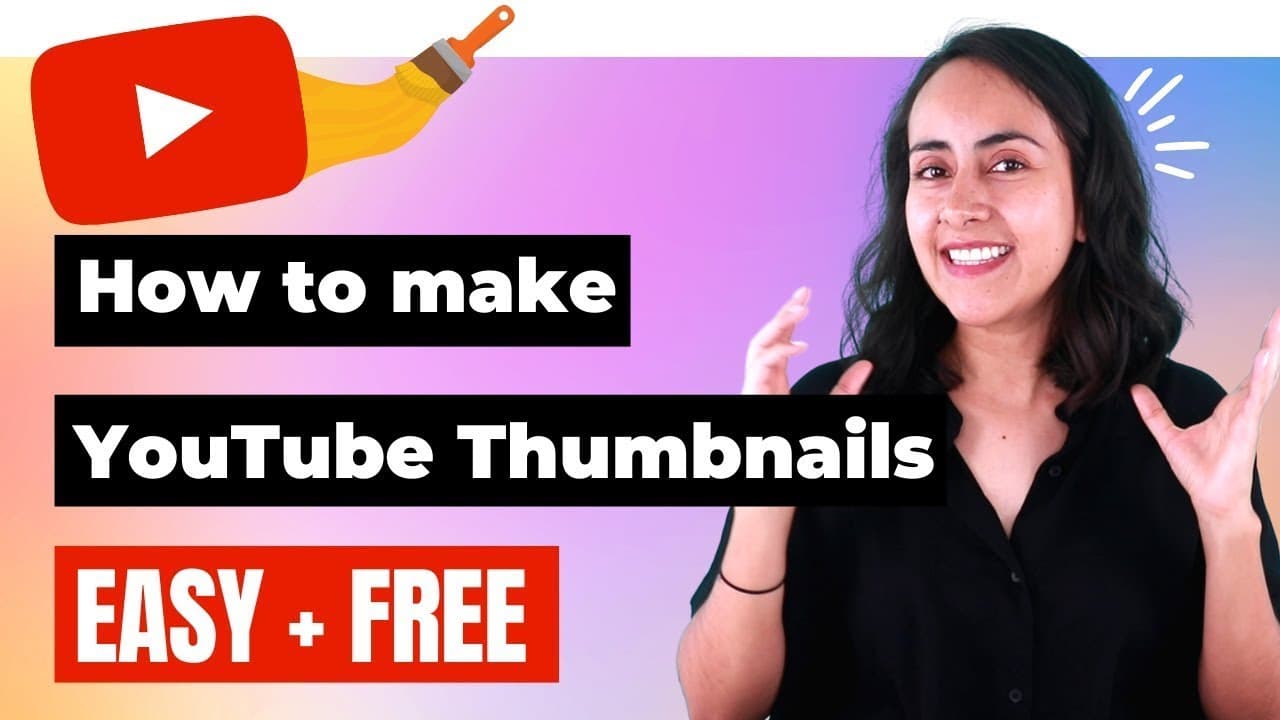
To create eye-catching thumbnails in Canva, start by researching popular designs for inspiration. Use the YouTube thumbnail templates in Canva, customize them with compelling text and colors, and incorporate your photo or relevant icons to enhance appeal. Finally, download your design as a JPEG for optimal uploading to YouTube.
Transcript
hi and welcome to our channel the best place to learn how to use and master canva in today's tutorial i'm going to show you step by step how to create a thumbnail like this one a thumbnail that makes people want to click on your videos you can create them for free with canva so anyone with a canva free account or a canva pro account can follow this... Read More
Key Insights
- 👨🔬 Researching popular YouTube thumbnails can provide valuable inspiration for your own designs.
- 🎨 Canva offers a variety of templates specifically designed for YouTube thumbnails, making it easy to create professional-looking designs.
- 🪜 Customizing the background color and adding rectangles behind text can make your thumbnail more visually appealing.
- 🫵 Incorporating a photo of yourself or relevant images/icons can increase the thumbnail's appeal and help viewers connect with your content.
- 🎨 Utilizing Canva's elements, such as gradients, shapes, and shadows, can add depth and visual interest to your thumbnail design.
- 👀 Pay attention to composition and alignment to ensure a clean and cohesive look.
- 🛩️ Downloading your final thumbnail as a JPEG ensures a smaller file size, making it easier to upload to YouTube.
Install to Summarize YouTube Videos and Get Transcripts
Explore YouTube Video Summarizer or Get YouTube Transcript Extractor
Questions & Answers
Q: How can I gather inspiration for my YouTube thumbnail design?
You can research popular YouTube videos in your niche, analyze their thumbnails, and take note of design elements that catch your attention. This can help you generate ideas and inspiration for your own thumbnail design.
Q: Can I create thumbnails with Canva for free?
Yes, both Canva's free and Canva Pro users can create thumbnails. Canva offers a wide range of customizable templates, elements, and tools that make it easy to create engaging thumbnails.
Q: How can I make my thumbnail's text more visually appealing?
In Canva, you can add rectangles behind your text to make it stand out. Experiment with different colors and sizes to find the best combination that complements your overall design and enhances readability.
Q: Can I add my own photo to the thumbnail design?
Yes, you can upload your own photo to Canva and easily incorporate it into your thumbnail design. Position it strategically to draw attention and ensure it doesn't obstruct important text or elements.
Summary & Key Takeaways
-
Start by researching popular YouTube thumbnails in your niche and gather inspiration from their design elements.
-
Use Canva's search function to find YouTube thumbnail templates and select one that aligns with your style and aesthetics.
-
Customize the template by adding text, changing colors, incorporating a photo, and adding additional elements to make your thumbnail stand out.
Read in Other Languages (beta)
Share This Summary 📚
Summarize YouTube Videos and Get Video Transcripts with 1-Click
Try YouTube Summary with ChatGPT & Claude or YouTube Transcript Generator
Explore More Summaries from Design with Canva 📚






Summarize YouTube Videos and Get Video Transcripts with 1-Click
Try YouTube Summary with ChatGPT & Claude or YouTube Transcript Generator