How to Optimize Music Playback on Alexa Devices
TL;DR
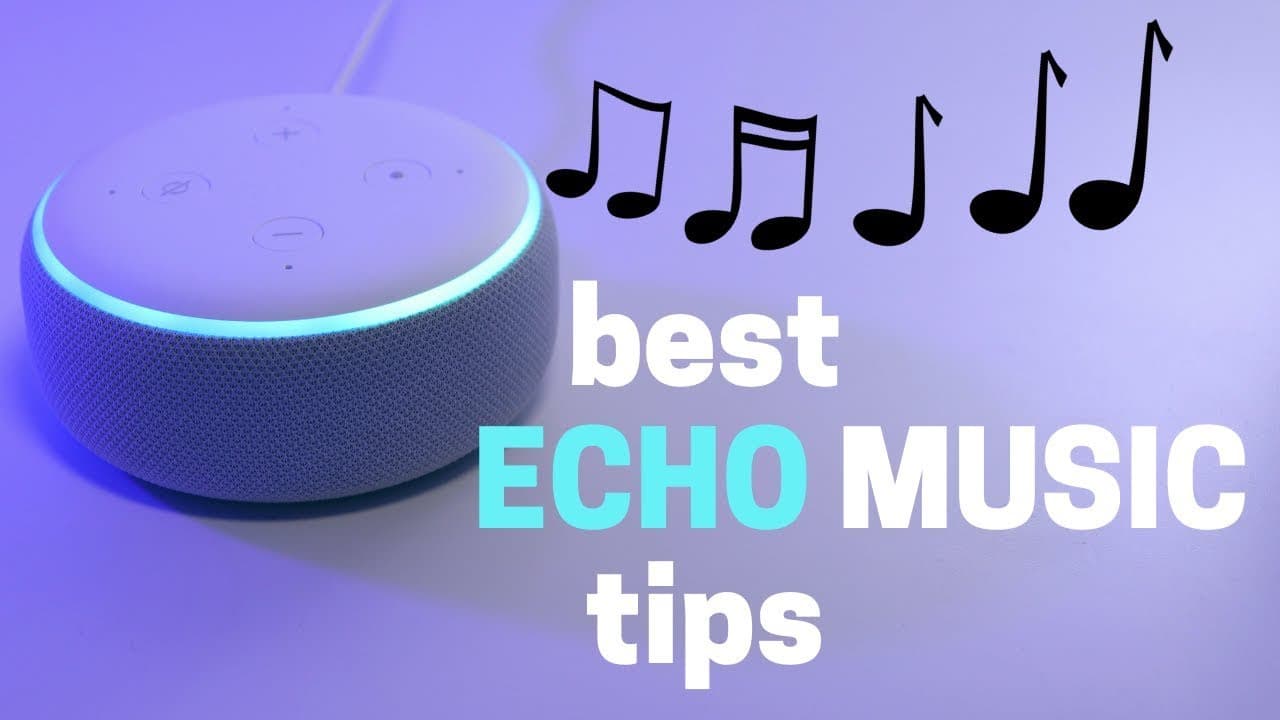
To optimize music playback on Alexa devices, use voice commands to play specific songs, genres, or playlists, and leverage features like song lyric display on Echo Show devices. You can also group multiple Echo devices for synchronized playback, automate routines for scheduled music, and adjust settings via the Alexa app for enhanced control.
Transcript
connect a speaker searching echo devices have really changed the game when it comes to playing music I could have a song that just popped into my head playing a matter of seconds or have music playing throughout my house which is just amazing that I can do that for such a low cost there are some things you may not know when it comes to playing musi... Read More
Key Insights
- 🎴 Echo devices have revolutionized music listening by providing a low-cost solution for playing music throughout the house.
- 🖐️ There are various ways to play music on Echo devices, including asking for specific songs or artists, playing music by genre, creating playlists, and playing music based on lyrics.
- 🎮 The Alexa app offers additional control options such as adjusting the equalizer and selecting recently played songs.
- 👻 Grouping Echo devices allows for synchronized playback, and playing music on Fire TV provides a karaoke-like experience with displayed lyrics.
- 🎼 Music playback can be automated using routines, making it easier to have music play at specific times or trigger music with smart home devices.
- 🥶 Free music streaming options include I Heart Radio and Pandora, while Amazon Prime members have access to Prime Music.
- 🧡 Amazon Music Unlimited and other music streaming services like Spotify and Apple Music offer additional features and a wider range of songs.
Install to Summarize YouTube Videos and Get Transcripts
Explore YouTube Video Summarizer or Get YouTube Transcript Extractor
Questions & Answers
Q: What are some additional commands for playing music on Echo devices?
In addition to asking for specific songs or artists, you can ask to play music by genre, create playlists with your voice, and even play songs based on lyrics if you can't remember the title.
Q: Can music be played on Echo devices without using voice commands?
Yes, you can play music on an Echo device using the Alexa app under the play tab. Additionally, you can tap on recently played songs and select which speaker to play the music on.
Q: How can I group multiple Echo devices for synchronized playback?
By creating a group and naming it, you can sync up all your Echo devices and have music playing throughout the house. You can even select multiple speakers to play music simultaneously.
Q: Can lyrics be displayed while playing music on Echo devices?
Yes, if you are using Prime Music, lyrics can be displayed on an Echo Show, Fire Tablet, or Fire TV. However, this feature may not work with other music streaming services like Spotify.
Summary & Key Takeaways
-
Echo devices offer a range of options for playing music, including asking for specific songs or artists, creating playlists with voice commands, and playing music based on activities or moods.
-
The Alexa app allows for easy control of music playback, adjusting the equalizer, and selecting recently played songs.
-
Grouping multiple Echo devices and naming the group allows for synchronized playback throughout the house, and playing music on Fire TV also displays lyrics.
Read in Other Languages (beta)
Share This Summary 📚
Summarize YouTube Videos and Get Video Transcripts with 1-Click
Try YouTube Summary with ChatGPT & Claude or YouTube Transcript Generator
Explore More Summaries from Smart Home Solver 📚



Summarize YouTube Videos and Get Video Transcripts with 1-Click
Try YouTube Summary with ChatGPT & Claude or YouTube Transcript Generator