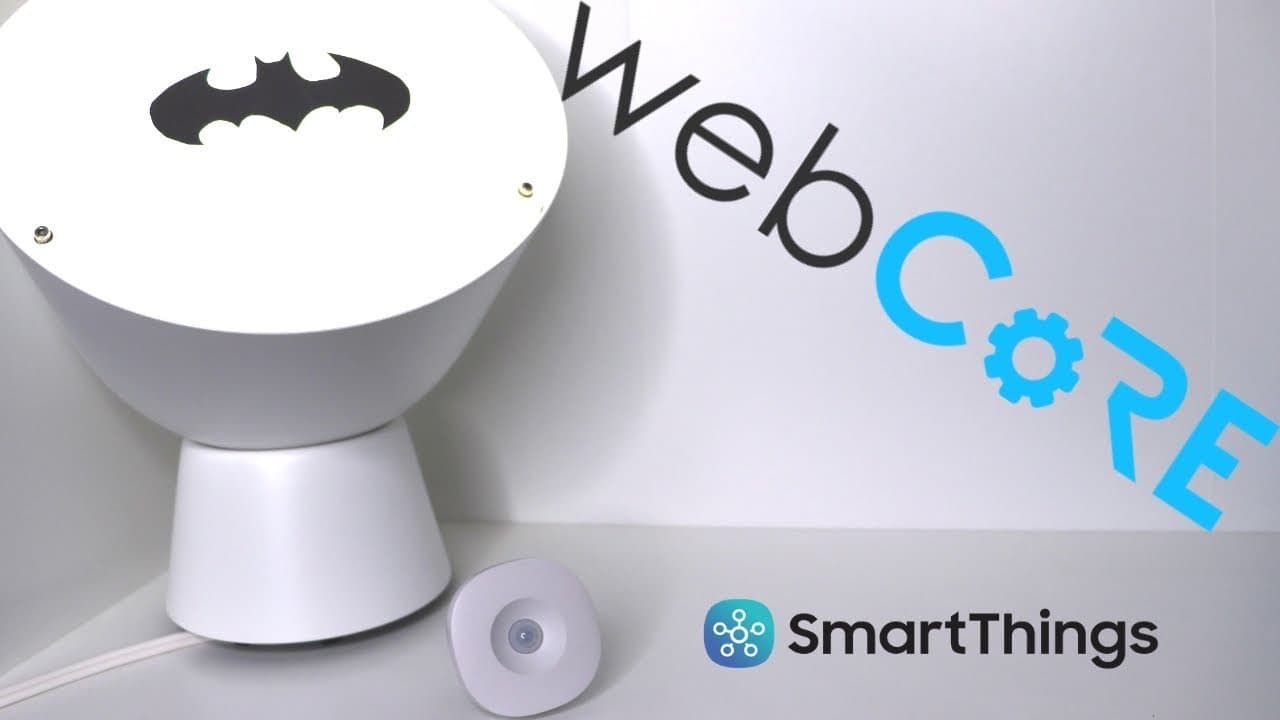
How to Use webCoRE for Advanced SmartThings Automation
TL;DR
To use webCoRE for advanced SmartThings automation, install the webCoRE smart app and create pistons to set specific automation rules. This allows for more detailed control using advanced logic, variables, and IFTTT integrations, enabling features like customized motion sensor settings and energy monitoring.
Transcript
hey what's up this is Reid recently I did a video on smart things and I just touched on wet core but a lot of you commented how you wanted to know more about web core so thank you so much for your feedback I read all of your questions and so today's video is gonna take you from I don't really know much about web core - I feel pretty comfortable usi... Read More
Key Insights
- 👻 Web Core enables users to override default settings of motion sensors, allowing for more precise control over lighting automations.
- 👪 Integration with IFTTT commands expands the capabilities of home automation by connecting it to other smart devices and platforms.
- 💨 Variables in Web Core make automation management more efficient by providing a way to store and reference data.
- 👻 The ability to run actions asynchronously in Web Core allows for parallel execution of automations.
- 🧑💻 Logs in Web Core serve as a valuable debugging tool to ensure the proper functioning of automation setups.
- 🕸️ Web Core can be used to trigger pistons through voice assistants like Google Assistant via if this, then that (IFTTT) commands.
- 😒 Sharing and importing pistons in Web Core is made easy through the use of backup codes.
Install to Summarize YouTube Videos and Get Transcripts
Explore YouTube Video Summarizer or Get YouTube Transcript Extractor
Questions & Answers
Q: What are the advantages of using Web Core for home automation instead of the Smart Things app?
Web Core offers more advanced logic and customization options, such as overriding motion sensor settings. It also integrates with IFTTT commands for synchronized automations.
Q: How can I add Web Core to my Smart Things setup?
You can install Web Core by adding the Web Core smart app to your Smart Things setup. Links to a video tutorial on installation are provided in the video description.
Q: How can I create a piston in Web Core for automation?
To create a piston, enable the necessary toggles in the settings, and create an if block. Specify the conditions for automation and the desired actions to be triggered.
Q: How can I use variables in Web Core to streamline my automations?
Web Core allows the use of variables to simplify automation management. Local variables are specific to a single piston, while global variables can be shared across multiple pistons.
Summary & Key Takeaways
-
Web Core allows users to add more advanced logic to their home automation, such as overriding motion sensor settings for specific scenarios.
-
It enables the integration of if this, then that (IFTTT) commands, allowing for synchronization and coordination of automations.
-
Web Core simplifies automation management by using variables, local variables, and device variables.
Read in Other Languages (beta)
Share This Summary 📚
Summarize YouTube Videos and Get Video Transcripts with 1-Click
Try YouTube Summary with ChatGPT & Claude or YouTube Transcript Generator
Explore More Summaries from Smart Home Solver 📚


Summarize YouTube Videos and Get Video Transcripts with 1-Click
Try YouTube Summary with ChatGPT & Claude or YouTube Transcript Generator