Is Flutter a Good Choice for the JavaScript Developer?
TL;DR
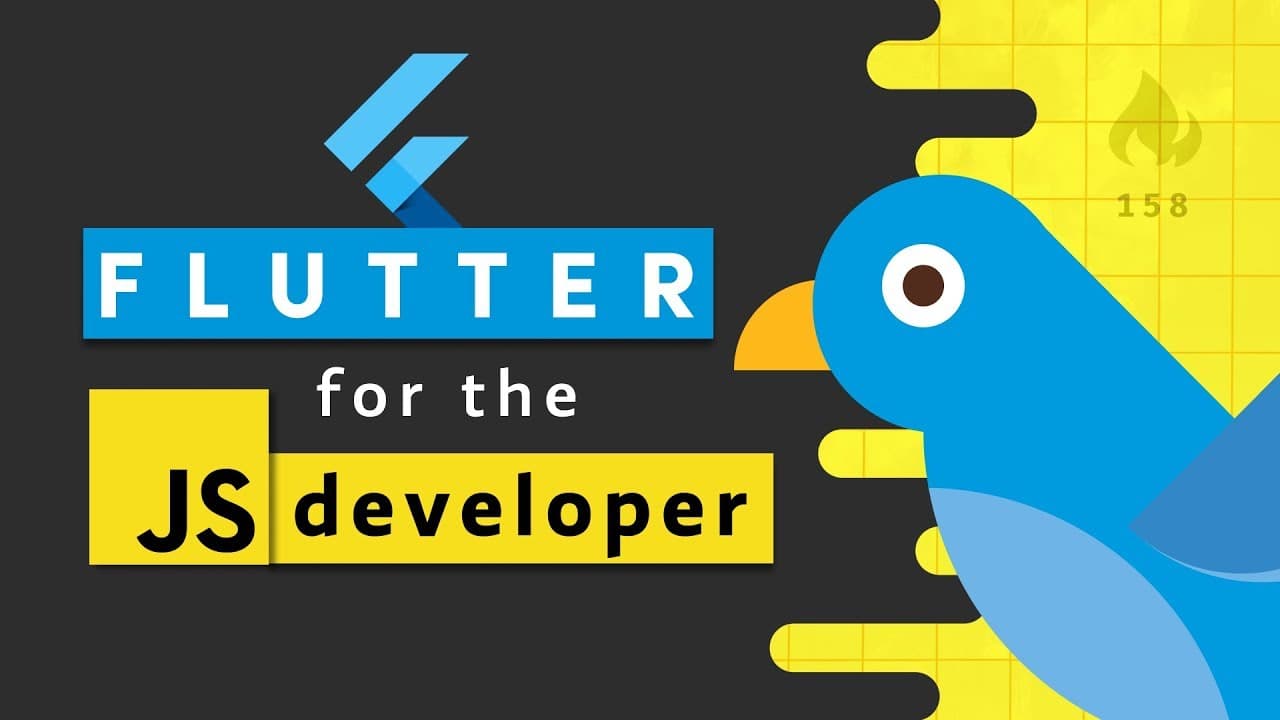
Flutter can be a strong choice for a JavaScript developer who values app quality, performance, and a streamlined development experience. Its Dart learning curve is described as gentle, while a three-tab Flutter example uses one main.dart file and 45 lines of code. The key trade-offs are learning another language and working with a smaller community, so read on to compare Flutter directly with React Native, Ionic, JavaScript, and TypeScript.
Transcript
hi I'm a JavaScript developer and my passion is building things for the web so when it comes to building native mobile apps javascript has always felt like the best tool for the job either via ionic cordova or react native but flutter has blown my mind recently both in terms of the developer experience and the quality of the apps that it can produc... Read More
Key Insights
- ✋ Flutter is an appealing tool for web developers due to its high-quality user experience and development efficiency.
- 📜 Dart, the programming language in Flutter, offers performance advantages and well-documented features.
- ❓ Though there is a learning curve, JavaScript developers can quickly adapt to Dart's conventions and syntax.
- 😅 Flutter simplifies project structure and enhances productivity with features like direct command line execution and hot reloads.
- 🛩️ Flutter's smaller community size compared to JavaScript frameworks may be a consideration when sourcing talent for projects.
- 👶 The trade-offs of using Flutter include the need to learn a new programming language and the smaller community size.
Install to Summarize YouTube Videos and Get Transcripts
Explore YouTube Video Summarizer or Get YouTube Transcript Extractor
Questions & Answers
Q: Is Flutter a good choice for a JavaScript developer?
Flutter can be a good choice for a JavaScript developer seeking a high-quality native app experience and a streamlined development process. It requires learning Dart and has a smaller community, but Dart shares many conventions with JavaScript and the learning curve is described as gentle.
Q: What are the main trade-offs of using Flutter instead of a JavaScript framework?
The first major trade-off is the learning curve because Flutter requires JavaScript developers to learn Dart. The second is Flutter's smaller community, which can make sourcing talent harder than it is for projects using JavaScript frameworks.
Q: How does Dart compare with JavaScript for Flutter development?
Dart shares many conventions with JavaScript, so JavaScript developers can adapt to its syntax. Unlike JavaScript, Dart is ahead-of-time compiled, and its C++ engine can perform better when an app makes many callbacks to the native system.
Q: Why can Flutter outperform a JavaScript bridge?
Dart is ahead-of-time compiled, and its engine is written in C++. When an app makes many callbacks to the native system, this approach can perform better than using a JavaScript bridge.
Q: How does Flutter's project structure compare with React Native and Ionic?
The demonstrated Flutter project is less complex than its JavaScript counterparts, using a single main.dart entry file and 45 lines of code for a three-tab layout. The comparable React Native project uses about ten JavaScript files, while Ionic has more files because Angular separates templates and CSS.
Q: How does Flutter's hot reload work from the command line?
The app can be run directly from the command line without downloading a special App Store app or debugging in the browser. After changing the code, entering R hot reloads it while preserving the application's state.
Q: How are dependencies managed in a Flutter project?
Flutter uses pubspec.yaml as the equivalent of package.json. The initial project has one dependency, the Flutter SDK, and adding another dependency to the file automatically updates dependencies when the file is saved.
Q: What basic Dart concepts will feel familiar to JavaScript developers?
A Dart app begins execution in a main function, while JavaScript commonly exports a function for a library consumer to call. Dart variable declarations can begin with a type annotation, and print serves the role that console.log has in JavaScript.
Summary & Key Takeaways
-
Flutter is a promising tool for web developers, offering a high-quality user experience and a smooth development process.
-
There are trade-offs to consider when using Flutter, including a learning curve for JavaScript developers and a smaller community compared to JavaScript frameworks.
-
Dart, the programming language used in Flutter, offers performance advantages, native code integration, hot reloads, and excellent documentation.
-
The project structure in Flutter is simpler and more concise compared to React Native and Ionic, making it easier to develop and maintain apps.
Read in Other Languages (beta)
Share This Summary 📚
Summarize YouTube Videos and Get Video Transcripts with 1-Click
Try YouTube Summary with ChatGPT & Claude or YouTube Transcript Generator
Explore More Summaries from Fireship 📚





Summarize YouTube Videos and Get Video Transcripts with 1-Click
Try YouTube Summary with ChatGPT & Claude or YouTube Transcript Generator