How to Create an Online Course Step by Step
TL;DR
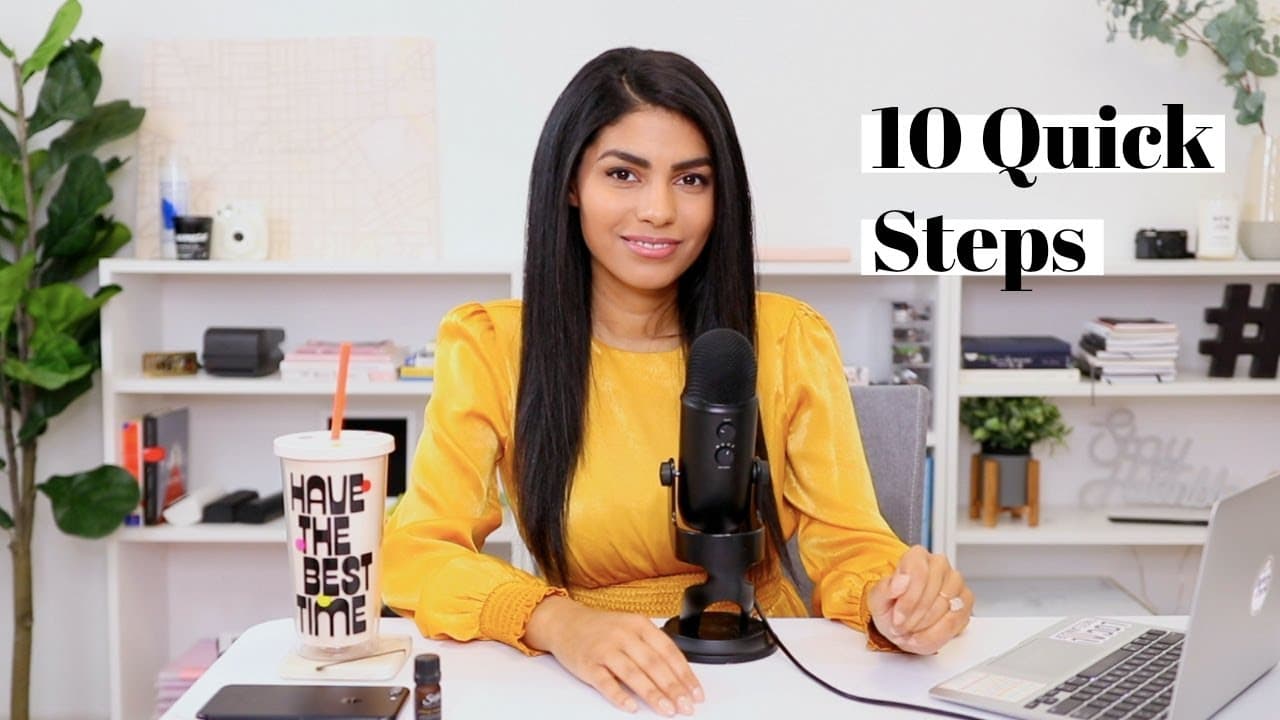
Learn to create an online course efficiently in three days.
Transcript
hello everyone today I'm gonna be sharing with you how to create your very own online course now I recently shared on Instagram that I was going to be challenging myself to create a mini course in just three days and I did accomplish that at least the rough draft I accomplished within three days but I want you to know that while this is gonna be fo... Read More
Key Insights
- Setting aggressive goals can help overcome self-doubt and overthinking, but it's important to prioritize quality over speed, especially for beginners.
- Choosing a course topic should align with personal passion and expertise, while also considering market demand and competition.
- Conducting audience surveys can provide valuable insights into preferred course topics and pricing, though results should be interpreted cautiously.
- Developing a clear course outline, including modules and lessons, is crucial; using tools like Evernote can aid in organizing ideas.
- Creating a professional look and feel for the course, using platforms like Canva, can enhance the learning experience and match the course's tone.
- Using a combination of slides and direct-to-camera videos can enhance engagement, especially when demonstrating practical skills.
- Recording voiceovers with a quality microphone improves audio clarity; tools like QuickTime and Loom offer versatile recording options.
- Utilizing platforms like Thinkific for course hosting provides a structured way to organize and deliver course content efficiently.
Install to Summarize YouTube Videos and Get Transcripts
Explore YouTube Video Summarizer or Get YouTube Transcript Extractor
Questions & Answers
Q: Why is setting an aggressive timeline beneficial in course creation?
Setting an aggressive timeline can help overcome procrastination, self-doubt, and overthinking, which are common barriers in course creation. It encourages focus and prioritization of essential tasks, leading to increased productivity. However, it's important to balance speed with quality, especially for beginners, to ensure the course is effective and valuable to learners.
Q: How should one choose a topic for their online course?
Choosing a course topic should be based on personal passion, expertise, and knowledge. It should be something you can discuss extensively and enjoyably. Additionally, consider the competitive landscape and market demand by researching existing courses and surveying your audience to identify gaps or unique angles that can make your course stand out.
Q: What role does audience feedback play in course creation?
Audience feedback is valuable for understanding learner preferences and expectations. It can guide topic selection, content development, and pricing strategies. However, it's important to interpret feedback cautiously, as responses may be biased towards lower pricing. Combining feedback with data analysis and competitive research can lead to more informed decisions.
Q: What tools can assist in organizing and designing an online course?
Tools like Evernote can help organize course ideas and structure, while platforms like Canva offer design templates for creating a professional course look. These tools facilitate the planning and visual design process, ensuring the course is well-organized and visually appealing, which can enhance the learning experience for students.
Q: Why is a mix of slides and direct-to-camera videos recommended?
Using a combination of slides and direct-to-camera videos can enhance engagement and understanding. Slides allow for structured presentation of key points, while videos add a personal touch and demonstrate practical skills effectively. This mix caters to different learning styles and helps maintain learner interest throughout the course.
Q: How can one ensure high-quality audio in course videos?
High-quality audio is crucial for a professional course. Using a dedicated microphone, rather than built-in computer or camera mics, can significantly improve sound clarity. Tools like QuickTime and Loom allow for recording with external microphones, minimizing background noise and enhancing the overall audio quality of course videos.
Q: What are the benefits of using a platform like Thinkific for course hosting?
Thinkific offers a structured environment for organizing and delivering course content. It simplifies the process of uploading and categorizing lessons, adding multimedia, and managing course access. This platform also provides tools for creating landing pages and setting pricing, making it easier to launch and market courses effectively.
Q: How can additional resources enhance an online course?
Including additional resources like PDFs, blog posts, and summary pages can enrich the learning experience. These resources provide supplementary information, reinforce key concepts, and offer practical tools for learners to apply course content. They also add value to the course, making it more comprehensive and appealing to potential students.
Summary & Key Takeaways
-
Creating an online course efficiently involves setting clear goals and timelines, while ensuring the final product is high-quality. It's important to select a topic that aligns with personal expertise and market demand, and to conduct audience research to refine course content and pricing.
-
The course development process includes outlining the course structure, designing a professional look, and creating engaging content through a mix of slides and videos. Using tools like Evernote for organization and Canva for design can aid in creating a cohesive course.
-
Recording high-quality audio and video is crucial for an engaging course. Platforms like Thinkific provide a structured environment for hosting and delivering course content, allowing for easy organization and distribution of lessons and additional resources.
Read in Other Languages (beta)
Share This Summary 📚
Summarize YouTube Videos and Get Video Transcripts with 1-Click
Try YouTube Summary with ChatGPT & Claude or YouTube Transcript Generator
Explore More Summaries from Latasha James 📚


Summarize YouTube Videos and Get Video Transcripts with 1-Click
Try YouTube Summary with ChatGPT & Claude or YouTube Transcript Generator