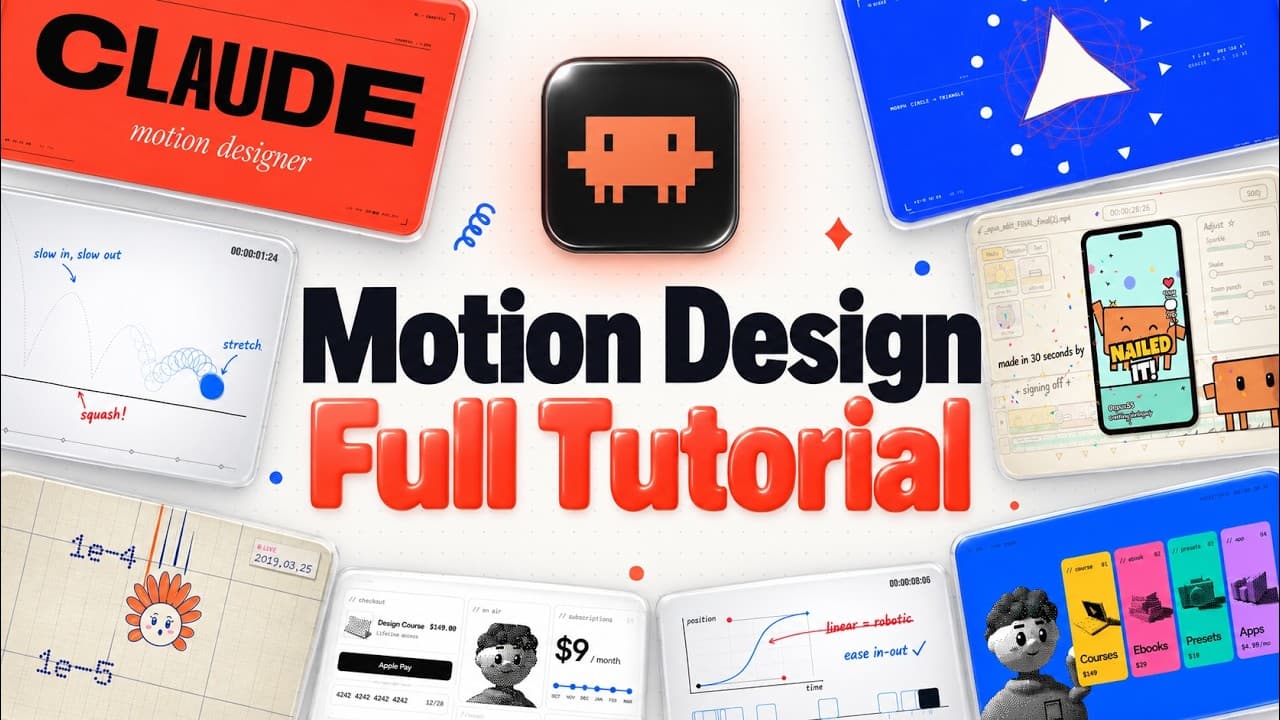
How to Create Motion Graphics with Opus 5.5
TL;DR
Opus 5.5 enables the creation of advanced motion graphics by combining text and image inputs to generate video code. The key to success lies in harnessing the model's capabilities beyond simple prompts, utilizing real brand assets, reference videos, and synchronized audio for a polished outcome. This approach ensures high-quality, brand-consistent videos with AI-generated content.
Transcript
Now, since Opus 5.5 has been released, people have been generating insane videos with this model, we have product launch videos, like for example, this one by Chain on X where he also creates this little avatar with a voice to introduce this new product that he's promoting with this video. And Opus 5.5 does a great job at animating the UI of this a... Read More
Key Insights
- Opus 5.5 generates video by transforming text and image inputs into code, which is then rendered into motion graphics.
- The effectiveness of Opus 5.5 depends heavily on the harness used, with the prompt only contributing 10% to the final output.
- Real brand assets and reference videos significantly enhance the quality and branding of the generated videos.
- Fish Audio provides a text-to-speech API that allows for voiceovers in your own cloned voice, enhancing video personalization.
- Sound synchronization with video elements, such as transitions and text appearances, adds a professional touch to the output.
- A critique loop is essential for refining video quality, involving iterative scoring and adjustments until desired standards are met.
- Packaging the video creation process as a skill or service can offer commercial opportunities for personalized AI-generated content.
- A structured director's brief, including film references and character bibles, guides the AI in producing cohesive and engaging videos.
Install to Summarize YouTube Videos and Get Transcripts
Explore YouTube Video Summarizer or Get YouTube Transcript Extractor
Questions & Answers
Q: How does Opus 5.5 generate videos?
Opus 5.5 generates videos by taking text and image inputs to produce video code, which is then rendered into motion graphics. The process involves creating a brief with text and references, which Opus 5.5 uses to write code. The model can animate UI elements, add captions, and integrate various media inputs to produce a cohesive video output.
Q: What is the role of the prompt in Opus 5.5 video creation?
The prompt plays a limited role in Opus 5.5 video creation, contributing only about 10% to the final output. The majority of the video quality comes from the harness, which includes using real brand assets, reference videos, and a structured workflow to guide the AI in producing high-quality, brand-consistent videos.
Q: How can reference videos enhance Opus 5.5 outputs?
Reference videos enhance Opus 5.5 outputs by providing a visual style and direction for the AI to emulate. By analyzing the elements such as color palettes, transitions, and animation styles, Opus 5.5 can generate videos that align with the desired aesthetic and branding, resulting in a more polished and cohesive final product.
Q: What is the significance of the critique loop in video creation?
The critique loop is significant in video creation as it involves iterative scoring and refinement of the video output. By analyzing and adjusting elements that do not meet desired standards, the loop ensures continuous improvement, leading to a final product that meets or exceeds quality expectations. This process is crucial for achieving professional-grade videos.
Q: How does Fish Audio enhance video personalization?
Fish Audio enhances video personalization by offering a text-to-speech API that allows users to generate voiceovers in their own cloned voice. This capability adds a personal touch to videos, making them more engaging and tailored to the creator's or brand's unique style. The API supports multiple languages and offers high-quality audio output.
Q: What are the benefits of using real brand assets in Opus 5.5 videos?
Using real brand assets in Opus 5.5 videos ensures consistency with brand identity and enhances the overall quality of the video. By incorporating logos, color schemes, and UI elements specific to the brand, the videos appear more professional and aligned with existing marketing materials, strengthening brand recognition and engagement.
Q: How does sound synchronization contribute to video quality?
Sound synchronization contributes to video quality by ensuring that audio elements, such as music and sound effects, align with visual transitions and actions. This synchronization adds a layer of professionalism and engagement, making the video more dynamic and immersive. It enhances the viewer's experience by creating a cohesive audio-visual presentation.
Q: What opportunities exist for commercializing AI-generated videos?
Opportunities for commercializing AI-generated videos include offering personalized video creation services for brands and individuals. By packaging the video creation process as a skill or service, creators can provide tailored video content that meets specific client needs. This approach leverages AI capabilities to deliver high-quality, customized videos efficiently and cost-effectively.
Summary & Key Takeaways
-
Opus 5.5 uses text and image inputs to generate detailed motion graphics, transforming them into video code. The key to successful video creation lies in using real brand assets and reference videos, which enhance quality and consistency. Additionally, incorporating synchronized audio and a critique loop ensures a polished and professional final product.
-
The process involves starting with a brief, using Opus 5.5 to write code, and choosing from different animation routes. Incorporating real brand elements and reference styles helps achieve desired visual outcomes. Fish Audio's voice cloning API adds personalized audio, while a critique loop refines the video through iterative improvements.
-
By leveraging Opus 5.5's capabilities and following a structured workflow, users can create impressive AI-generated videos. This involves using brand-specific assets, reference styles, and synchronized sound, alongside a critique loop that enhances video quality. The approach offers opportunities for commercializing video production as a service.
Read in Other Languages (beta)
Share This Summary 📚
Summarize YouTube Videos and Get Video Transcripts with 1-Click
Try YouTube Summary with ChatGPT & Claude or YouTube Transcript Generator
Explore More Summaries from Lukas Margerie 📚

Summarize YouTube Videos and Get Video Transcripts with 1-Click
Try YouTube Summary with ChatGPT & Claude or YouTube Transcript Generator