How Can I Automate My TV Cost-Effectively?
TL;DR
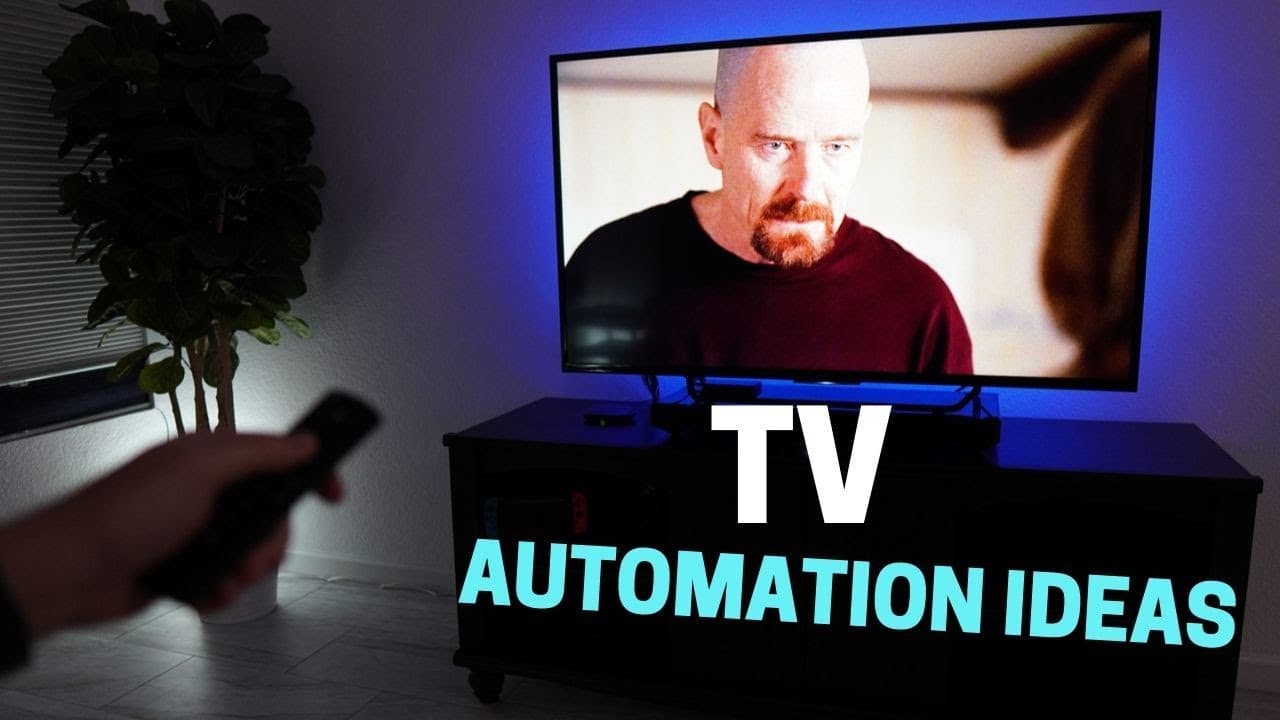
You can automate your TV cost-effectively by using a Harmony Hub to create custom voice commands for tasks like turning on the TV, changing inputs, and controlling lights. For example, you can say 'movie preview' to dim the lights and start playing a trailer. Additionally, you can set up automations that pause the TV when the doorbell rings or when you say 'pause show'.
Transcript
I've had automations around my TV for some time now I wanted to take it up a notch when I start researching automations around the TV a lot of them are complicated and not that reliable the ones I'm going to show you in this video are pretty cool easy to implement and they don't cost that much like pausing the TV when the doorbell is pressed if you... Read More
Key Insights
- 👪 Automations for the TV can enhance the home entertainment experience and make it more convenient.
- 🙂 Using the Harmony Hub allows for seamless control of the TV and integration with other smart devices like lights and voice assistants.
- 😀 It is important to consider limitations, such as the Harmony app being slow and clunky, and compatibility issues with certain operating systems like Mac OS Catalina.
- 📺 Despite its drawbacks, the Harmony Hub is still a worthwhile investment for automations around the TV, especially considering its integration with various entertainment devices and voice assistants.
Install to Summarize YouTube Videos and Get Transcripts
Explore YouTube Video Summarizer or Get YouTube Transcript Extractor
Questions & Answers
Q: What are some examples of TV automations shown in the video?
Some examples include automations for turning on the TV and dimming lights when saying "movie preview," skipping previews by turning on the TV, and controlling lights and TV input with voice commands.
Q: How can I pause and play shows using automations?
The video demonstrates using a Google Assistant routine to pause and play shows. This routine calls a smart thing scene for the lights and runs a custom command to pause or play the TV using the Harmony Hub.
Q: Can I automate pausing the TV when the doorbell rings?
Yes, the video shows how to connect a Ring doorbell to SmartThings, which will call the Harmony Hub to pause the TV when the doorbell rings. It is important to only run this automation if the TV is on.
Q: Is it possible to view the doorbell's video feed on the TV when someone rings the doorbell?
While it is not easy to achieve, the video demonstrates a workaround by modifying an Alexa routine and creating a routine in Google Assistant to show the front door Arlo camera on the TV when someone rings the doorbell.
Summary & Key Takeaways
-
This video showcases various automations for the TV that are easy to implement and cost-effective.
-
Automations include turning on the TV and dimming lights when saying "movie preview," skipping previews by turning on the TV, and controlling lights and TV input with voice commands.
-
The video also demonstrates automations for pausing and playing shows, as well as automatically pausing the TV when the doorbell rings.
Read in Other Languages (beta)
Share This Summary 📚
Summarize YouTube Videos and Get Video Transcripts with 1-Click
Try YouTube Summary with ChatGPT & Claude or YouTube Transcript Generator
Explore More Summaries from Smart Home Solver 📚
Summarize YouTube Videos and Get Video Transcripts with 1-Click
Try YouTube Summary with ChatGPT & Claude or YouTube Transcript Generator