How Do CEOs Manage Their Email Effectively?
TL;DR
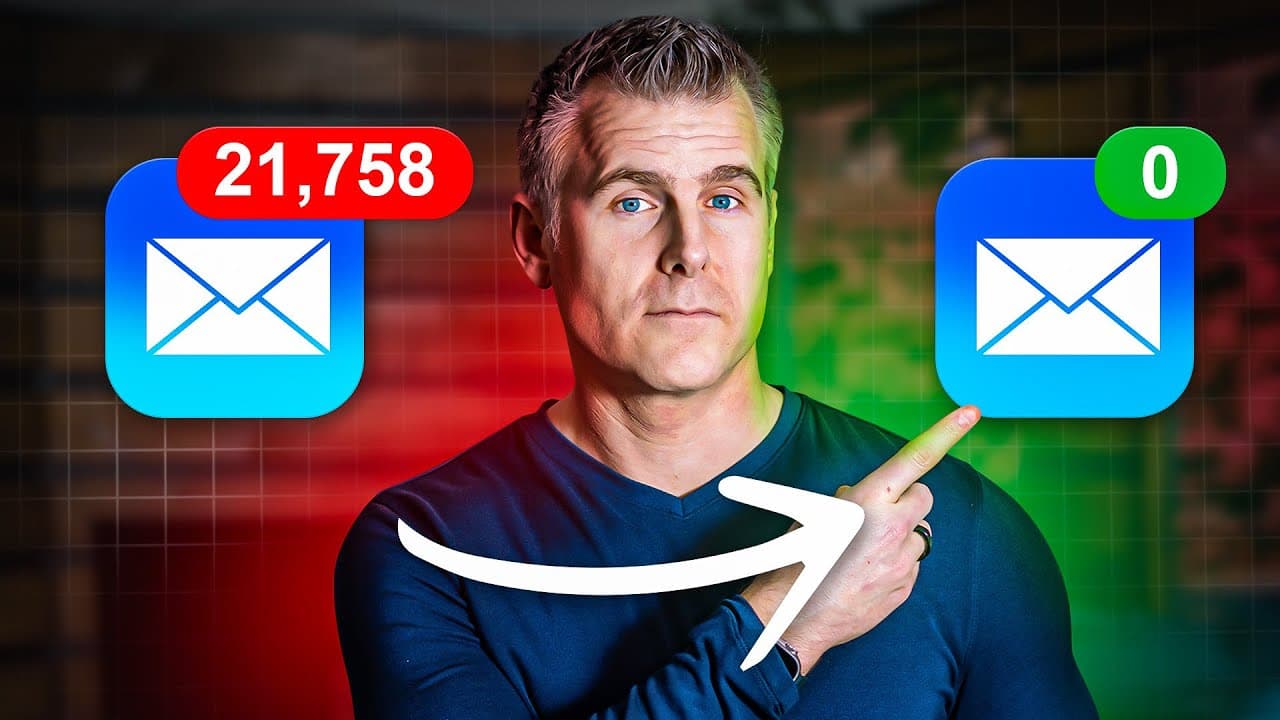
CEOs manage their email by delegating inbox responsibilities to assistants and using structured systems like designated folders for different priorities. They conduct daily reviews to ensure only essential matters are addressed, optimizing their time for high-priority tasks. This approach fosters productivity and reduces email-related overwhelm.
Transcript
the top 1% make millions A Year Without ever checking their email they don't worry about unread emails like you do because they follow these five specific principles that anyone can use whether you're a student or working 9 to-5 or running your own business to go from inbox overwhelm to no inbox at all number one is clone yourself if you have hundr... Read More
Key Insights
- Delegating email management is crucial for achieving high productivity, as demonstrated by successful figures like Richard Branson who rely on assistants to handle communications.
- Hiring should focus on reclaiming personal time rather than increasing workload capacity, emphasizing the importance of effective delegation and time management.
- Establishing a structured email system with folders for different priorities helps assistants manage emails efficiently, reducing the need for direct involvement.
- Daily reviews with an assistant ensure that only essential matters requiring attention are addressed, helping maintain focus on significant tasks and decisions.
- Regular calendar reviews, including long-term planning, are essential for identifying potential conflicts and ensuring all meeting details are confirmed.
- Feedback loops with assistants, including folder reviews and project updates, help maintain awareness of ongoing tasks and decisions without constant oversight.
- Assistants should close communication loops daily by confirming meetings, purchases, project updates, and decisions to keep CEOs informed and reduce misunderstandings.
- Asking reflective questions about energy levels, frustrations, and potential improvements can help optimize personal productivity and work-life balance.
Install to Summarize YouTube Videos and Get Transcripts
Explore YouTube Video Summarizer or Get YouTube Transcript Extractor
Questions & Answers
Q: How do top performers manage their email inboxes?
Top performers manage their email inboxes by delegating the task to assistants who organize and process emails based on a structured system. This approach allows them to focus on high-value tasks without being distracted by routine communications, thereby enhancing productivity and efficiency.
Q: What is the 'replacement ladder' mentioned in the content?
The 'replacement ladder' is a concept from the book 'Buy Back Your Time,' which outlines the sequence of hiring assistants to take over specific tasks. This process is designed to reclaim personal time for high-impact activities, starting with email management and gradually moving up to more complex responsibilities.
Q: What is the significance of the 'Noggo Zone' in email management?
The 'Noggo Zone' refers to the practice of completely delegating email management to an assistant, ensuring that the CEO does not directly handle emails. This method helps maintain focus on strategic tasks and prevents the CEO from being overwhelmed by routine email communications.
Q: How does the email GPS system work?
The email GPS system involves organizing emails into specific folders such as 'Review,' 'To Respond,' and 'Financials' to streamline processing. This system enables assistants to handle 90% of emails independently, ensuring that only critical messages reach the CEO, thereby enhancing time management and productivity.
Q: What role does the daily admin review play in managing emails?
The daily admin review is a crucial component of effective email management, where the CEO and assistant review important matters requiring attention. This process ensures that only significant issues are addressed, maintaining focus on strategic priorities and reducing the time spent on routine communications.
Q: Why is it important to review the calendar regularly?
Regular calendar reviews are important for identifying potential scheduling conflicts, ensuring meeting details are complete, and confirming attendance. This practice helps maintain an organized schedule, prevents last-minute surprises, and ensures all engagements align with strategic goals.
Q: How can reflective questions enhance productivity?
Reflective questions about daily energy levels, frustrations, and potential improvements help identify areas for optimization. By regularly assessing these factors, CEOs can make informed adjustments to their routines, enhancing personal productivity and maintaining a healthy work-life balance.
Q: What are the four key areas assistants should focus on daily?
Assistants should focus on confirming meetings, tracking purchases, providing project updates, and noting decisions made. By closing these communication loops daily, assistants ensure that CEOs remain informed and aligned with ongoing tasks, reducing the risk of misunderstandings or missed opportunities.
Summary & Key Takeaways
-
The video outlines five key strategies for managing email effectively, emphasizing the importance of delegation, structured systems, and regular reviews to maintain productivity.
-
By hiring assistants to manage emails and using a structured folder system, CEOs can focus on high-priority tasks without getting bogged down by routine communications.
-
Regular communication with assistants through daily reviews and feedback loops ensures that only essential matters are addressed, fostering efficient decision-making and time management.
Read in Other Languages (beta)
Share This Summary 📚
Summarize YouTube Videos and Get Video Transcripts with 1-Click
Try YouTube Summary with ChatGPT & Claude or YouTube Transcript Generator
Explore More Summaries from Dan Martell 📚

Summarize YouTube Videos and Get Video Transcripts with 1-Click
Try YouTube Summary with ChatGPT & Claude or YouTube Transcript Generator