Dia vs Comet: Which AI Browser Is Better?
TL;DR
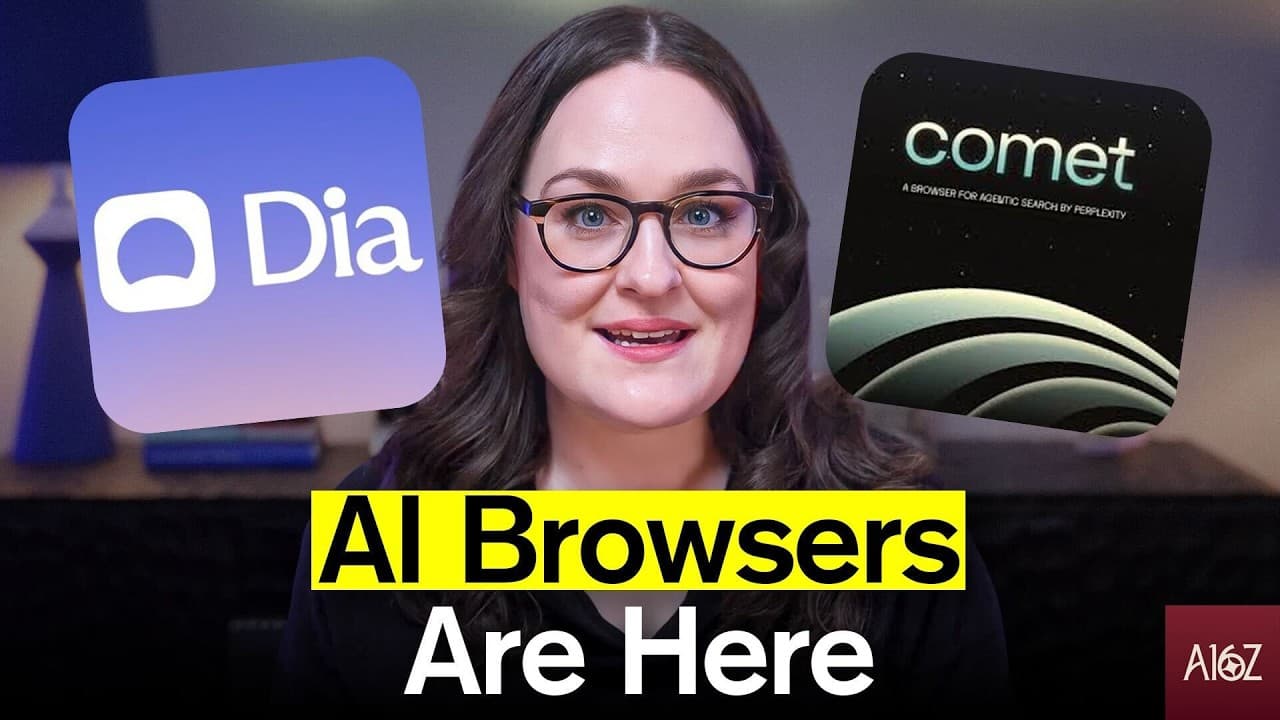
Comet is the stronger core browser because it combines cleaner search with connected actions, recurring tasks, purchases, and collaborative spaces. Dia remains especially useful for reusable skills, personalized workflows, file context, and reasoning across multiple open tabs, making it a compelling alternative for users willing to invest time in onboarding and configuration.
Transcript
Hi, I'm Olivia Moore. I'm a partner on the early stage AI applications team here at A16Z. I spend a lot of my time around products that consumers or proumers use to do their work better. And so the concept of an agentic browser is really exciting to me and it feels like we may finally be there. The past month saw the release of two AI browsers. Dia... Read More
Key Insights
- Comet is the reviewer's preferred core browser because it combines web browsing, search, connected services, task execution, purchasing, and collaboration within one interface. Dia remains valuable for specialized workflows, but Comet more fully delivers the action-oriented promise of an agentic browser.
- Both browsers include contextual AI assistants that can use the current page, highlighted material, or screenshots as input. This makes routine activities such as summarizing an article, understanding a video, drafting text, or finding a cheaper product alternative more casual and accessible throughout the day.
- Comet provides stronger basic and advanced search in the reviewer's testing. Perplexity's formatting and sourcing appeared cleaner than Dia's, while its deep research capability supported more involved searches without requiring substantially more sophisticated prompts from the user.
- Dia's skills turn personalized instructions into reusable workflows that can be triggered with a single tag. A creator, for example, can save audience and writing context, ask Dia to research a brand and its creator team, and automatically produce a tailored outreach email.
- Dia is particularly effective at reasoning across multiple open tabs and uploaded files. It can summarize several articles about one subject or compare multiple accommodation options in a table, reducing the effort required to gather shared context manually for a research or planning task.
- Comet's connected actions work through authenticated access to Google Calendar, Google Drive, Dropbox, and WhatsApp. It can search those services, retrieve information from emails or meeting records, schedule an event, and send a related message without requiring the user to leave the browser interface.
- Comet supports recurring tasks that can proactively return results through the browser. This addresses a limitation the reviewer experienced with ChatGPT tasks, since she was not using ChatGPT throughout the day and therefore did not consistently encounter task results at the appropriate time.
- Comet's broader agent capabilities include finding and purchasing a suitable book after billing and shipping information have been saved. It also provides shareable spaces for longer-term collaboration, combining stored project context, built-in search, templates, personalization, and participation by other people.
Install to Summarize YouTube Videos and Get Transcripts
Explore YouTube Video Summarizer or Get YouTube Transcript Extractor
Questions & Answers
Q: Which is better, Dia or Comet, as an AI browser?
Comet is the reviewer's preferred core browser because it performs well in search while also taking action across connected services. It can retrieve records, manage calendars, send messages, run recurring tasks, complete purchases, and support shared workspaces. Dia is still used almost daily for configured skills, personalized workflows, and multi-tab reasoning, especially when the user has invested time in onboarding.
Q: What can Dia and Comet's AI assistants do?
Both assistants can use the current webpage, highlighted text, or screenshots as context for a request. They can answer questions, summarize articles or videos, help draft written material, and search for less expensive alternatives while the user is viewing a product. Their placement inside the browser reduces the extra work of copying links or content into a separate chatbot interface.
Q: Why does Comet perform better for web search?
Comet receives the advantage for both basic and advanced search in the reviewer's head-to-head testing. Its results generally have cleaner formatting and sourcing through Perplexity. Comet also includes Perplexity's deep research capability, which can handle more involved searches without requiring the user to create substantially more sophisticated prompts before receiving a structured and useful response.
Q: How do Dia skills automate repeatable workflows?
Dia skills let users combine personal details, working preferences, instructions, and placeholders for future research into reusable tasks triggered by a single tag. In the creator outreach example, Dia receives information about the creator and audience, researches a selected brand and its creator team, and drafts a personalized email. This avoids repeating the same research and setup for every brand.
Q: How does Dia reason across multiple browser tabs?
Dia can treat several open tabs as shared context for one request, and users can add uploaded files as further context. Someone researching a topic can open multiple articles and request one combined summary. Someone comparing accommodation options can open several listings and ask Dia to build a table of their core features. The reviewer found this experience easier in Dia than Comet.
Q: What connected actions can Comet perform?
Comet can authenticate with Google Calendar, Google Drive, Dropbox, and WhatsApp, then search information and direct tasks toward those services. It can locate flight details, confirmation codes, mileage numbers, old emails, or meeting records. It can also identify missed messages or unpaid bills, schedule a meeting, and send an email notifying the other person about the new calendar event.
Q: How do recurring tasks make Comet more useful?
Recurring tasks allow Comet to perform work on a schedule and push the results back through a browser the user already visits. The reviewer considers this a practical advantage over tasks placed in a separate chatbot because she is not in ChatGPT all day. Browser delivery reduces the need to remember when to open another product and manually check for completed results.
Q: Can Comet make purchases and support collaboration?
Comet can find an appropriate product, such as a book for a five-year-old's birthday, and complete the purchase in essentially one click when billing and shipping information have already been saved. For collaboration, it provides shareable spaces for longer-term work. These spaces include built-in search, templates, personalized context, and access for other participants working on the same project.
Summary & Key Takeaways
-
Dia and Comet both place an AI assistant beside the current page, allowing users to ask questions based on page content, highlighted passages, or screenshots. Both support summarization, shopping research, voice input, and personalization. Comet produces cleaner search results and offers Perplexity's deeper research capability for more advanced queries with less prompting.
-
Dia stands out through reusable skills that combine personal context, instructions, research, and drafting into repeatable workflows. It can research a brand and prepare a personalized creator outreach email from a saved template. Dia also handles shared context across many tabs and uploaded files, making comparisons and multi-source summaries especially convenient for users.
-
Comet functions more like an action-oriented agent connected to Google Calendar, Google Drive, Dropbox, and WhatsApp. It can retrieve records, triage email, schedule meetings, send messages, run recurring tasks, complete purchases, and support shared spaces. The reviewer ultimately selects Comet as the better browser while continuing to use Dia's configured skills regularly.
Read in Other Languages (beta)
Share This Summary 📚
Summarize YouTube Videos and Get Video Transcripts with 1-Click
Try YouTube Summary with ChatGPT & Claude or YouTube Transcript Generator
Explore More Summaries from a16z 📚




Summarize YouTube Videos and Get Video Transcripts with 1-Click
Try YouTube Summary with ChatGPT & Claude or YouTube Transcript Generator