How to Set Up Claude as Your Personal Executive Assistant
TL;DR
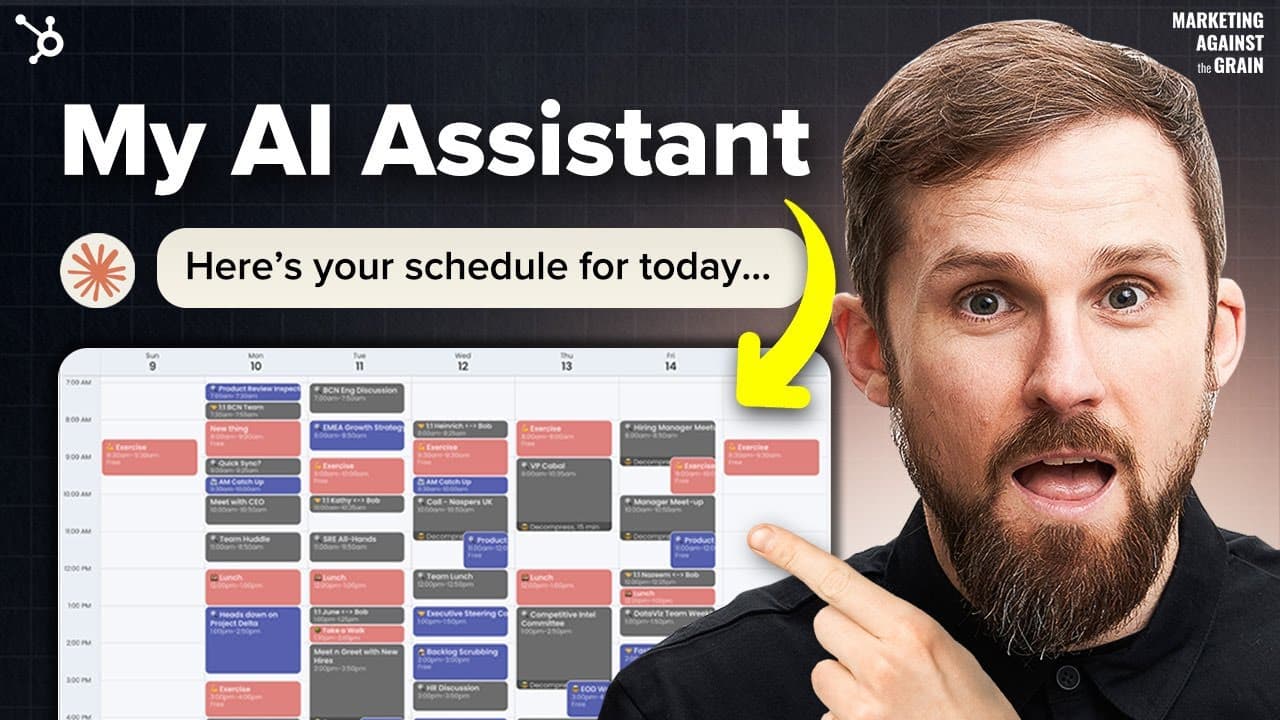
You can set up Claude as your personal executive assistant in under 10 minutes by utilizing its Projects feature, which automates tasks like meeting analysis and follow-up management. The assistant integrates with applications like Google Drive to manage documents, track action items, and streamline communication, significantly enhancing your workflow efficiency.
Transcript
Okay, we're gonna give everyone their own personal assistant using Claude and something you can actually set up in less than 10 minutes, and really showcases the power of Claude projects feature. So who doesn't want their own personal assistant, that would be awesome. So let's share this, but I'm going to go through the entire workflow again, and s... Read More
Key Insights
- Claude's Projects feature allows users to set up an AI personal assistant that can be established in less than 10 minutes, enhancing productivity through automation.
- The assistant can handle tasks such as meeting analysis, follow-up management, and drafting communications, providing a comprehensive support system for project management.
- Users can integrate Claude with various applications, such as Google Drive, to streamline document management and access meeting transcripts and summaries easily.
- The assistant can identify action items and track follow-ups, ensuring that users remain on top of their tasks and deadlines, which is crucial for effective project management.
- Claude offers flexibility in communication styles and output formats, allowing users to customize how information is presented and shared, whether through email or Slack.
- The system maintains a running list of tasks, which can be updated and shared with team members, though direct integration with document platforms for live updates is still in development.
- Future enhancements may include deeper integration with email and Slack for drafting messages and updates, making Claude an even more versatile tool for communication management.
- The use of AI in personal assistance can significantly improve workflow efficiency, especially for users managing multiple projects or large teams, by automating routine tasks and providing timely updates.
Install to Summarize YouTube Videos and Get Transcripts
Explore YouTube Video Summarizer or Get YouTube Transcript Extractor
Questions & Answers
Q: How does Claude's Projects feature enhance personal assistant capabilities?
Claude's Projects feature enhances personal assistant capabilities by allowing users to automate meeting analysis, follow-up management, and communication drafting. This feature enables the AI to maintain a running list of tasks, identify action items, and provide timely updates, significantly improving workflow efficiency and project management.
Q: What applications can Claude integrate with to streamline document management?
Claude can integrate with applications such as Google Drive to streamline document management. This integration allows users to access meeting transcripts and summaries easily, facilitating efficient task tracking and follow-up management within the assistant's workflow.
Q: What are some key tasks that Claude can automate as a personal assistant?
Claude can automate several key tasks as a personal assistant, including analyzing meeting transcripts, managing follow-up actions, drafting communication in various formats, and maintaining a running list of tasks and deadlines. These capabilities help users stay organized and efficient in managing their projects.
Q: How does Claude handle communication styles and output formats?
Claude offers flexibility in handling communication styles and output formats, allowing users to customize how information is presented. Users can specify preferences for email or Slack formats, ensuring that communications are tailored to the platform and audience, enhancing clarity and efficiency in information sharing.
Q: What are the current limitations of using Claude for document management?
Currently, Claude cannot update documents live within integrated platforms like Google Docs. Users need to manually copy and paste updates from the assistant into documents. However, future developments are expected to address this limitation, allowing for direct document updates and improved collaboration.
Q: What future enhancements are expected for Claude's integration with communication tools?
Future enhancements for Claude's integration with communication tools may include the ability to draft emails directly in the user's email client and integrate with Slack for real-time message drafting. These improvements aim to streamline communication management, making Claude a more versatile tool for users.
Q: How can Claude's assistant setup benefit users managing multiple projects?
Claude's assistant setup can benefit users managing multiple projects by providing a centralized system for tracking tasks, deadlines, and follow-ups across different projects. This setup ensures that users can efficiently manage their workload, receive timely updates, and maintain organization, even when handling large teams or complex projects.
Q: What role does AI play in improving workflow efficiency with Claude?
AI plays a crucial role in improving workflow efficiency with Claude by automating routine tasks, providing timely updates, and tracking project progress. This automation allows users to focus on strategic decision-making and reduces the time spent on administrative tasks, ultimately enhancing overall productivity and project management.
Summary & Key Takeaways
-
Claude's Projects feature enables users to set up a personal assistant that can automate tasks like meeting analysis and follow-up management, improving workflow efficiency. This setup can be achieved in under 10 minutes, making it accessible for both enterprise and personal users.
-
The assistant can integrate with applications like Google Drive, facilitating easy access to meeting transcripts and summaries. It can also track action items, providing users with a comprehensive view of their tasks and deadlines, crucial for effective project management.
-
Although current limitations exist, such as the inability to update documents live, future developments are expected to enhance integration with email and Slack, further improving Claude's effectiveness as a communication management tool.
Read in Other Languages (beta)
Share This Summary 📚
Summarize YouTube Videos and Get Video Transcripts with 1-Click
Try YouTube Summary with ChatGPT & Claude or YouTube Transcript Generator
Explore More Summaries from Marketing Against the Grain 📚



Summarize YouTube Videos and Get Video Transcripts with 1-Click
Try YouTube Summary with ChatGPT & Claude or YouTube Transcript Generator