How to Build a Slack AI Agent with n8n
TL;DR
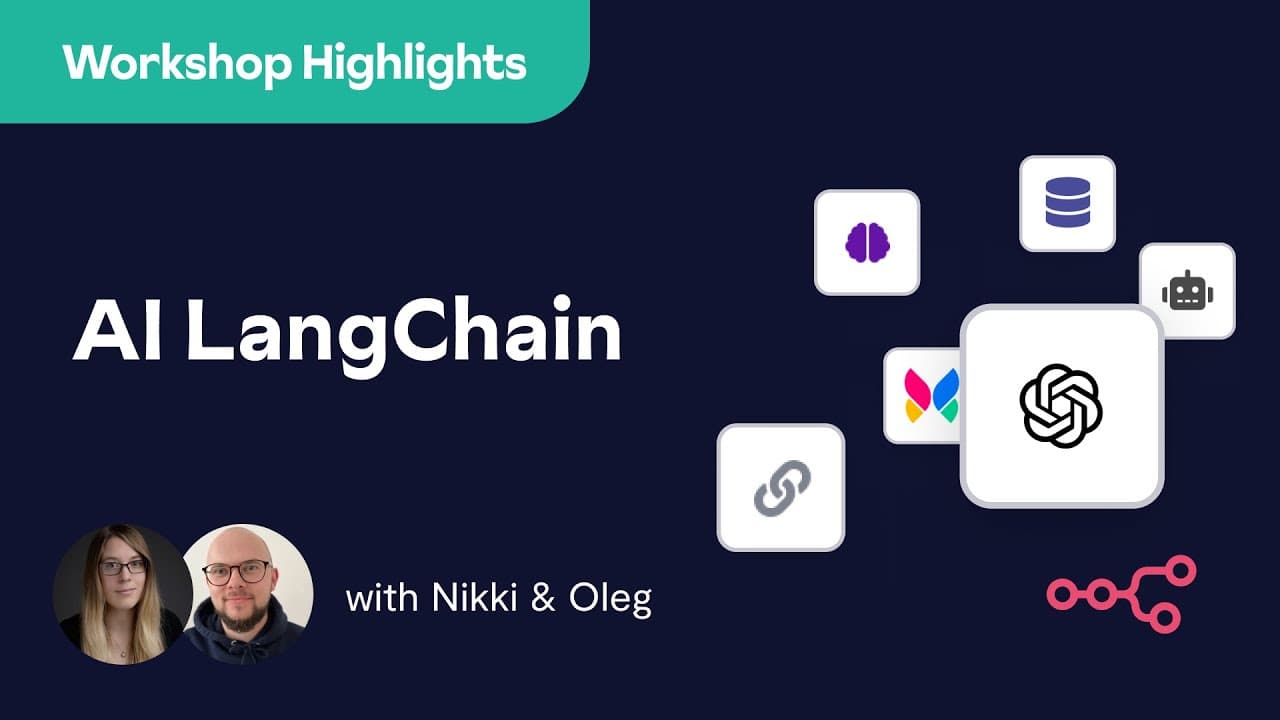
Build a Slack AI agent in n8n by starting with an advanced AI workflow template, configuring OpenAI and Slack credentials, and connecting a Slack webhook to a conversational agent and response node. Add window buffer memory keyed by a Slack user or thread, filter bot messages, and provide tools such as Wikipedia so the agent can remember context and perform more than basic question answering.
Transcript
so everyone welcome uh this is our first ever virtual community workshop and I am very excited to be here hosting that for you as your new community manager uh and for those of you who don't know this is Oleg uh Oleg would you like to introduce yourself yeah hi thank you uh I'm o I've been with Anan for over a year now working on the frontend mainl... Read More
Key Insights
- n8n integrates LangChain features with its existing data workflows, allowing information from Slack, email, webhooks, or external requests to enter an AI workflow. That information can be processed and passed into an agent or chain for prompted decisions and useful outputs.
- Language models can function as a decision-making backend when they receive an input and a clear prompt. This approach reduces the need to program every possible case because the model determines an appropriate output according to the instructions and information it receives.
- Providing relevant data can reduce model hallucinations when the agent is instructed to answer only from that data. The workshop emphasizes that controlled source material gives the language model a clearer boundary for processing information and producing answers grounded in the supplied content.
- n8n templates provide a quick starting point for AI workflows because they include connected nodes and explanatory sticky notes. Users can select a relevant template, add the required credentials, and adapt the existing structure instead of assembling the entire workflow from an empty canvas.
- A Slack chatbot workflow requires a webhook that listens for Slack events and exposes test and production URLs. Test mode listens for one request after workflow execution begins, while the production URL is used after the workflow has been made active.
- Filtering nonuser Slack messages prevents the chatbot from processing its own responses. Slack also sends webhook requests for bot activity, so the workflow must distinguish user messages from bot messages to avoid having the agent respond repeatedly to itself.
- A conversational agent requires a compatible chat model, while memory and tools are optional configuration nodes. Window buffer memory lets the agent retain conversation context, and a Wikipedia tool gives the agent an additional capability beyond directly answering with the language model.
- n8n execution logs support workflow debugging by showing inputs and outputs for configuration nodes. The logs reveal the user message, memory activity, system prompt, language-model input, resolved expressions, simplified results, and raw JSON generated during an execution.
Install to Summarize YouTube Videos and Get Transcripts
Explore YouTube Video Summarizer or Get YouTube Transcript Extractor
Questions & Answers
Q: How do you build a Slack AI agent with n8n?
Start with the advanced AI Slack chatbot template, then configure the OpenAI credentials, selected chat model, Slack credentials, and Slack webhook. Filter nonuser events before passing the message into a conversational agent. Connect the agent to window buffer memory and any desired tools, then configure a Slack node to send the agent's chat output back to the user identified in the webhook data.
Q: Why should a Slack AI workflow filter bot messages?
Slack can send webhook requests for messages created by the chatbot as well as messages created by users. If the workflow processes bot events, the agent may respond to its own output instead of waiting for a person. Filtering nonuser messages ensures that only relevant user input reaches the conversational agent and prevents the bot from repeatedly talking back to itself.
Q: How does memory work in the n8n conversational agent?
The demonstrated agent uses window buffer memory, which stores conversation history according to a session key. That key includes the workflow ID and a mapped value such as the Slack user ID. It can instead use a thread ID or a combination of attributes. The context window length determines how many previous messages the memory retains for later exchanges.
Q: What is the difference between Slack webhook test and production URLs?
The test URL is used while manually executing and checking the workflow. In this mode, the webhook listener accepts one request and then terminates, so the workflow must be executed again before another Slack message can trigger it. The production URL is intended for the Slack app after the workflow has been switched to its active state.
Q: What components can connect to an n8n conversational agent?
The conversational agent connects to a required chat model through its model configuration connection. It can also use optional memory, tools, and an output parser. In the demonstration, Chat OpenAI supplies the model, window buffer memory stores conversation context, and Wikipedia acts as a tool. The output parser can structure results using a list, schema, or JSON schema.
Q: How can supplied data reduce AI hallucinations?
Supplying relevant data gives the language model a defined information source for its response. The workflow can instruct the model to work only with that data or provide answers only on top of it. According to the workshop, this constraint decreases hallucinations because the model is directed toward the available source material instead of generating an unrestricted response.
Q: How do n8n templates speed up AI workflow creation?
Templates provide a preassembled collection of workflow nodes, connections, and explanatory sticky notes for a particular use case. The Slack chatbot template already contains the major components needed for the demonstration. A user can open it, provide OpenAI and Slack credentials, configure mapped values, and test the workflow without first designing every connection and node from scratch.
Q: How can you debug an AI agent workflow in n8n?
Open the executed agent node and inspect its output and logs. The output shows what is passed to the Slack response node, while the logs show inputs and outputs for connected configuration nodes. They can reveal the message inserted into memory, whether prior messages were returned, the system prompt, the user's input, resolved expressions, and the raw JSON behind the simplified display.
Summary & Key Takeaways
-
The workshop introduces n8n nodes and features for creating LangChain-based AI workflows. These workflows can receive information from sources such as Slack, email, webhooks, and external requests, process that data through an agent or chain, and use a language model to make prompted decisions without programming every individual use case.
-
The demonstration starts from an advanced AI template for a Slack chatbot. Setup includes OpenAI credentials, a selected GPT-3.5 Turbo 16K model, Slack credentials, and a webhook that receives message events. The workflow filters nonuser messages before sending valid user input to a conversational agent configured with a distinct persona.
-
The agent connects to a required chat model, optional window buffer memory, and tools such as Wikipedia. Memory sessions can be keyed by Slack user or thread identifiers, while the context window controls retained messages. n8n execution logs expose node inputs, outputs, prompts, memory activity, resolved expressions, and raw JSON for debugging.
Read in Other Languages (beta)
Share This Summary 📚
Summarize YouTube Videos and Get Video Transcripts with 1-Click
Try YouTube Summary with ChatGPT & Claude or YouTube Transcript Generator
Explore More Summaries from n8n 📚
![Automating Gong Sales Call Analysis with n8n and AI [n8n At Scale] thumbnail](/_next/image?url=https%3A%2F%2Fi.ytimg.com%2Fvi%2FAIiJ29hEn80%2Fhqdefault.jpg&w=750&q=75)
![How I Hit 1.4M Followers Solo With AI & Automation [#09 Sabrina Ramonov] thumbnail](/_next/image?url=https%3A%2F%2Fi.ytimg.com%2Fvi%2F5zQCCgv1YSk%2Fhqdefault.jpg&w=750&q=75)
Summarize YouTube Videos and Get Video Transcripts with 1-Click
Try YouTube Summary with ChatGPT & Claude or YouTube Transcript Generator