Top 5 Essential Tools for Content Creators
TL;DR
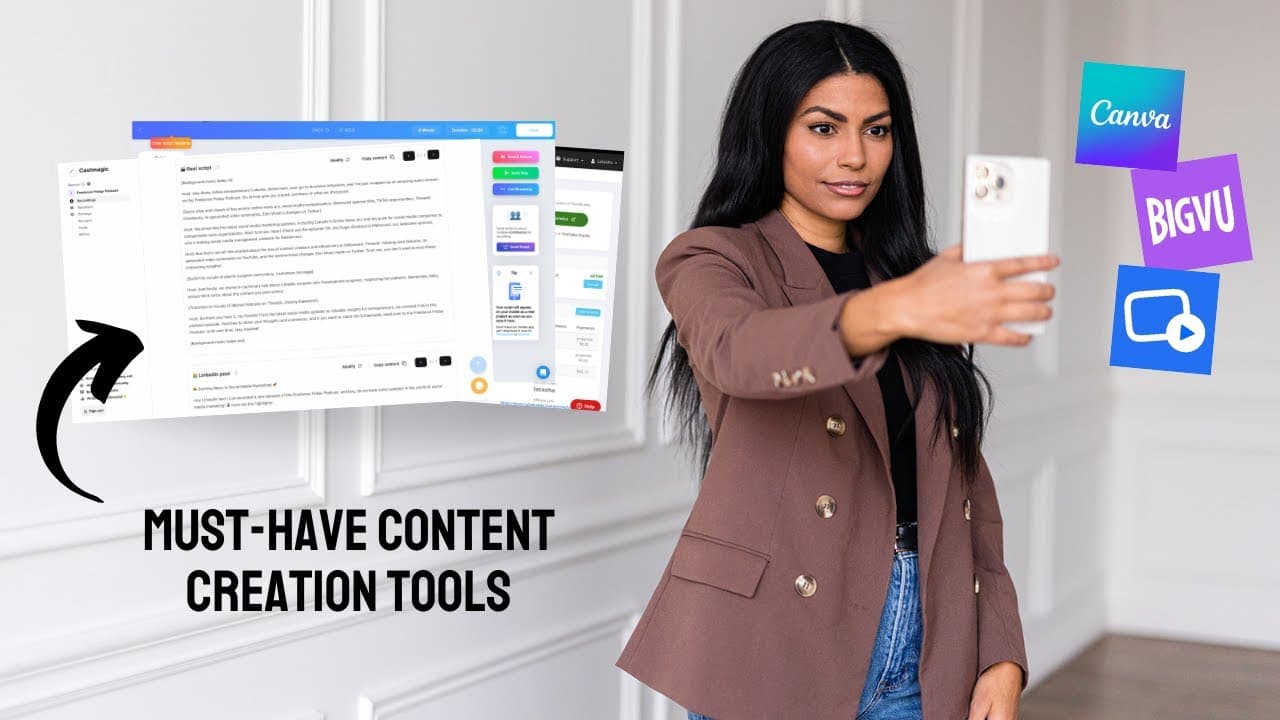
TubeBuddy, YouScreen, BigVu, Final Cut, and Canva are essential tools for content creators. TubeBuddy helps with SEO and keyword research. YouScreen enables monetization and community building. BigVu acts as a teleprompter, simplifying script reading. Final Cut offers advanced video editing capabilities. Canva provides animation and stock video options to enhance content.
Transcript
Whether you're a business owner, a social media manager, or an influencer, it seems like we are all expected to be content creators nowadays, and I know that content creation isn't a skill that necessarily comes supernaturally to everyone. So today I wanna share my top five tools that I use to go from this. To this super easily. I love these things... Read More
Key Insights
- TubeBuddy is a browser extension that aids in keyword research and SEO, offering insights into search volume and competition.
- YouScreen allows content creators to monetize their content through memberships, offering features like private live streaming and branded mobile apps.
- BigVu is a teleprompter app available on multiple devices, making script reading and recording seamless for content creators.
- Final Cut is a non-linear video editing software that offers extensive customization, allowing creators to sync audio and video easily.
- Cast Magic utilizes AI to generate discussion questions, summaries, and social post ideas from podcast transcripts, enhancing content repurposing.
- Canva offers easy-to-use animation and stock video features that can elevate video content with minimal effort.
- Final Cut's audio-video syncing feature saves time for creators who record audio and video separately, streamlining the editing process.
- Canva's green screen effect allows creators to add animated graphics to videos without extensive animation skills.
Install to Summarize YouTube Videos and Get Transcripts
Explore YouTube Video Summarizer or Get YouTube Transcript Extractor
Questions & Answers
Q: How does TubeBuddy assist content creators?
TubeBuddy is a browser extension that aids content creators in optimizing their video content through comprehensive keyword research and SEO insights. It evaluates search volume and competition levels for various keywords, helping creators refine their video titles and topics for better visibility and engagement on YouTube and other platforms.
Q: What features does YouScreen offer for content monetization?
YouScreen provides content creators with tools to monetize their video content through memberships. It offers private live streaming, branded mobile apps, and community-building features. Creators can launch paid memberships with a Netflix-like interface, enabling recurring revenue and audience engagement through exclusive content and community interactions.
Q: What is BigVu and how does it benefit content creators?
BigVu is a teleprompter app available on devices like iPads, iPhones, and computers, allowing content creators to read scripts seamlessly while recording. It simplifies the process of delivering scripted content, making it ideal for educational videos and detailed presentations, thus enhancing the quality and professionalism of video content without extensive memorization.
Q: Why is Final Cut preferred for video editing?
Final Cut is a preferred video editing software due to its non-linear editing capabilities and extensive customization options. It allows creators to sync audio and video clips efficiently, saving time and enhancing the editing process. Its wide range of transitions and effects provides creative flexibility, making it suitable for both basic and advanced video projects.
Q: How does Cast Magic enhance podcast content?
Cast Magic uses AI to enhance podcast content by generating discussion questions, summaries, and social post ideas from transcripts. It repurposes creators' original work, providing ready-to-use content elements without compromising authenticity. This tool streamlines content creation and marketing efforts, making it easier to engage audiences across platforms.
Q: What animation features does Canva offer?
Canva offers user-friendly animation features that allow content creators to add dynamic elements to their videos. It provides a library of animated graphics and stock videos, enabling creators to enhance their content without extensive animation skills. Canva's tools make it easy to incorporate engaging visuals, elevating the overall quality and appeal of video projects.
Q: How does Final Cut's audio-video syncing feature work?
Final Cut's audio-video syncing feature allows creators to automatically align separate audio and video recordings, streamlining the editing process. This feature is particularly beneficial for creators who record high-quality audio separately from video. By eliminating manual syncing, it saves time and ensures precise alignment, leading to a more efficient editing workflow.
Q: How can Canva's green screen effect be utilized?
Canva's green screen effect enables content creators to add animated graphics to their videos by keying out a green background. This technique allows for the integration of dynamic elements, such as subscribe buttons or decorative animations, without requiring advanced animation skills. It enhances video content by adding professional-looking accents easily.
Summary & Key Takeaways
-
TubeBuddy is a vital tool for content creators, providing keyword research and SEO insights to optimize video content. It helps determine search volume and competition, guiding creators to refine their titles for better visibility.
-
YouScreen is essential for monetizing video content, offering features like private live streaming and branded mobile apps. It helps creators build a community and generate recurring revenue through memberships, stabilizing income during slower months.
-
BigVu simplifies script reading with its teleprompter functionality, available on multiple devices. It's ideal for educational content and detailed scripts, allowing creators to focus on delivery without memorization challenges.
Read in Other Languages (beta)
Share This Summary 📚
Summarize YouTube Videos and Get Video Transcripts with 1-Click
Try YouTube Summary with ChatGPT & Claude or YouTube Transcript Generator
Explore More Summaries from Latasha James 📚




Summarize YouTube Videos and Get Video Transcripts with 1-Click
Try YouTube Summary with ChatGPT & Claude or YouTube Transcript Generator