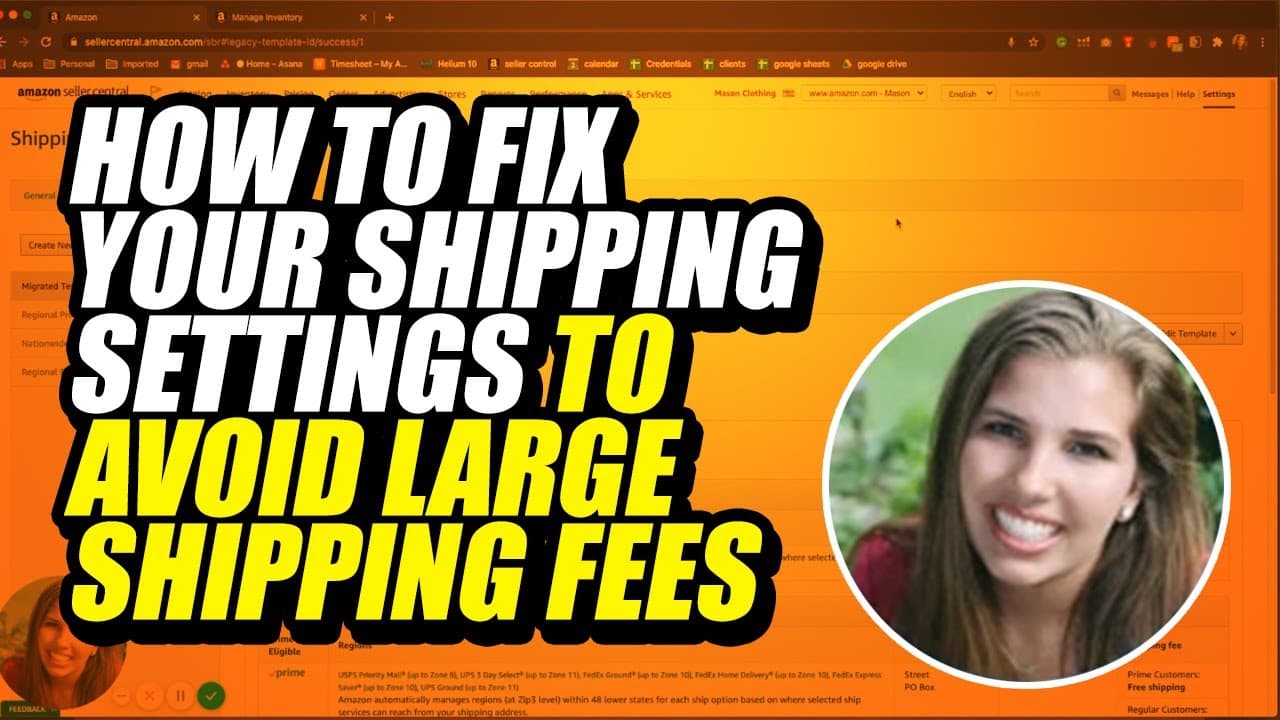
How to Fix Your Shipping Settings to Avoid Large Shipping Fees
TL;DR
Learn how to prevent high delivery fees on Amazon by adjusting your shipping settings and disabling region automation.
Transcript
are you experiencing high delivery fees and you're not exactly sure why my name is Sydney Harry's in my Amazon guide and today I'll be showing you why these fees are occurring so first of all some of these fees are occurring because you're having to ship items across the country so these are obviously gonna be extremely high shipping labels and shi... Read More
Key Insights
- ✋ High delivery fees on Amazon can be caused by shipping items across the country, resulting in high shipping costs.
- ✋ Checking and adjusting your shipping settings in your seller central account can help in avoiding these high fees.
- ✋ Disabling region automation gives you control over where your products are shipped from and helps prevent unnecessary high fees.
- 🥳 You can customize your Prime shipping settings to specify regions where you want to offer two-day or one-day delivery.
- ✋ Deleting non-Prime regions can limit your delivery options and prevent unwanted high fees.
- 🦮 Consulting an Amazon guide or expert can provide further assistance in understanding and navigating the shipping settings on Amazon.
- 📦 Optimization of shipping settings can contribute to the growth of sales on Amazon.
Install to Summarize YouTube Videos and Get Transcripts
Explore YouTube Video Summarizer or Get YouTube Transcript Extractor
Questions & Answers
Q: Why am I experiencing high delivery fees on Amazon?
High delivery fees can occur when you are shipping items across the country, resulting in high shipping labels and costs.
Q: How can I check my shipping settings on Amazon?
Log in to your seller central account on Amazon, go to settings, and click on shipping settings. You can check the templates and shipping settings for your products there.
Q: How can I prevent high delivery fees on Amazon?
To prevent high delivery fees, ensure that all your templates, including the migrated template, have the same shipping settings. Disable region automation to have control over your shipping locations.
Q: Can I adjust the shipping settings for Prime deliveries?
Yes, you can. In the shipping settings, select the Prime delivery option, choose the regions you want to ship to, and customize the shipping duration based on your preferences.
Summary & Key Takeaways
-
High delivery fees may occur when shipping items across the country, resulting in extremely high shipping costs.
-
To avoid these fees, log in to your Seller Central account on Amazon, navigate to the shipping settings, and ensure that all templates have the same shipping settings.
-
Disable region automation in the shipping settings to have control over where your products are shipped from and prevent unnecessary high fees.
Read in Other Languages (beta)
Share This Summary 📚
Summarize YouTube Videos and Get Video Transcripts with 1-Click
Try YouTube Summary with ChatGPT & Claude or YouTube Transcript Generator
Explore More Summaries from My Amazon Guy 📚

![Amazon SEO [Complete 2022 Guide] - New Search Query SEO Phase 4 - Keyword Ranking Optimization thumbnail](/_next/image?url=https%3A%2F%2Fi.ytimg.com%2Fvi%2F-Dc-ufvTHVg%2Fhqdefault.jpg&w=750&q=75)




Summarize YouTube Videos and Get Video Transcripts with 1-Click
Try YouTube Summary with ChatGPT & Claude or YouTube Transcript Generator