What Is the Ultimate AI Video Stack for Making Content With AI?
TL;DR
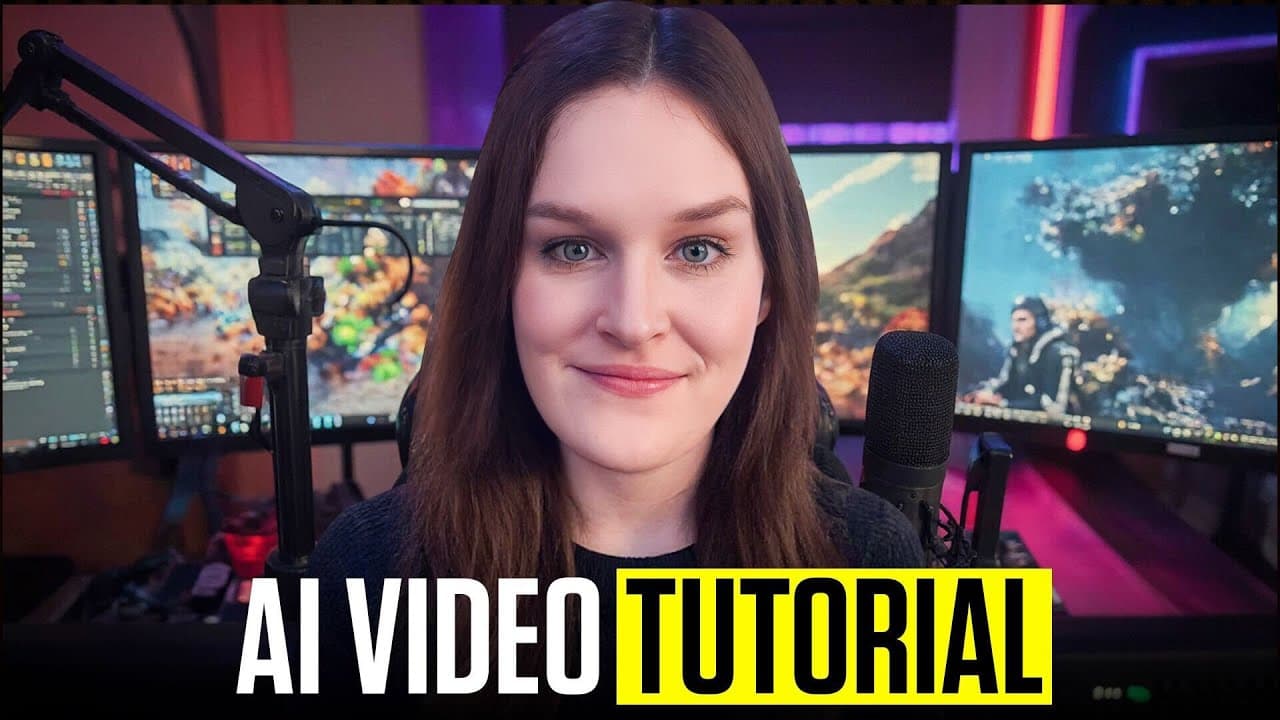
The recommended AI video stack uses Veo 3 for text-to-video, Kling 2.1 for animating images, Hedra for talking characters, Higgsfield for visual effects, and Krea for testing and enhancing outputs. Justine Moore suggests choosing each model for its specific strength, starting with simple prompts, and iterating based on results. Read on for practical setup, prompting, animation, and enhancement tips for each tool.
Transcript
hi my name is Justine and I'm a partner at a venture capital firm called A16Z where I invest in earlystage startups I'm also a creator on the side I love making and posting images and videos mostly using AI creative tools and I share them on X under the handle Venture Twins I have been an AI video enthusiast for a long time Right when the first mod... Read More
Key Insights
- Veo 3 is the best text-to-video model, accessible via Google Labs, and requires a Google Ultra AI subscription.
- Frames to video allows generating video from images, while ingredients to video combines pictures of scenes and objects.
- Kling 2.1 is ideal for animating images, supporting a start frame with plans to add more frames soon.
- Hedra enables creating talking characters using a start frame, audio script, and text prompt, with options for cloned voices.
- Higgsfield offers Hollywood-grade visual effects, allowing users to browse, generate, and apply effects like flood or fire.
- Krea is a multimodal platform for generating and editing images and videos, supporting multiple models for diverse outputs.
- Krea's enhancer tools, like Topaz, can upscale videos to 60 frames per second and improve clarity.
- AI tools offer creators flexibility and innovation, helping them build efficient AI-powered content workflows.
Install to Summarize YouTube Videos and Get Transcripts
Explore YouTube Video Summarizer or Get YouTube Transcript Extractor
Questions & Answers
Q: What are the best tools for an AI video creation stack?
Justine Moore’s stack includes Veo 3 for text-to-video, Kling 2.1 for animating images, Hedra for talking characters, Higgsfield for visual effects, and Krea for testing and enhancing outputs. She recommends selecting a tool according to the specific video task because different models have different strengths.
Q: How do you generate a video from text with Veo 3?
Access Veo 3 through Flow on Google Labs and start a new project; Justine says it requires the Google Ultra AI subscription. Select V3 in the settings and use text-to-video if you want the model to generate native audio, including dialogue or sound effects.
Q: How should you prompt Veo 3 for better results?
Justine prefers starting with relatively simple prompts, checking what works, and iterating. For a sequence that moves through multiple scenes, she describes each event in order so the model understands that the scenes are connected and avoids unrelated jump cuts.
Q: How much dialogue should a Veo 3 prompt include for an 8-second video?
Include enough dialogue to occupy the 8-second video. Justine found that when a street-interview prompt contains only about 2 seconds of dialogue, the model may invent unwanted filler, so she prefers having extra text that gets cut off rather than too little.
Q: Which Veo 3 settings does Justine Moore recommend?
She usually requests two outputs per prompt because generating more can become expensive in credits. She also recommends double-checking that the selected model is V3, since the setting may change to V2.
Q: What is Kling 2.1 used for in AI video creation?
Kling 2.1 is Justine’s preferred model for generating video from an image. It can animate people and backgrounds, introduce moving elements, and apply presets or instructions that control camera movement.
Q: What Kling 2.1 settings are recommended for animating an image?
Justine selects Kling 2.1 Master for the best outputs and typically generates one 5-second result. At the time described, it supports a start frame but not both a start and end frame, and she normally does not use negative prompts.
Q: How can creators improve and finish AI-generated videos?
Creators can use Hedra to combine a start frame, audio script, and text prompt for talking characters, while Higgsfield can add effects such as floods or fire. Krea supports testing across multiple models, and its enhancer tools such as Topaz can improve clarity and upscale video to 60 frames per second.
Summary & Key Takeaways
-
Justine Moore from A16Z showcases her favorite AI video tools, including Veo 3 for text-to-video generation, Kling 2.1 for animating images, and Hedra for creating talking characters. She also discusses Higgsfield for adding visual effects and Krea for testing and enhancing video outputs, offering practical insights on model selection and prompting.
-
Veo 3 is highlighted as the top text-to-video model, while Kling 2.1 excels at animating images. Hedra provides flexibility in creating talking characters with cloned voices, and Higgsfield allows for cinematic visual effects. Krea supports testing across multiple models, enhancing videos with tools like Topaz.
-
The video emphasizes the power and versatility of AI tools in video content creation, encouraging creators to experiment with different models and workflows. Justine shares her practical experiences and tips, inviting viewers to explore and build their own AI-powered content workflows.
Read in Other Languages (beta)
Share This Summary 📚
Summarize YouTube Videos and Get Video Transcripts with 1-Click
Try YouTube Summary with ChatGPT & Claude or YouTube Transcript Generator
Explore More Summaries from a16z 📚
Summarize YouTube Videos and Get Video Transcripts with 1-Click
Try YouTube Summary with ChatGPT & Claude or YouTube Transcript Generator