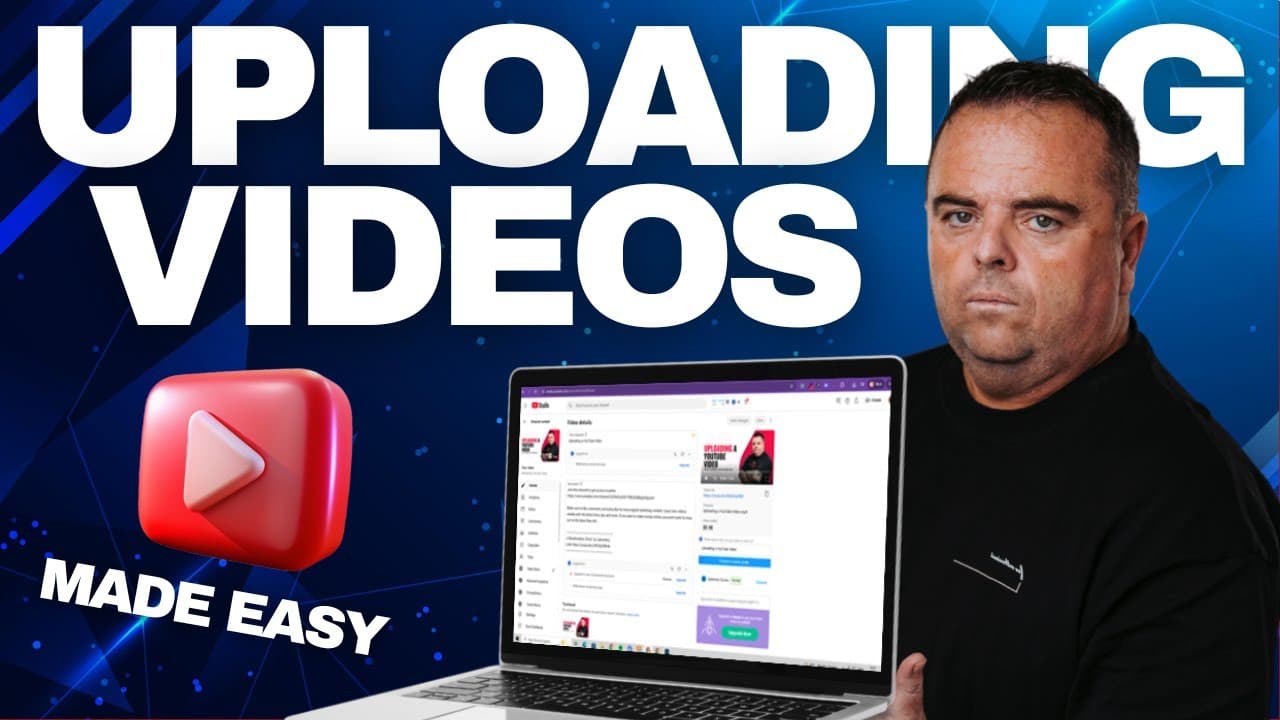
Uploading a YouTube Video and Optimise it for SEO
TL;DR
Learn to upload and optimize YouTube videos for better SEO.
Transcript
so guys when you're recording your video make sure you do the video in a nice concise manner the length of time in a video isn't hugely important but people switch off and don't engage um after a certain period of time unless you're a you know super engaged speaker or you're showcasing a lot of good stuff anyway you've recorded your video and you'r... Read More
Key Insights
- The video emphasizes the importance of a concise and engaging video to retain viewer attention, regardless of the video's length.
- A well-crafted title is crucial for SEO, similar to a website's title tag, and should be something people are likely to search for.
- Descriptions should avoid external links to prevent audience compression, instead focusing on keywords relevant to the video content.
- Monetization options are available but may not yield significant revenue; they can be turned on or off depending on the creator's goals.
- Subtitles can broaden the audience reach, especially for viewers who might struggle with certain accents or languages.
- End screens and cards are useful tools for retaining viewers and encouraging actions like subscribing or watching more content.
- Visibility settings allow creators to control who can see their video, ranging from private to public, which is important for audience building.
- Utilizing YouTube's features, like cards for linking, can enhance viewer engagement without leading them off the platform.
Install to Summarize YouTube Videos and Get Transcripts
Explore YouTube Video Summarizer or Get YouTube Transcript Extractor
Questions & Answers
Q: What is the importance of a video title in YouTube SEO?
The video title is crucial for YouTube SEO as it functions similarly to a title tag on a website. It should be concise and include keywords that potential viewers are likely to search for. This helps improve the video's visibility and ranking in search results, making it easier for viewers to find.
Q: Why should external links be avoided in YouTube video descriptions?
External links in YouTube video descriptions should be avoided because they can compress the audience reach. YouTube tends to limit the exposure of videos that direct viewers away from its platform. Instead, descriptions should focus on relevant keywords and content that enhances the video's SEO without leading viewers elsewhere.
Q: How can subtitles benefit a YouTube video?
Subtitles can significantly benefit a YouTube video by making it accessible to a broader audience, including non-native speakers and those with hearing impairments. They are particularly useful for viewers who might struggle with understanding accents. Subtitles can also improve engagement and retention by ensuring viewers comprehend the video's content fully.
Q: What are the advantages of using end screens and cards in YouTube videos?
End screens and cards are advantageous in YouTube videos as they help retain viewer attention and encourage further engagement. End screens can prompt viewers to subscribe or watch more videos, while cards can link to related content, playlists, or other channels. These features enhance user interaction without leading them off the platform.
Q: What are the monetization options available for YouTube videos?
YouTube offers monetization options that allow creators to earn revenue from their videos, primarily through ads. While not typically a significant income source, monetization can be enabled or disabled based on the creator's goals. It involves selecting ad types and potentially joining the YouTube Partner Program for additional revenue opportunities.
Q: How can visibility settings impact a YouTube video's audience reach?
Visibility settings on YouTube determine who can view a video, impacting its audience reach. Options include private, unlisted, and public. Public visibility is ideal for audience building, allowing anyone to find and watch the video. Private and unlisted settings restrict access, which might limit engagement but can be useful for targeted sharing.
Q: What role do keywords play in YouTube video descriptions?
Keywords in YouTube video descriptions play a pivotal role in enhancing the video's SEO. They help categorize the video content, making it more discoverable in search results. Including relevant keywords can improve visibility and attract viewers interested in the video's topic, ultimately boosting engagement and watch time.
Q: Why is it important to use YouTube's features for linking instead of description links?
Using YouTube's features, like cards, for linking is important because it keeps viewers on the platform while still allowing creators to direct them to related content. Unlike description links, which can reduce audience reach by leading viewers away, cards maintain engagement and offer a seamless viewing experience within YouTube.
Summary & Key Takeaways
-
The video provides a detailed guide on uploading and optimizing YouTube videos for better SEO, focusing on titles, descriptions, and viewer engagement strategies.
-
Key strategies include using engaging titles, avoiding external links in descriptions, and leveraging YouTube features like end screens and cards to retain viewers.
-
Monetization options are discussed, along with the benefits of subtitles for broader audience reach, especially for non-native speakers or those with strong accents.
Read in Other Languages (beta)
Share This Summary 📚
Summarize YouTube Videos and Get Video Transcripts with 1-Click
Try YouTube Summary with ChatGPT & Claude or YouTube Transcript Generator