Live Graphs with Events - Data Visualization GUIs with Dash and Python p.4
TL;DR
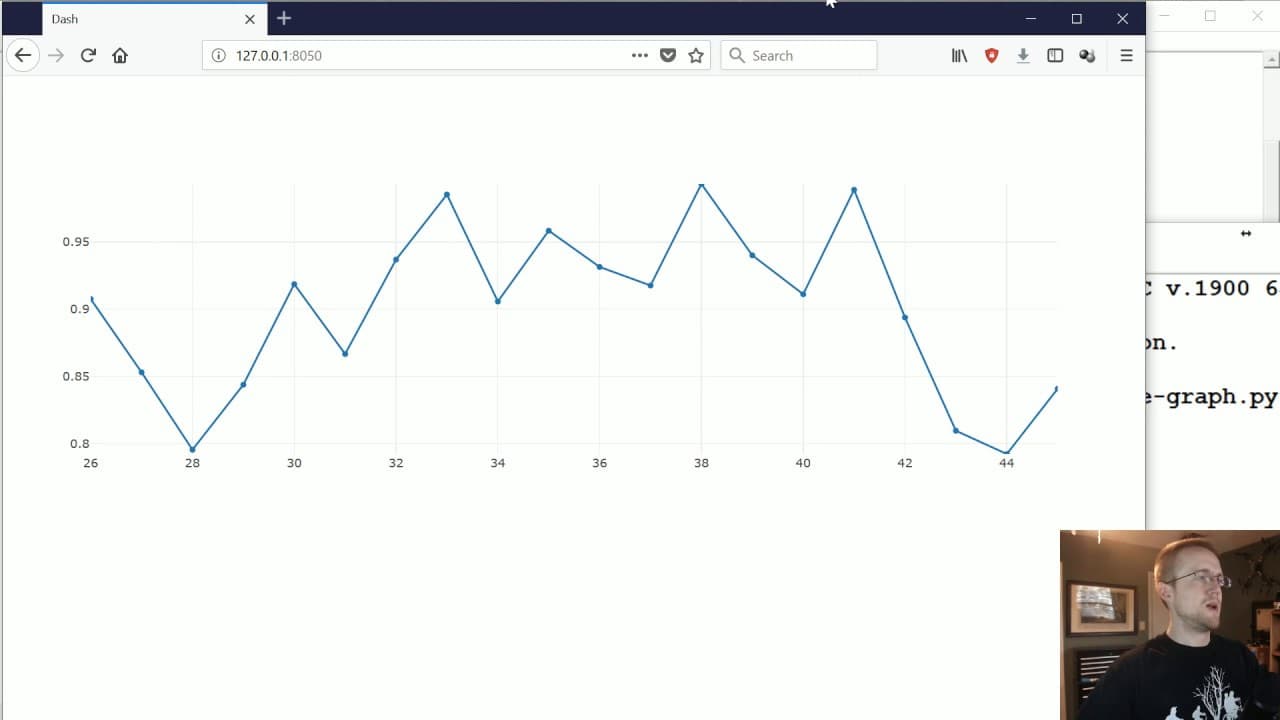
This tutorial covers how to create live graphs using Dash and Python, which automatically update based on events triggered by user input or database values.
Transcript
what's going on everybody and welcome to part 4 of the data visualization applications with Dash and python tutorial series in this tutorial what we're gonna be doing is covering live graphs so up to this point we've covered how to do a basic layout and sort of graph and then even have like user input changing what that graph is but many times you'... Read More
Key Insights
- 🫒 Live graphs can be created in Dash using the "interval" component and a callback function triggered by an event.
- 👤 The "event" module is used to trigger functions without user input.
- ❓ The "deque" module is useful for maintaining a maximum size for data containers.
- 📈 Plotly's graph objects are used to define the data and layout for the live graph.
- ❣️ The x and y axis values for the graph can be dynamically updated within the callback function.
- ❣️ The layout of the graph can be customized to set the range of the x and y axes.
- 🫒 The live graph updates at regular intervals based on the specified interval time.
Install to Summarize YouTube Videos and Get Transcripts
Explore YouTube Video Summarizer or Get YouTube Transcript Extractor
Questions & Answers
Q: What is the purpose of creating live graphs?
Live graphs are useful when you want to display real-time data, such as readings from sensors or database values, and have the graph automatically update with new data.
Q: What is the purpose of importing the "event" module in this tutorial?
The "event" module is used to trigger a function to run without user input. In this tutorial, it is used to update the live graph at regular intervals.
Q: How is the data for the graph generated in this tutorial?
Dummy data is generated using the "random" module. The x-axis data is incremented by 1, while the y-axis data is calculated based on the previous y-axis value with some randomness added.
Q: Why is the "deque" module used in this tutorial?
The "deque" module is used to create a container with a specified maximum size. It allows for efficient insertion and deletion of elements, ensuring that the data for the graph stays within the specified length.
Summary & Key Takeaways
-
This tutorial explains how to create live graphs that automatically update without user input.
-
It covers the necessary imports and libraries needed to build live graphs, including Dash, Plotly, and Deque.
-
The tutorial provides step-by-step instructions on how to define the application layout, set up the interval for updates, and create the callback function to update the graph.
Read in Other Languages (beta)
Share This Summary 📚
Summarize YouTube Videos and Get Video Transcripts with 1-Click
Try YouTube Summary with ChatGPT & Claude or YouTube Transcript Generator
Explore More Summaries from sentdex 📚






Summarize YouTube Videos and Get Video Transcripts with 1-Click
Try YouTube Summary with ChatGPT & Claude or YouTube Transcript Generator