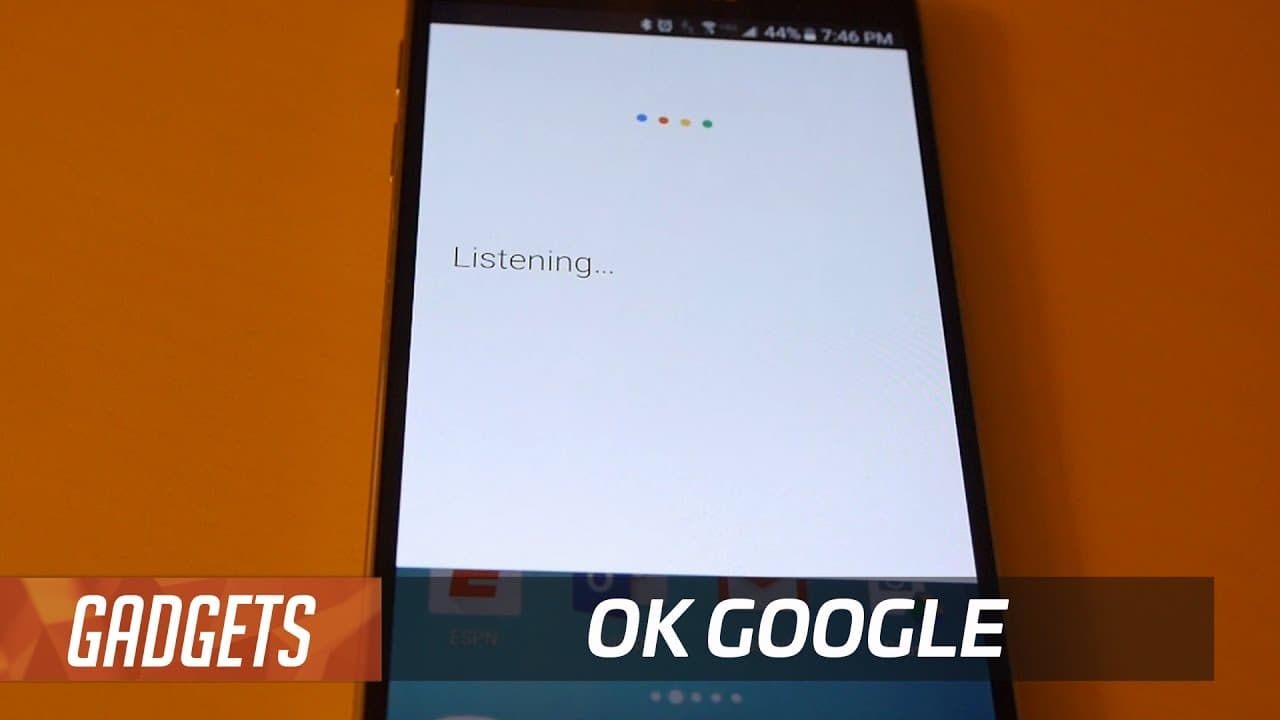
Doug shares 13 actually useful "OK Google" voice commands | 12 Days of Doug #10
TL;DR
"Discover my favorite useful voice commands for Okay Google, from setting reminders and checking the weather to finding nearby restaurants and playing music."
Transcript
I'm not gonna try to convince you that controlling your phone with your voice is the coolest thing ever 85 percent of it is pretty gimmicky and dumb but 15 percent of it 15 percent of it is pretty cool so I will share with you my favorite okay google tricks see if you like any of them these are the ones I find most helpful take you from me a strang... Read More
Key Insights
- 🅰️ Voice recognition technology like Okay Google can be a time-saving tool for various tasks, eliminating the need for typing or pressing buttons.
- 😫 Setting reminders through Okay Google reduces the effort required to remember important tasks or events.
- 💁 Okay Google can provide accurate weather forecasts without the need to manually search for the information.
- 👤 The feature of identifying songs through Okay Google can enhance the music discovery experience for users.
- 🤗 Locating nearby restaurants that are currently open becomes effortless with the voice command feature.
- 📲 Okay Google's convenience extends to tasks like sending texts, making phone calls, and checking sports scores.
- 👤 Voice commands can be used to control music playback, saving users the hassle of manually operating their devices.
Install to Summarize YouTube Videos and Get Transcripts
Explore YouTube Video Summarizer or Get YouTube Transcript Extractor
Questions & Answers
Q: How can Okay Google be used to set reminders?
Okay Google can be used to set reminders by simply saying "Okay Google, reminding at 6:45 a.m. tomorrow to steal the neighbor's newspaper." It eliminates the need for typing or pressing buttons to set reminders efficiently.
Q: How does Okay Google help in finding out the weather forecast?
With Okay Google, you can easily find out the weather forecast by saying "Okay Google, what's the weather gonna be like tomorrow?" It saves time and provides accurate weather information without the need to manually search for it.
Q: Can Okay Google identify songs?
Yes, Okay Google is capable of identifying songs. By saying "Okay Google, what song is this?", it will listen to the audio and provide the title and artist of the song, allowing users to discover new music effortlessly.
Q: How can Okay Google assist in locating nearby restaurants?
By using Okay Google, users can find nearby restaurants that are currently open by saying "Okay Google, show me the nearest restaurants that are open right now." It helps users quickly find dining options without having to manually search for them.
Summary & Key Takeaways
-
The content explores the usefulness of voice commands with Okay Google, highlighting 15 percent of the tricks as being genuinely cool.
-
The presenter shares various voice commands, including setting reminders, checking the weather, finding nearby restaurants, and identifying songs.
-
The video emphasizes the convenience of voice recognition, allowing users to accomplish tasks without typing or pressing multiple buttons.
Read in Other Languages (beta)
Share This Summary 📚
Summarize YouTube Videos and Get Video Transcripts with 1-Click
Try YouTube Summary with ChatGPT & Claude or YouTube Transcript Generator
Explore More Summaries from TechCrunch 📚






Summarize YouTube Videos and Get Video Transcripts with 1-Click
Try YouTube Summary with ChatGPT & Claude or YouTube Transcript Generator