What Are the Best Tips and Tricks for iPhone 13 Pro Max?
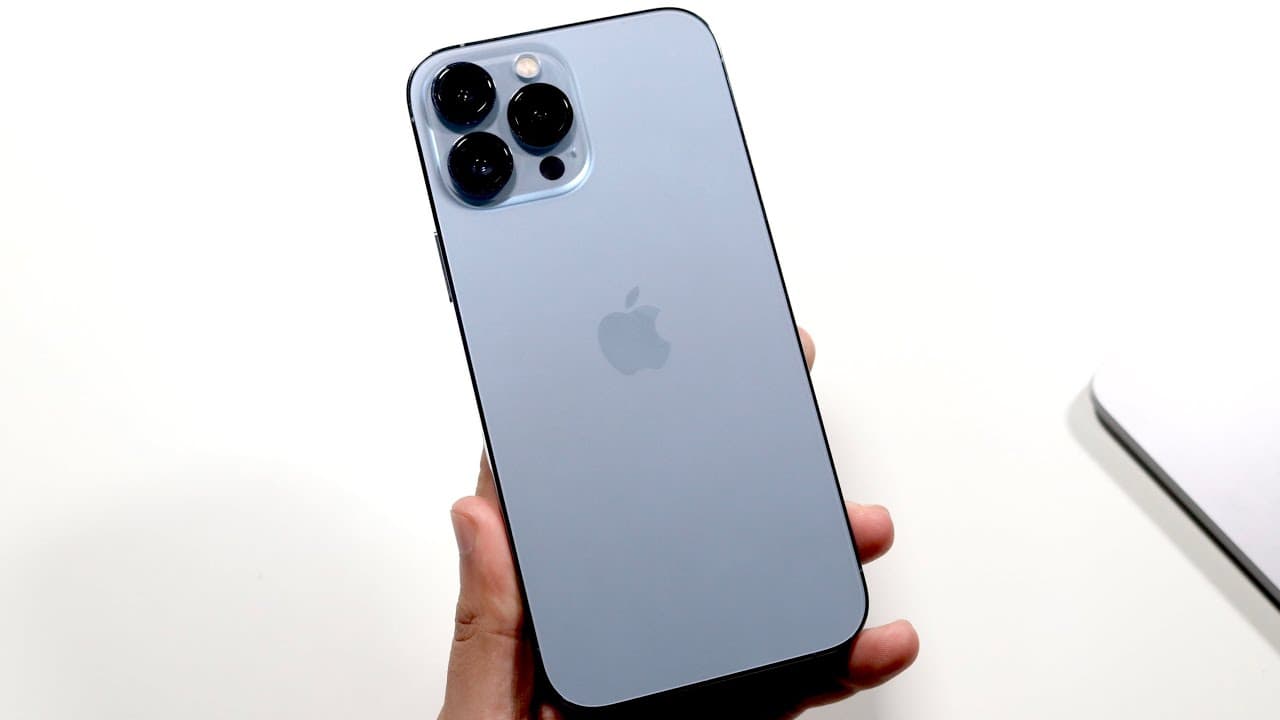
TL;DR
To optimize your iPhone 13 Pro Max, use a screen protector and case to maintain resale value, and leverage features like the 120 Hz ProMotion display for smoother scrolling. Master iOS 15 features such as drag and drop functionality, Live Text for extracting text from images, and customizable back tap shortcuts to enhance productivity.
Transcript
welcome back everyone the iphone 13 pro max has been out for a little bit of time now and you may have just purchased it so let's go ahead and take a look at some tricks and tips that you may know or may not know about your iphone 13 pro max now luckily for you this is one of the most expensive iphones apple has ever made so you may want to go ahea... Read More
Key Insights
- 💻 Maintaining the physical condition of the iPhone 13 Pro Max is crucial for resale value, including using screen protectors and cases.
- 👤 ProMotion technology significantly enhances the clarity and responsiveness of the display, providing a smoother user experience.
- 👻 The drag and drop feature simplifies multitasking, allowing seamless transfer of content between applications.
- 👤 Users can customize their iPhone experience through features like back tap shortcuts, enabling quick access to frequently used functions.
- 👾 Live Text feature in iOS 15 is a game changer for capturing and copying text from images, enhancing productivity.
- 💦 Focus mode settings provide users with tools to manage interruptions, tailoring notifications to specific contexts like work or relaxation.
- 👋 iPhone 13 Pro Max has one of the best battery lives among smartphones tested, reducing the need for frequent charging.
Install to Summarize YouTube Videos and Get Transcripts
Explore YouTube Video Summarizer or Get YouTube Transcript Extractor
Questions & Answers
Q: What can I do to preserve the resale value of my iPhone 13 Pro Max?
To maintain the resale value of your iPhone 13 Pro Max, it is crucial to keep it in good condition. Using a high-quality screen protector and a durable case are essential steps. Additionally, avoid exposing the device to extreme temperatures or overheating, as physical condition and functionality significantly affect resale prices in the market.
Q: How does the ProMotion display enhance the user experience on the iPhone 13 Pro Max?
The ProMotion display on the iPhone 13 Pro Max supports a refresh rate of up to 120 Hz, providing remarkably smooth interactions, smoother scrolling, and enhanced multitasking capabilities. This higher refresh rate makes user interface (UI) elements feel more responsive, which can significantly improve the overall experience when browsing, gaming, or engaging with media.
Q: What new features does iOS 15 bring to the iPhone 13 Pro Max?
iOS 15 introduces several new features to the iPhone 13 Pro Max, including drag and drop functionality for easier data management across apps, Live Text for extracting text from photos, and various Focus modes that help users manage notifications and reduce distractions based on different contexts like work or personal time.
Q: How can I use the back tap feature on the iPhone 13 Pro Max?
The back tap feature allows you to set custom commands for double or triple tapping the back of your iPhone 13 Pro Max. To enable it, go to Settings > Accessibility > Touch > Back Tap. Here, you can assign actions like taking a screenshot or locking the screen, enhancing ease of use without navigating through the interface.
Summary & Key Takeaways
-
The iPhone 13 Pro Max is a premium device, and keeping it in good condition can help maintain its resale value. Screen protectors, cases, and avoiding overheating are recommended practices.
-
The device features a ProMotion display with up to 120 Hz refresh rate, enhancing user experience with smooth scrolling and multitasking. Users can adjust settings to optimize battery life.
-
New iOS 15 features include drag and drop functionality, Live Text for copying text from images, and customizable back tap settings for shortcuts, providing users with enhanced productivity options.
Read in Other Languages (beta)
Share This Summary 📚
Summarize YouTube Videos and Get Video Transcripts with 1-Click
Try YouTube Summary with ChatGPT & Claude or YouTube Transcript Generator
Explore More Summaries from Simple Alpaca 📚






Summarize YouTube Videos and Get Video Transcripts with 1-Click
Try YouTube Summary with ChatGPT & Claude or YouTube Transcript Generator