How to Create Random Cube Positions in PyOpenGL
TL;DR
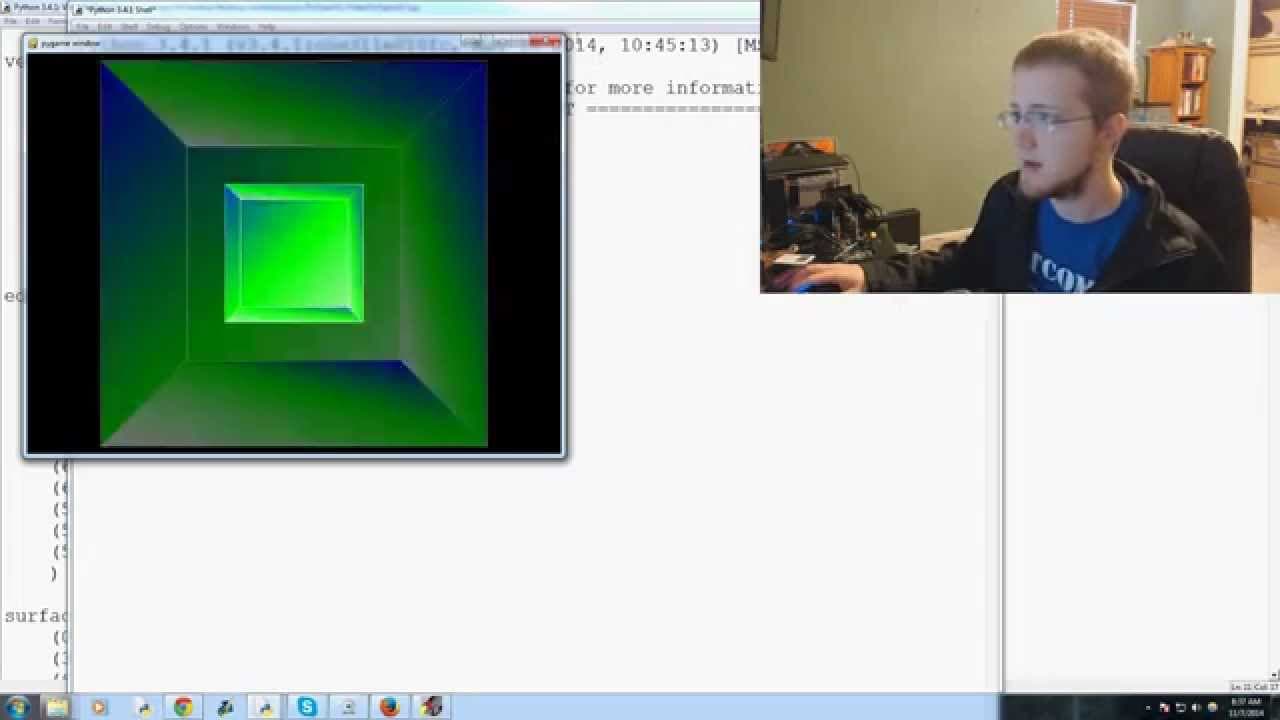
To create random starting positions for a cube in PyOpenGL, use the random module to set its X and Y coordinates within a specified range. Enable continuous movement by storing movement values for arrow key presses, allowing the player to maneuver the cube smoothly. This approach lays the foundation for developing an object avoidance game with multiple obstacles.
Transcript
everybody what is going on welcome to another Python with OpenGL and PI OpenGL and PI game tutorial video this video we're just gonna be building on the last one and beginning to create our object avoidance games so right now a couple of problems we have is this cube starts in the same place every time also we want to be able to like press and hold... Read More
Key Insights
- 🎮 The video demonstrates how to use the random module to generate random starting positions for game objects.
- 👾 Continuous movement in a game can be achieved by storing movement values and updating object positions accordingly.
- 😫 Creating an object avoidance game with multiple objects introduces challenges such as placing blocks off-screen or setting boundaries.
Install to Summarize YouTube Videos and Get Transcripts
Explore YouTube Video Summarizer or Get YouTube Transcript Extractor
Questions & Answers
Q: How do you make the cube start at a random location in the game?
To make the cube start at a random location, the presenter uses the random module and sets the cube's initial X and Y coordinates with random numbers within a specified range.
Q: How is continuous movement enabled in the game?
Continuous movement is enabled by storing the movement values (X and Y) when the arrow keys are pressed. The cube's position is updated according to these values, creating smooth and continuous movement.
Q: What challenges are associated with having multiple cubes in the game?
One challenge is generating random blocks and ensuring they are placed off-screen or have some bounds to prevent easy avoidance. Another challenge is handling the increased processing required to manage multiple cubes and their movements.
Q: Are there any plans to include boundaries or walls in the game?
While it is mentioned as a possibility, the presenter leans towards creating an "infinity" type game where the player can move freely in all directions. This presents calculation and processing challenges that will need to be addressed.
Summary & Key Takeaways
-
The video focuses on addressing two main issues: making the cube start at a random location and enabling continuous movement by holding down the arrow keys.
-
The presenter uses the random module to generate random starting positions for the cube.
-
The code is modified to allow continuous movement by storing the movement values when the arrow keys are pressed and updating the cube's position accordingly.
-
The video highlights the need for multiple cubes and discusses potential challenges related to generating random blocks and setting boundaries.
Read in Other Languages (beta)
Share This Summary 📚
Summarize YouTube Videos and Get Video Transcripts with 1-Click
Try YouTube Summary with ChatGPT & Claude or YouTube Transcript Generator
Explore More Summaries from sentdex 📚






Summarize YouTube Videos and Get Video Transcripts with 1-Click
Try YouTube Summary with ChatGPT & Claude or YouTube Transcript Generator