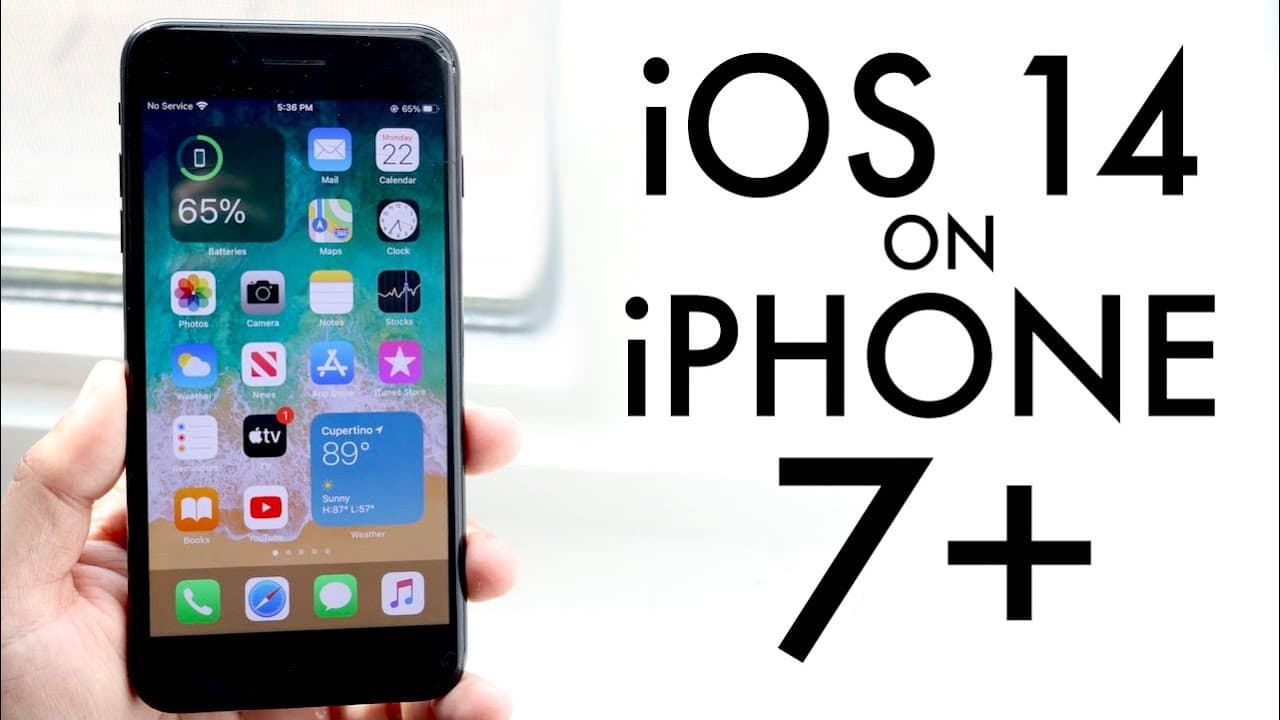
iPhone 7 Plus On iOS 14! (Review)
TL;DR
iOS 14 beta offers cool features but best not installed on main devices.
Transcript
well everyone apple just released ios 14 and it's a beta forum you know it's definitely not perfect but i did get a rocking on my iphone 7 plus and surprisingly this year and no issues with i was 11 12 and i think i was 13 as well especially ios 13 i ran into a lot of issues when i was upgrading and right now i really didn't run into too many issue... Read More
Key Insights
- 😀 iOS 14 beta offers a smooth installation experience on certain models like the iPhone 7 Plus, while others may face issues.
- 👻 Home screen widgets are a standout feature, allowing for personalized customization with easy drag-and-drop functionality.
- 😀 The app library organizes apps into categories, enhancing usability and app discovery for users looking to streamline their app management.
- 🖼️ Picture-in-picture mode is a significant improvement for multitasking, enabling video playback while interacting with other apps seamlessly.
- 👤 Siri’s updated interface minimizes its presence, making it less intrusive while maintaining functionality, enhancing user experience overall.
- 👤 Caution is advised regarding beta software; users should wait for the stable release for complete functionality.
- 👥 Messaging has gained mention features, making conversations more interactive and tailored to group chats or specific users.
Install to Summarize YouTube Videos and Get Transcripts
Explore YouTube Video Summarizer or Get YouTube Transcript Extractor
Questions & Answers
Q: What were the initial impressions of the iOS 14 beta on the iPhone 7 Plus?
The speaker found the installation of iOS 14 beta on the iPhone 7 Plus to be straightforward, experiencing no significant issues. In contrast, other devices like the iPhone X and iPhone SE encountered problems, illustrating varying performance across models.
Q: What major new functionality does iOS 14 bring to the home screen?
One of the most prominent features of iOS 14 is the addition of home screen widgets, which users can drag and drop onto their main screens easily. This new capability allows for greater customization of the home screen, enhancing user interaction and app accessibility.
Q: How does the redesigned caller interface work in iOS 14?
The updated caller interface no longer takes over the entire screen during an incoming call. Instead, it presents a small toggle that allows users to answer, end, or dismiss the call without disrupting their current activity, enhancing user experience and multitasking ability.
Q: How does picture-in-picture mode enhance video playback?
Picture-in-picture mode enables users to play videos in a small floating window while using other apps. This feature, previously available only on iPads, significantly improves multitasking on iPhones and adds convenience for media consumption and productivity.
Q: Why does the speaker advise against installing the iOS 14 beta on main devices?
The speaker strongly cautions users not to install the beta version on their main devices due to potential instability and bugs associated with beta software. They recommend waiting for the official release when the software has been refined for optimal performance.
Q: What improvements have been made to Siri in iOS 14?
Siri’s interface has been redesigned to fit a smaller icon that occupies less screen space, allowing users to have conversations without interrupting their current app. Even when activated, Siri remains unobtrusive, offering a cleaner user interface.
Q: Can you detail the significance of the app library introduced in iOS 14?
The app library organizes applications into categories, making it easier for users to find their apps. Although the speaker notes this feature may not appeal to everyone, it provides a new level of organization, potentially appealing to users looking for efficient ways to manage their application usage.
Q: What are some other notable updates mentioned for iOS 14?
Aside from the major features, iOS 14 includes updates to the Maps app, enhancements to CarPlay, new capabilities for the U1 chip, and the ability to mention users in iMessage chats. These updates collectively aim to improve user engagement and functionality.
Summary & Key Takeaways
-
The speaker highlights the smooth installation of iOS 14 beta on the iPhone 7 Plus, contrasting with issues faced on other models, and warns against installing it on main devices.
-
Key new features include home screen widgets, a redesigned caller interface, and the introduction of an app library while also mentioning the exciting picture-in-picture functionality.
-
The update improves Siri's interface, allows mentions in iMessage conversations, and adds capabilities to CarPlay and the U1 chip, but users are advised to wait for the official release.
Read in Other Languages (beta)
Share This Summary 📚
Summarize YouTube Videos and Get Video Transcripts with 1-Click
Try YouTube Summary with ChatGPT & Claude or YouTube Transcript Generator
Explore More Summaries from Simple Alpaca 📚






Summarize YouTube Videos and Get Video Transcripts with 1-Click
Try YouTube Summary with ChatGPT & Claude or YouTube Transcript Generator