How to Create an Animated CSS Card List
TL;DR
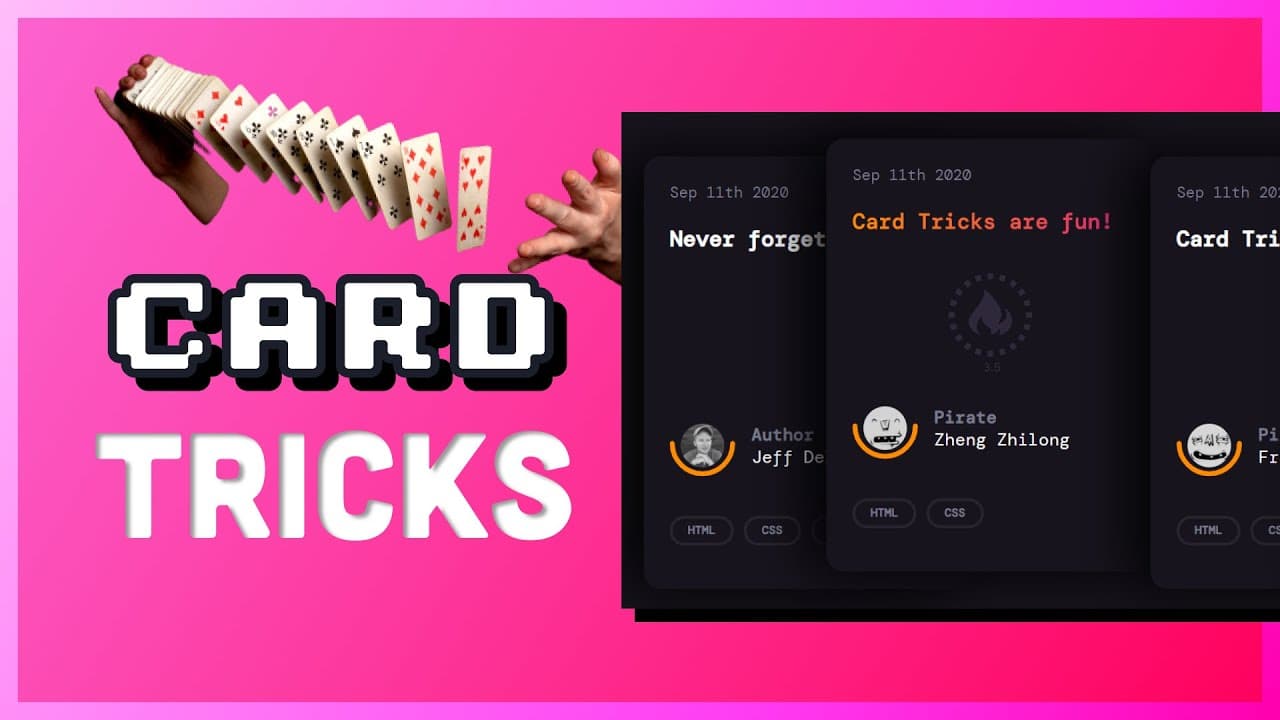
To create an animated card list using HTML and CSS, combine grid and flexbox layouts to position the cards. Use transforms and shadows to simulate a stacked effect, and implement transition animations for hover interactions. Enhance the design with gradient text backgrounds and styled SVG elements for a polished look.
Transcript
i happened to be on css tricks the other day and when i saw this animated card list i thought wow that's a cool css trick so in today's beginner-friendly tutorial we're going to reverse engineer this ui element using nothing but html and css over the next few minutes you'll learn how to combine both grid and flexbox layout to position the cards we'... Read More
Key Insights
- ❓ The tutorial demonstrates combining grid and flexbox layouts to create complex UI elements.
- ❓ Transformations and shadows can be used to achieve stacked and hover effects.
- 👨💻 Careful selection of semantic HTML elements can improve code readability.
- 🤢 The scroll bar appearance can be customized using CSS pseudo elements.
- 🪜 Transition animations can be added to create smooth effects.
- 🧘 Styling and positioning SVG elements can enhance the visual design.
- 😫 Applying gradients to text requires setting the background and using background clip with the text shape.
Install to Summarize YouTube Videos and Get Transcripts
Explore YouTube Video Summarizer or Get YouTube Transcript Extractor
Questions & Answers
Q: What is the main purpose of the tutorial?
The tutorial aims to teach beginners how to create an animated card list using HTML and CSS from scratch.
Q: What layout techniques are used in the tutorial?
The tutorial combines grid and flexbox layouts to position the cards and achieve the desired visual effects.
Q: How are the cards styled to create the stacked appearance?
The cards are given a border radius, background color, and a box shadow to create the illusion of cards stacked on top of each other.
Q: How is the animation achieved when hovering over the cards?
The animation is created using the hover pseudo selector and transforms. The hovered card moves up, while the siblings move to the right.
Q: Can the tutorial be followed by beginners?
Yes, the tutorial is beginner-friendly and provides step-by-step instructions to build the animated card list.
Q: What additional effects are demonstrated in the tutorial?
The tutorial also covers adding an avatar image with a semi-circle border and applying a gradient text background.
Q: Are there any limitations to the techniques shown in the tutorial?
Some of the tricks, such as the scroll bar pseudo elements and gradient text background, may have limited browser support.
Q: Where can the full source code and write-up for the project be found?
The full source code and write-up for the project can be found on GitHub and Fireship.io.
Summary & Key Takeaways
-
The tutorial explains how to create an animated card list using HTML and CSS by combining grid and flexbox layouts.
-
The cards are positioned to look like they are stacked on top of each other with transforms and shadows.
-
Transition animations, gradient text background, and SVG styles are added for additional effects.
Read in Other Languages (beta)
Share This Summary 📚
Summarize YouTube Videos and Get Video Transcripts with 1-Click
Try YouTube Summary with ChatGPT & Claude or YouTube Transcript Generator
Explore More Summaries from Fireship 📚






Summarize YouTube Videos and Get Video Transcripts with 1-Click
Try YouTube Summary with ChatGPT & Claude or YouTube Transcript Generator